Manual device disable
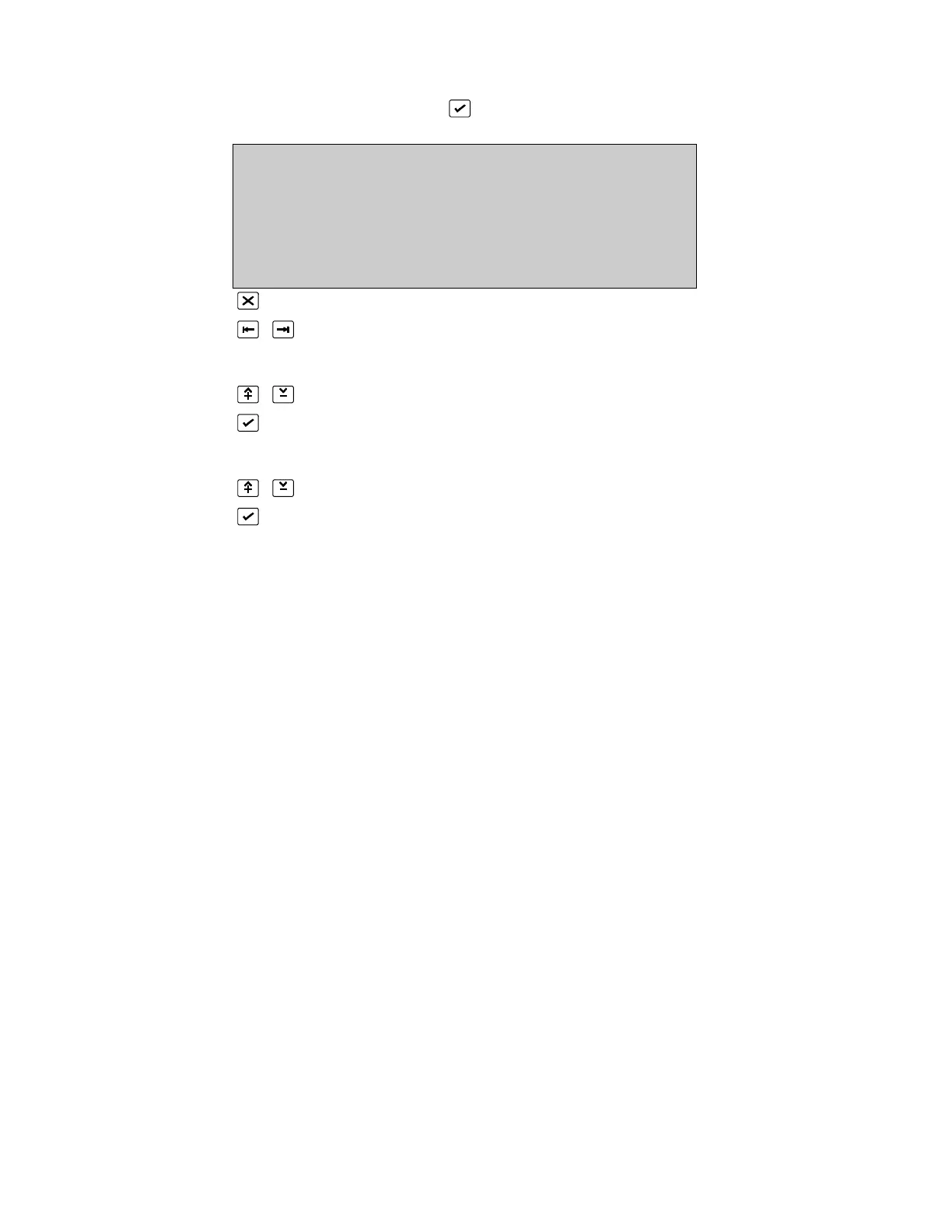
(DEVICE DISABLE MENU, 2, )
MANUAL DEVICE DISABLE
Address :1/1 Status :en State :NML
Zone :0 Type :OPT Value :0
Day Lv1 :2 PreLv1 :90 AlarmLv1 :110
^V, <>, E, X
Alarms: 0 Faults: 1 Cond.: 0 P: 1 SDZ
Return to Device Disable Menu Page 190
Toggle Address and Status field
For Address field:
or 0..9 select loop and address of device
Confirm entry
For Status field:
Toggle Disable/Soaktest/Enable
Confirm entry
Individual devices can be disabled, enabled, or placed in soak test mode.
A disabled device will cause a disabled condition. A zone disable condition occurs if all
devices in that zone are disabled or if all but one are disabled when the zone is set to
coincidence mode.
The current alarm condition of a device is not cleared until the panel is reset.
Disable does not electrically disconnect the device from the loop. Disable should not
be used if maintenance is to be done on the loop or the devices. The loop must be
physically disconnected in this case.
The zone, state, type and value are displayed for information purposes.


 To Next Page
 Loading...