Selecting a Prole
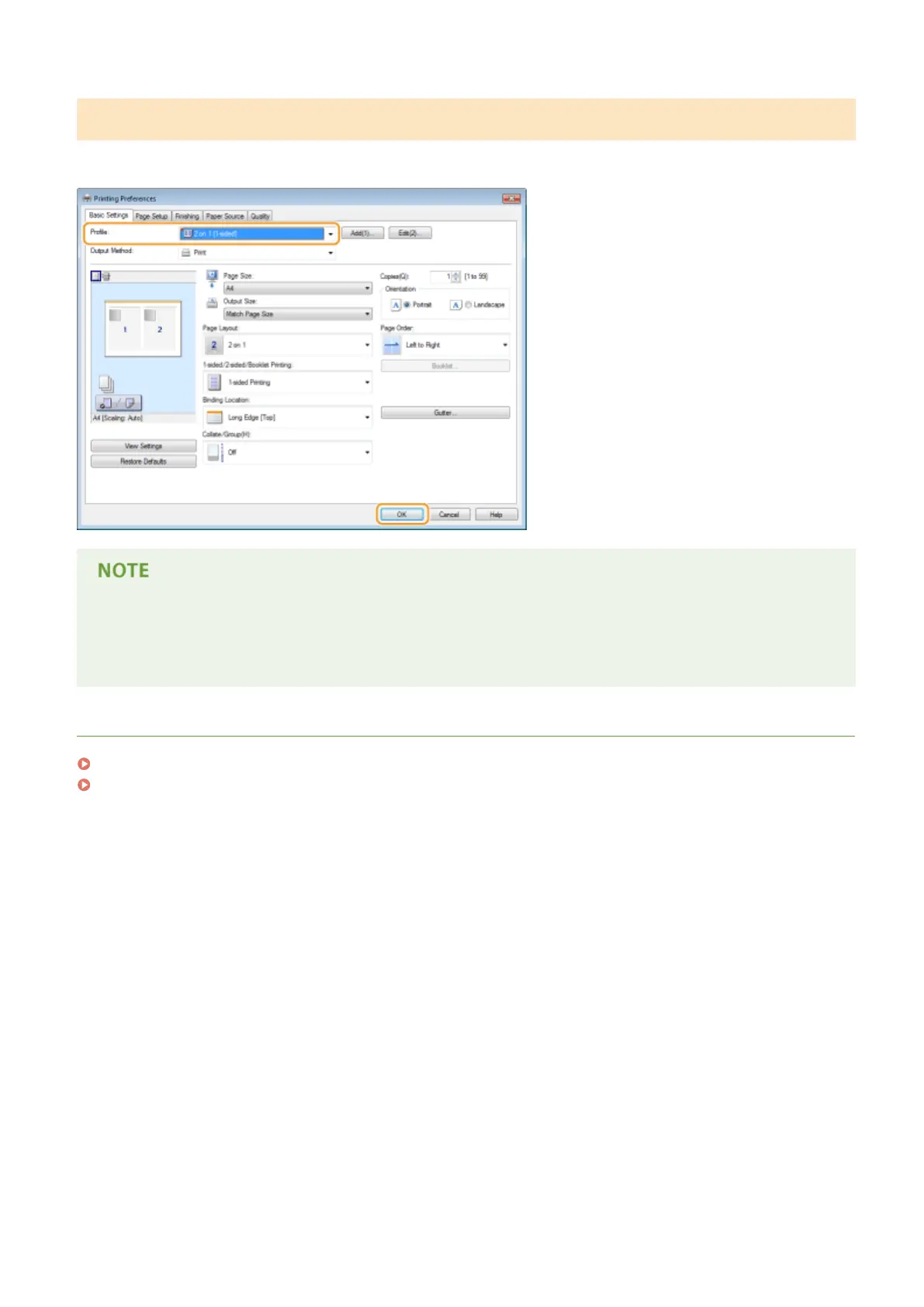
Select the prole that suits your needs, and click [OK].
Changing the settings of the selected prole
● You can change the settings of a selected prole. In addition, the changed settings can be registered as
another prole.
LINKS
Basic Printing Operations(P. 70)
Changing Default Settings(P. 120)
Printing
119


 To Next Page
 Loading...







