Setting Auto Shutdown Time
0W20-018
By enabling this setting, you can set the machine to automatically shut down. The machine automatically turns OFF
after the specied period of idle time has elapsed since entering the sleep mode. You can cut electric power
consumption at night and on holidays if you forget to turn OFF the machine.
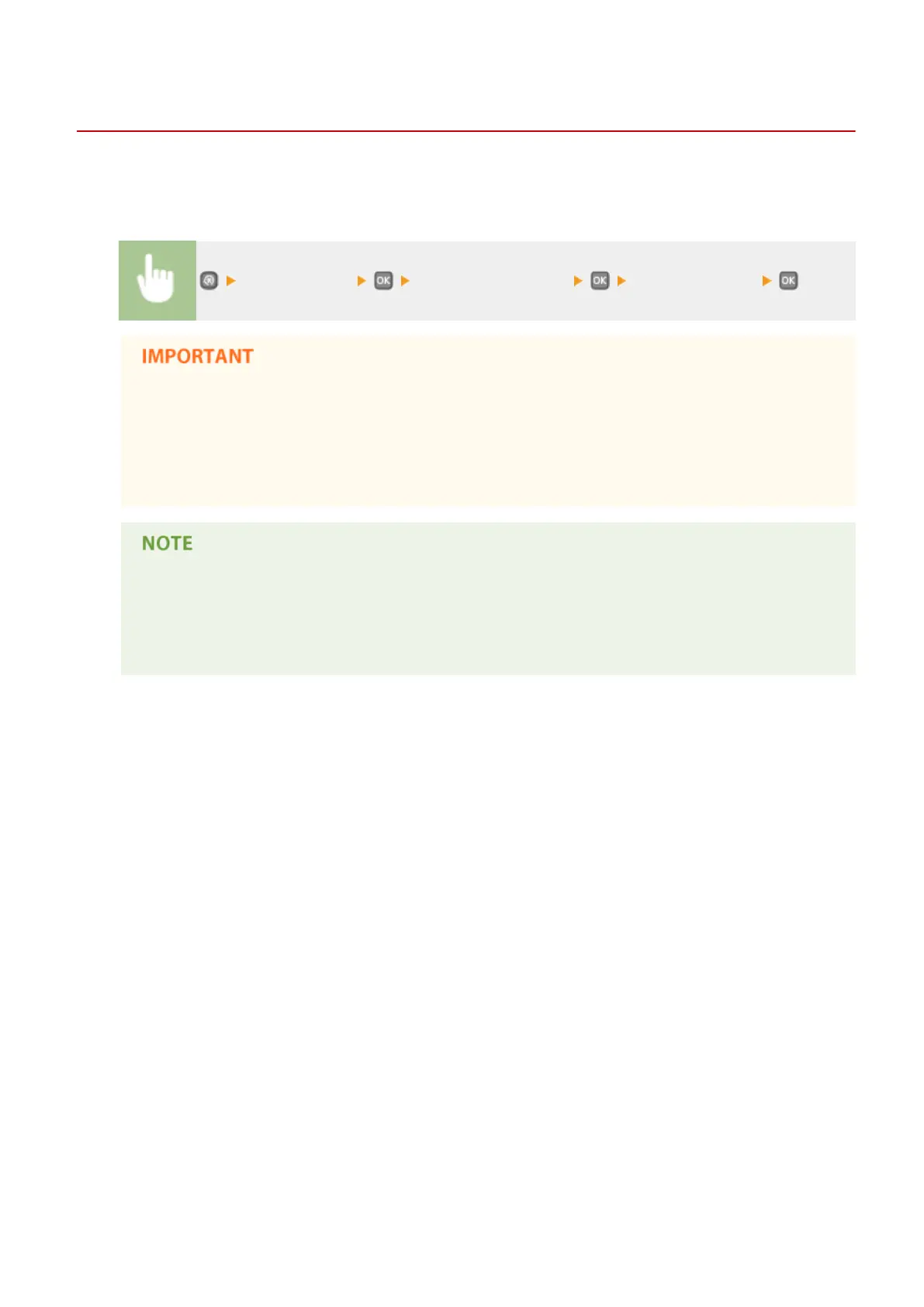
<Timer Settings> <Auto Shutdown Time> Set the time period
Before setting <Auto Shutdown Time>
When the <Auto Shutdown Time> setting is enabled, the machine may automatically shut down even if
you are operating the machine from the Remote UI. A malfunction may occur, particularly if the machine
shuts down while data is being imported. When you import data using the Remote UI, set <Auto
Shutdown Time> to <0> (Off) in advance.
● The default setting is 4 hours.
● If any setting of the [Timer Settings] is changed from the Remote UI while the machine is in the sleep
mode, the timer for the <Auto Shutdown Time> setting is reset to the beginning. The machine
automatically shuts down after the specied period of idle time has elapsed since the timer was reset.
Basic Operations
66


 To Next Page
 Loading...







