Conguring WINS
0W20-03R
Windows Internet Name Service (WINS) is a name resolution service that associates a NetBIOS name (a computer or
printer name in an SMB network) with an IP address. To enable WINS, the WINS server must be specied.
● The function is not available in an IPv6 network.
● The machine's NetBIOS name will be registered to the WINS server as "letters Canon followed by the last six
digits of the MAC address," and its work group name, as "WORKGROUP."
1
Start the Remote UI and log on in System Manager Mode. Starting Remote
UI(P. 270)
2
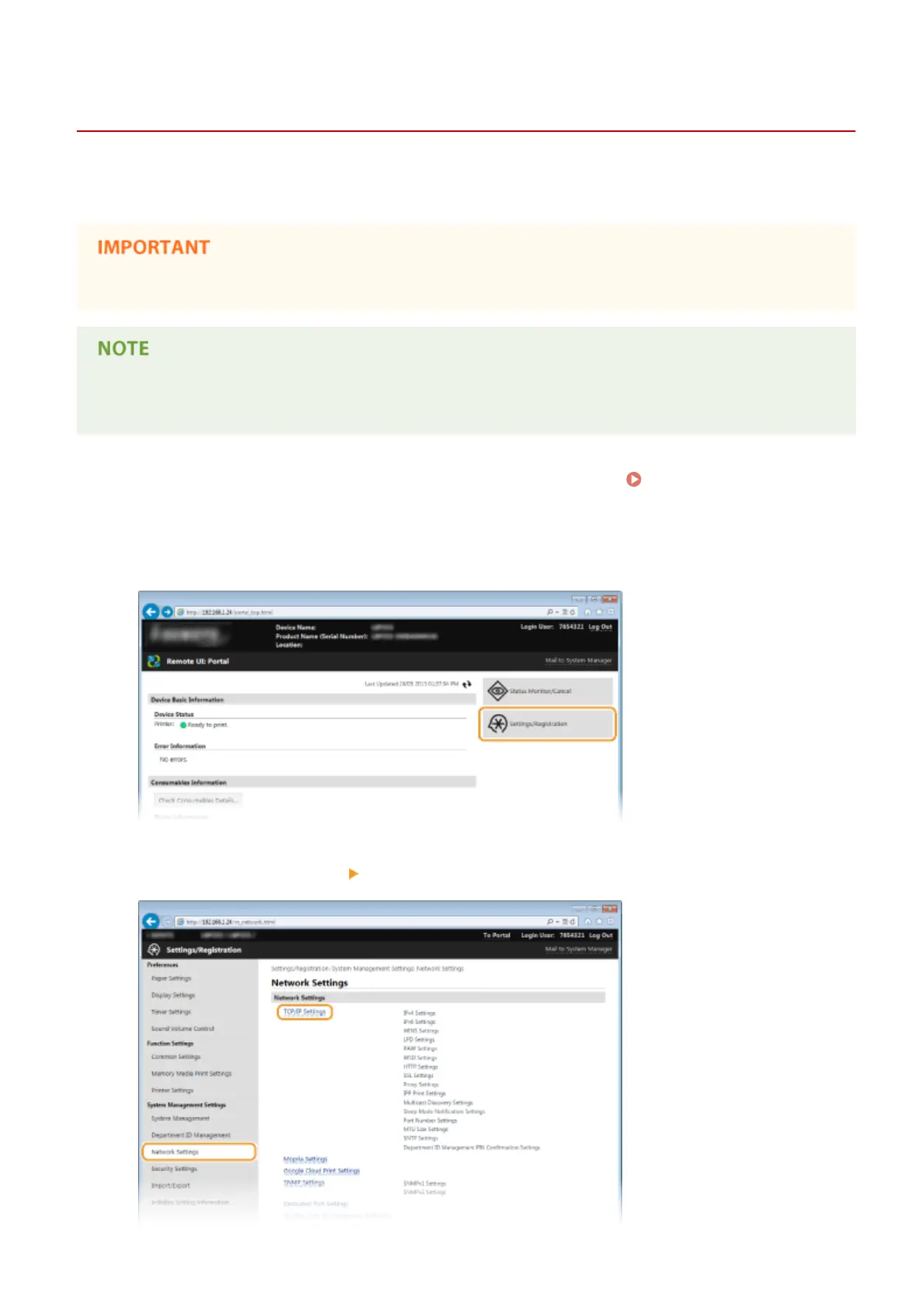
Click [Settings/Registration].
3
Click [Network Settings] [TCP/IP Settings].
Network
186


 To Next Page
 Loading...







