Are you using appropriate paper?
● Check usable paper, and replace with appropriate paper. Also, specify the paper size and type settings
properly.
Paper(P. 440)
Loading Paper(P. 35)
Specifying Paper Size and Type(P. 50)
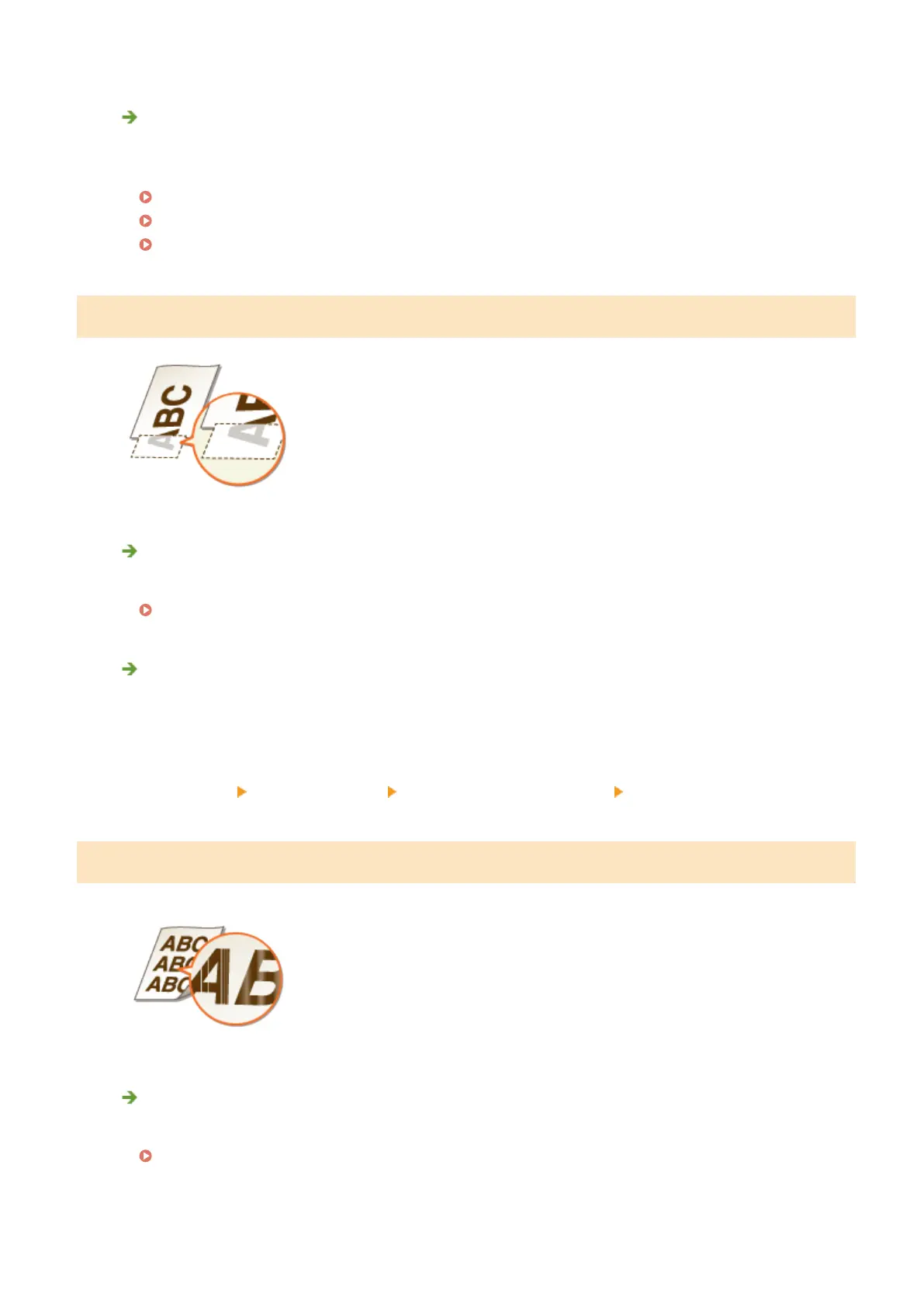
A Portion of the Page Is Not Printed
Do the paper guides align with the edges of the paper?
● If the paper guides are too loose or too tight, part of a document may not be printed.
Loading Paper(P. 35)
Do you print data without margins?
● This symptom occurs if a margin is set to none in the printer driver. The marginal areas within the rst 5
mm from the respective edges of paper are not printable (for envelopes, the top and bottom marginal
areas within the rst 10 mm from the top/bottom edge are not printable). Make sure to have margins
around the document to print.
[Finishing] tab
[Advanced Settings] [Expand Print Region and Print] [Off]
Streaks Appear/Printing is Uneven
Have you cleaned the xing unit?
● Clean the xing unit.
Fixing Unit(P. 394)
Troubleshooting
381


 To Next Page
 Loading...







