Make Direct Connection (Access Point Mode)
0W20-02H
Even in an environment without wireless LAN router, you can connect your mobile device and the machine without
going through dicult settings when you use "Access Point Mode," which allows you to wirelessly and directly connect
your mobile device to the machine.
Using the Machine in Direct Connection (in Access Point Mode)
Follow these steps to establish a connection using Access Point Mode.
Put the machine into Access Point Mode.
● Set <Enable Direct Connection> to <On>.
Enable Direct Connection(P. 292)
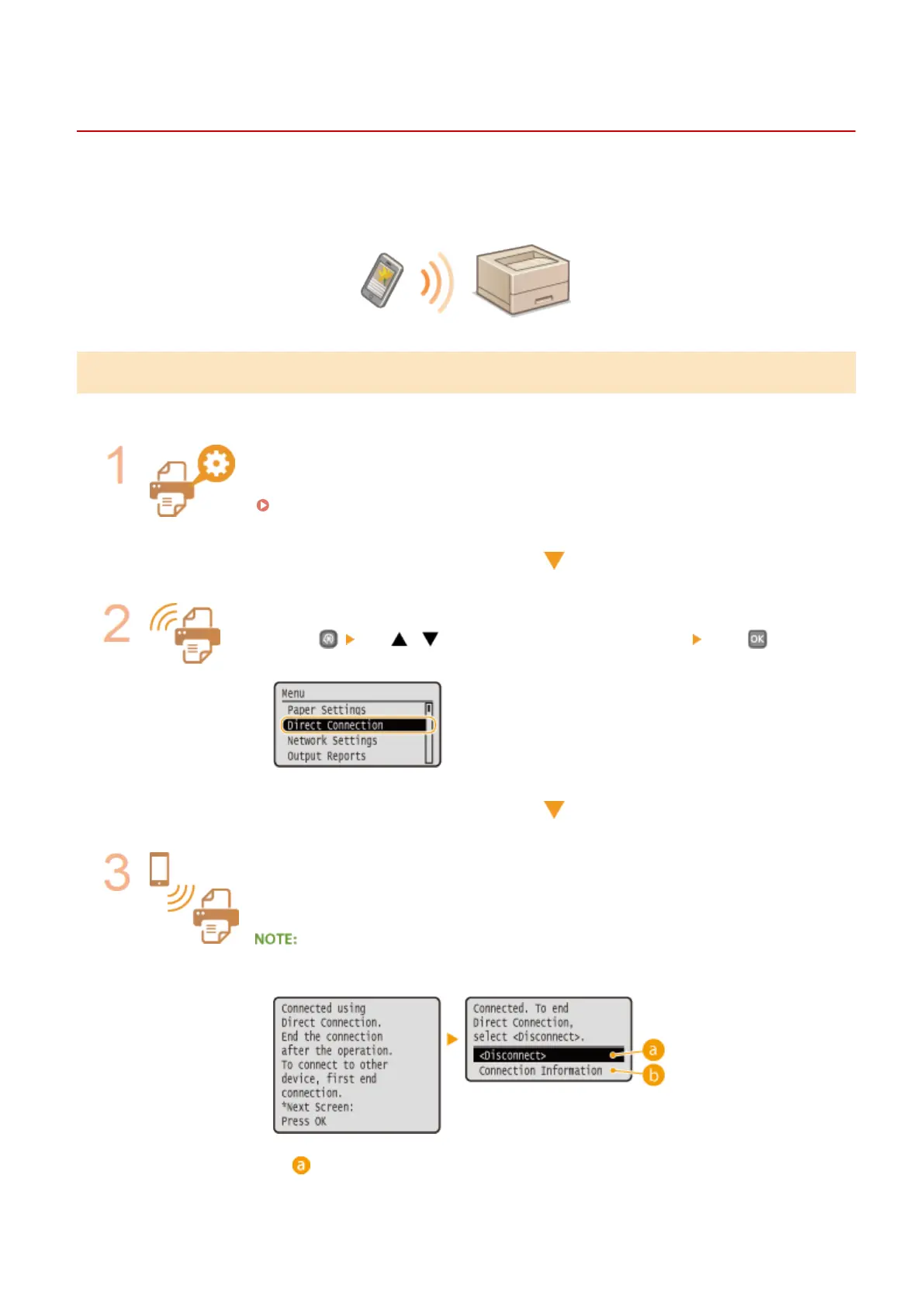
Put the machine into a connection waiting state.
● Press use / to select <Enable Direct Connection> press . The
machine enters the state in which you can connect your mobile device to the machine.
Connecting from a mobile device
● Based on the SSID and network key displayed in the display, make wireless LAN
connection settings for connecting to the machine.
● The screen below appears in the display during the connection process.
<Disconnect>
Can Be Used Conveniently with a Mobile Device
125


 To Next Page
 Loading...







