Printing Results Are Not Satisfactory
0W20-05Y
Dirt inside the machine may affect printing results. Perform care and cleaning to the machine rst.
Cleaning the Machine(P. 392)
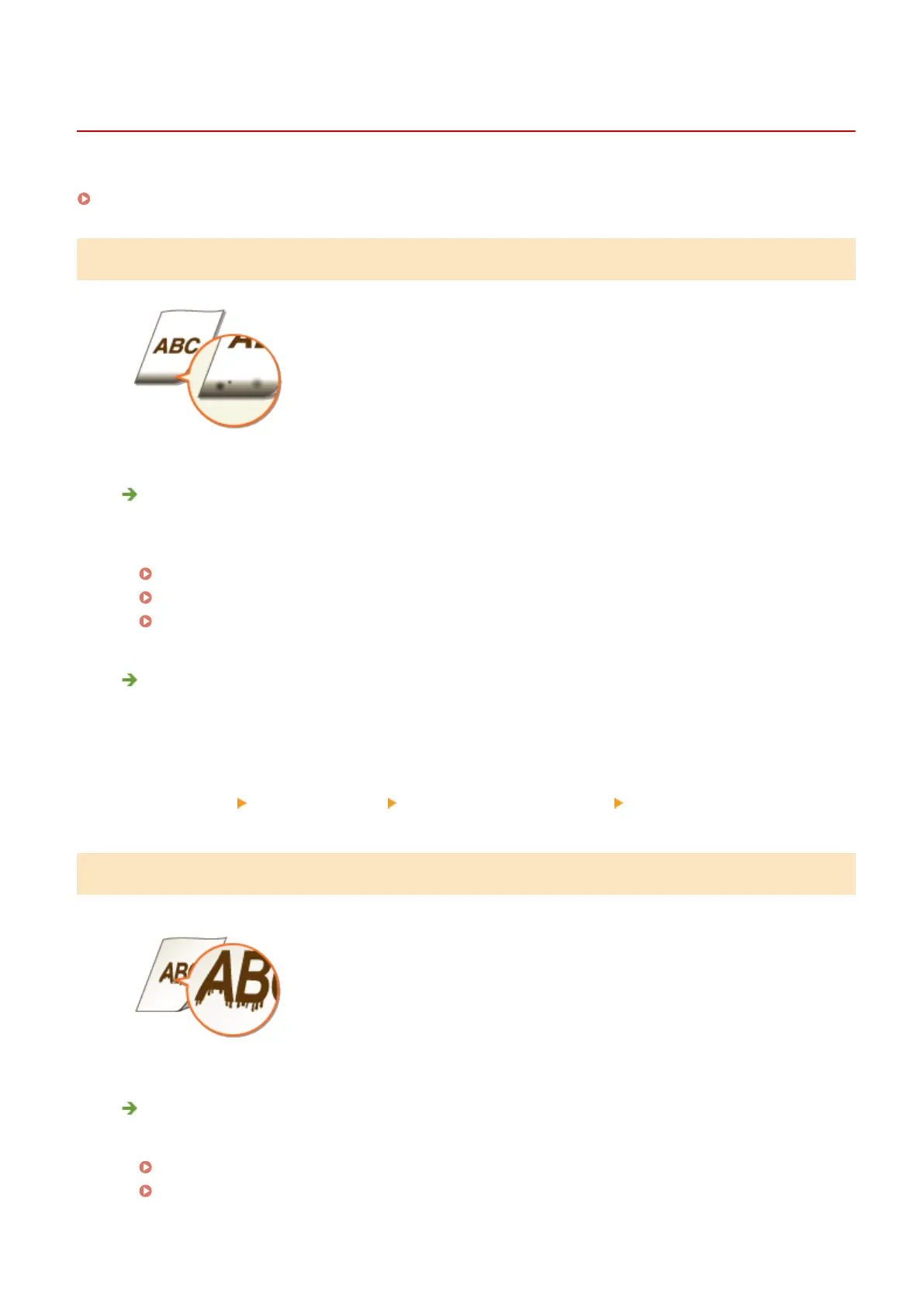
Smudge Marks Appear on the Bottom Edge of Printouts
Are you using appropriate paper?
● Check the supported paper types and replace with an appropriate type.Also, specify the paper size and
type settings properly.
Paper(P. 440)
Loading Paper(P. 35)
Specifying Paper Size and Type(P. 50)
Do you print data without margins?
● This symptom occurs if a margin is set to none in the printer driver. The marginal areas within the rst 5
mm from the respective edges of paper are not printable (for envelopes, the top and bottom marginal
areas within the rst 10 mm from the top/bottom edge are not printable). Make sure to have margins
around the document to print.
[Finishing] tab
[Advanced Settings] [Expand Print Region and Print] [Off]
Smudges Appear on Printouts
Are you using appropriate paper?
● Check usable paper, and replace with appropriate paper.
Paper(P. 440)
Loading Paper(P. 35)
Troubleshooting
378


 To Next Page
 Loading...







