P1036102-007 ZXP Series 7 Card Printer Service Manual 257
Replacement Procedures for the Laminator
Procedures: Media Authentication Antenna PCBA
Media Authentication Antenna PCBA
Upper PCBA
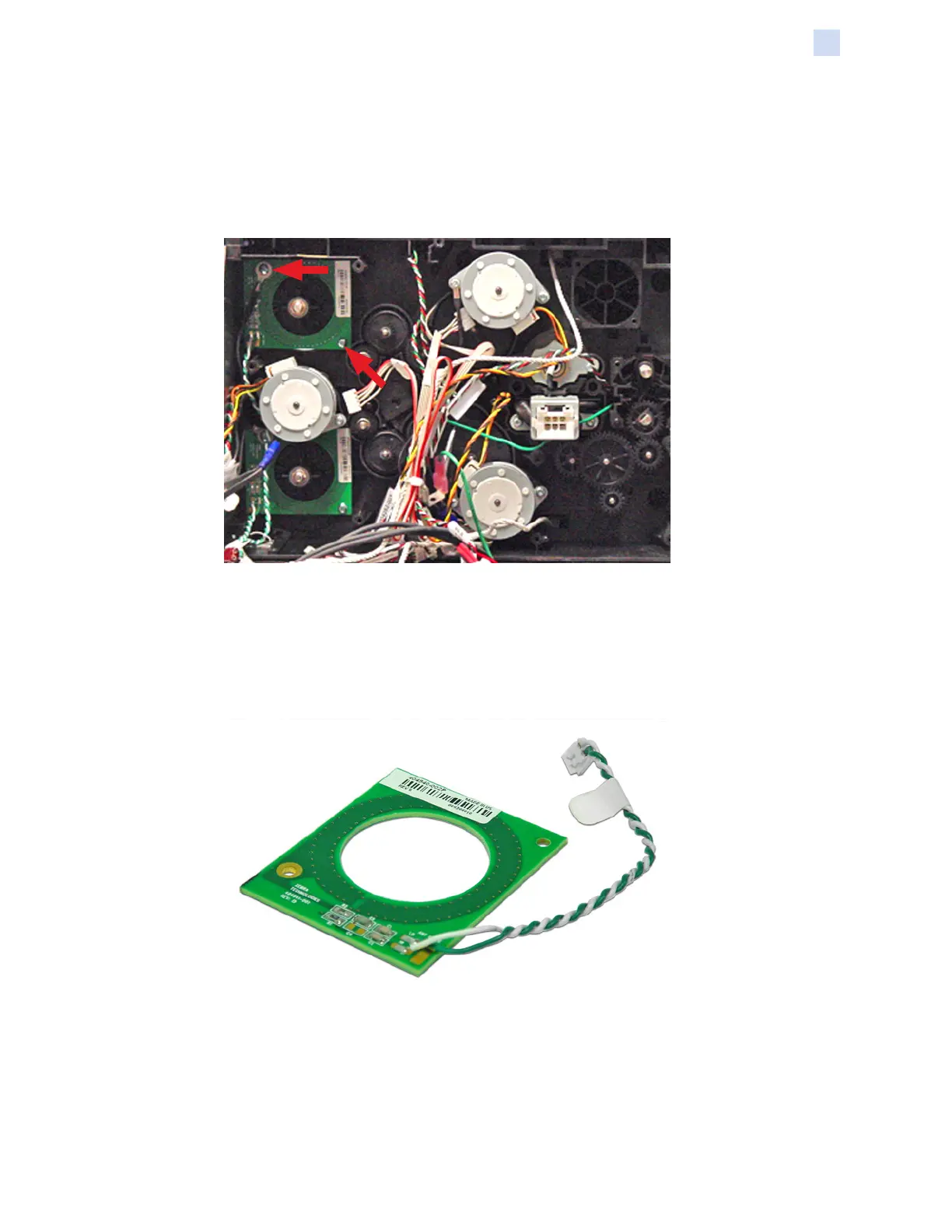
Step 1. Locate the upper Media Authentication Antenna PCBA.
Step 2. With a Phillips #1 Screwdriver, remove the two screws holding the Media
Authentication Antenna PCBA in place. Note that the left-hand screw
connects a ground wire.
Step 3. Remove the Media Authentication Antenna PCBA.



 To Next Page
 Loading...
