Confidential
2-28
Cannot communicate with ink cartridge IC chip (machine body side.)
Ink cartridge cover sensor detects opened cover state.
User Check
- Close the ink cartridge cover.
Error Code 2E
MACHINE ERROR 2E
LCD
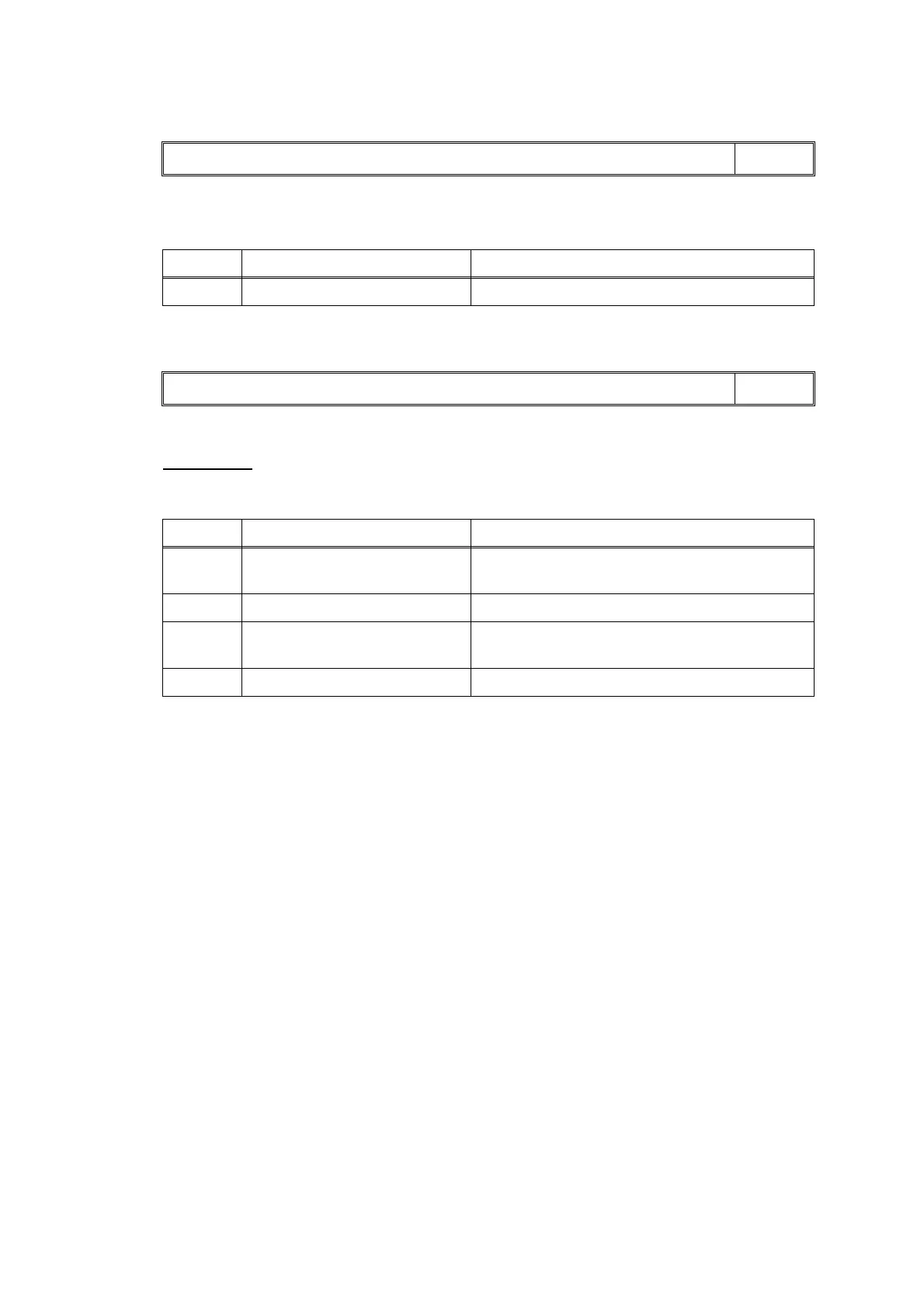
Step Cause Solution
1 Main PCB defective Replace the main PCB ASSY.
Error Code 2F
Cover is Open
LCD
Step Cause Solution
1 Ink cartridge cover sensor
harness connection failure
Reconnect the ink cartridge cover sensor
harness.
2 Ink cartridge cover defective Replace the ink cartridge cover.
3 Ink cartridge cover sensor
defective
Replace the ink cartridge cover sensor ASSY.
4 Main PCB defective Replace the main PCB ASSY.


 To Next Page
 Loading...