ACS550-02/U2 User’s Manual 31
Installation
Before installation
Delivery check
The drive is delivered in a box that also contains:
• appropriate user’s manual
• optional module manuals
• delivery documents.
Check that there are no signs of damage. Before attempting installation and
operation, check the information on the type designation label of the drive to verify
that the drive is of the correct type.
Drive identification
Drive labels
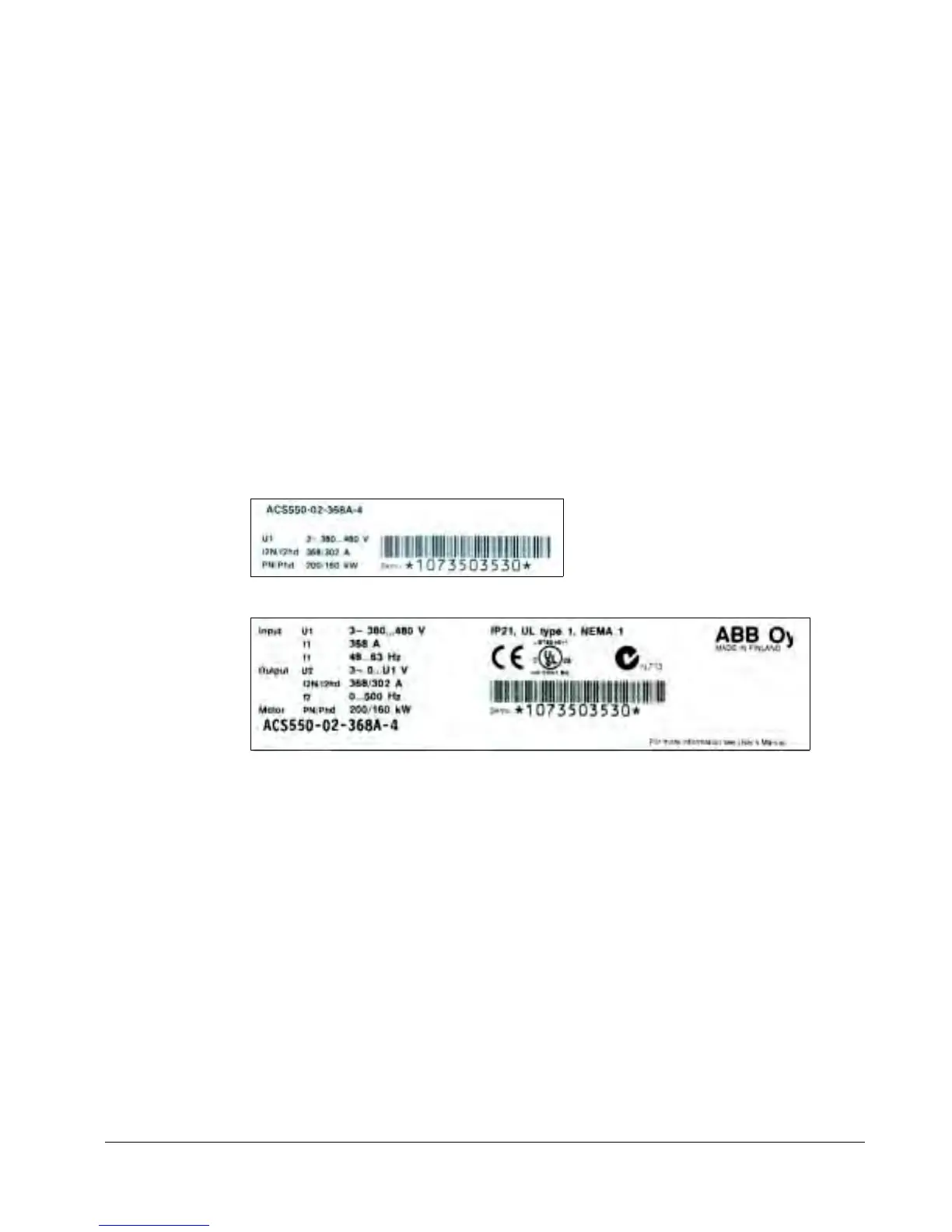
To determine the type of drive you are installing, refer to either:
• serial number label attached inside the drive, or
• type code label attached under the front visor.


 To Next Page
 Loading...