42 ACS550-02/U2 User’s Manual
Installation
Fixing the lead-through plate to the floor
1. Make a hole in the floor or cable conduit cover below the lead-through. See section
Dimension drawings on page 308
2. Check that the floor is horizontal with a spirit level.
3. Fasten the lead-through plate to the floor with screws or bolts. You can also lead the
cables through the plate first (see steps Leading the power (input and motor) cables
through the lead-through plate on page 47 and Leading the control cables through
the lead-through plate on page 49) and fasten the plate to the floor after that, if the
cabling procedure is more convenient in that way.
Note: These screws/bolts are also used to fix the pedestal to the lead-through plate,
so you will have to remove and refasten them later on when the pedestal is fixed.
These brackets can
be removed for the
duration of the
installation.
W1
V1
U1
R-
PE
W2
V2
U2
a
W1
W2
Busbars connecting the
power cable terminals
to the drive module
PE
a
a
Floor fixing points / pedestal and lead-through plate fixing points
a
a
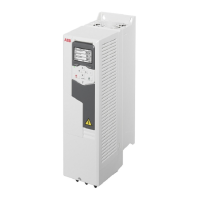
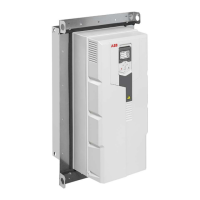
Frame size R7 Frame size R8


 To Next Page
 Loading...