Procedure
1. Measure the AC voltage between the terminals on the surge protection device
switch:
•
L1
,
L2
,
L3
to
N
•
L1
to
L2
•
L1
to
L3
•
L2
to
L3
Use the voltage tester.
Note: The surge protection device switch shows the indications
L1
,
L2
,
L3
and
N
.
7.5.5 Measure the DC voltage
Preliminary requirements
•
• Only do this procedure if
a different procedure refers
to this procedure.
• Voltage tester
Procedure
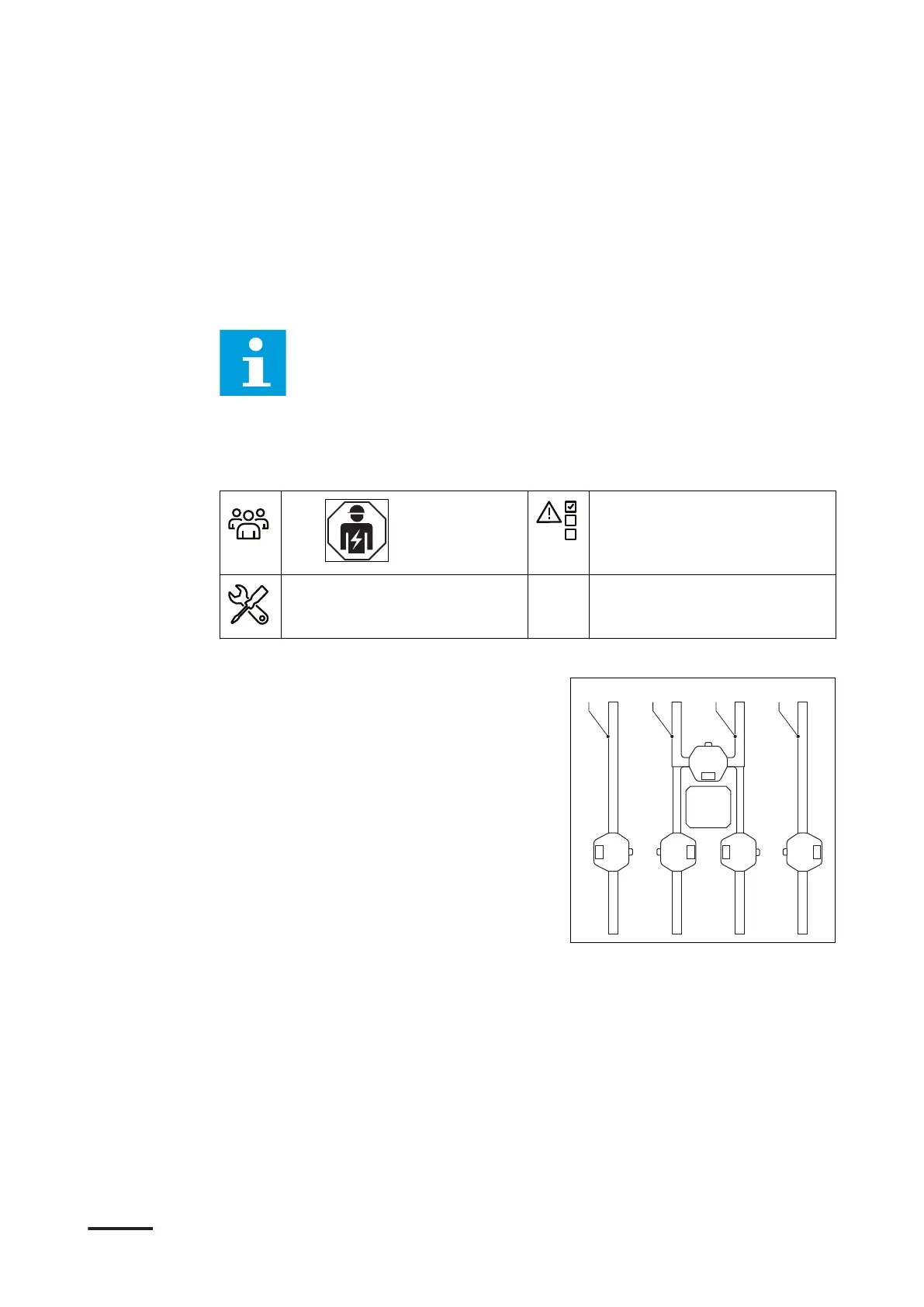
1. Measure the DC voltage between the
output terminals:
• 1+ (A) to 1- (B)
• 2+ (C) to 2- (D)
• 1+ to earth (E)
• 1- to earth
• 2+ to earth
• 2+ to earth
Use the voltage tester.
Maintenance and cleaning
9AKK108467A6398-EN | 002 89


 To Next Page
 Loading...