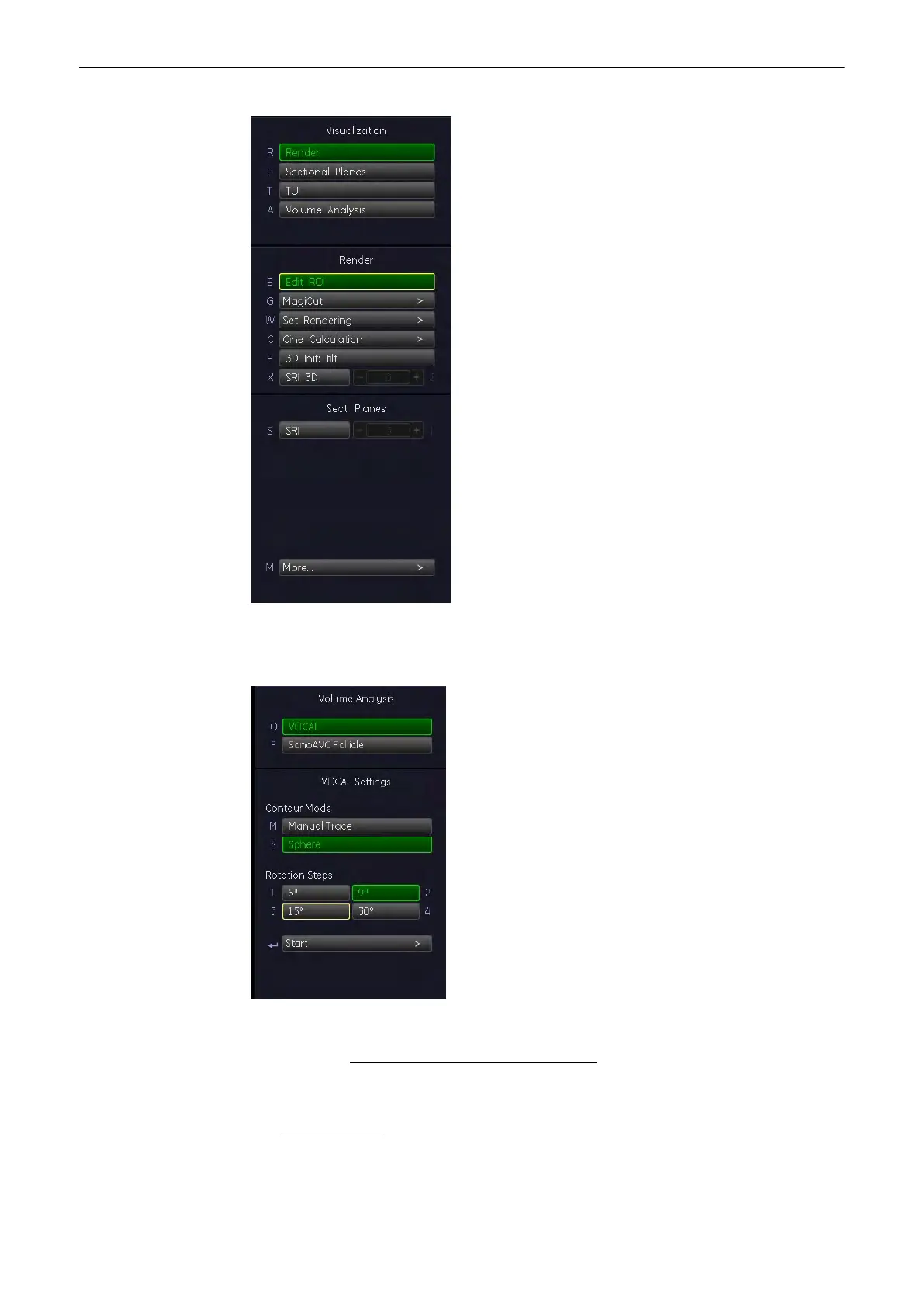
2. Select the [Volume Analysis] and press [VOCAL] key.
The “VOCAL settings” menu appears on the menu area.
3. Select the desired contour generation mode.
For details see: Selection of a VOCAL Generation Mode
(chapter
'Selection of a VOCAL
Generation Mode'
on page 9-122
)
Note
If desired, change the [VOCAL Settings] of the chosen VOCAL Generation Mode. For details
see: VOCAL Settings (chapter
'VOCAL Settings'
on page 9-121 )
Volume Mode
9-120
Voluson® S6/S8 Basic User Manual
5433669-100 Revision 4


 To Next Page
 Loading...


