Section 10.0
MAN 06–0017H
ZIEHM QUANTUM User’s Manual Page 143 of 220
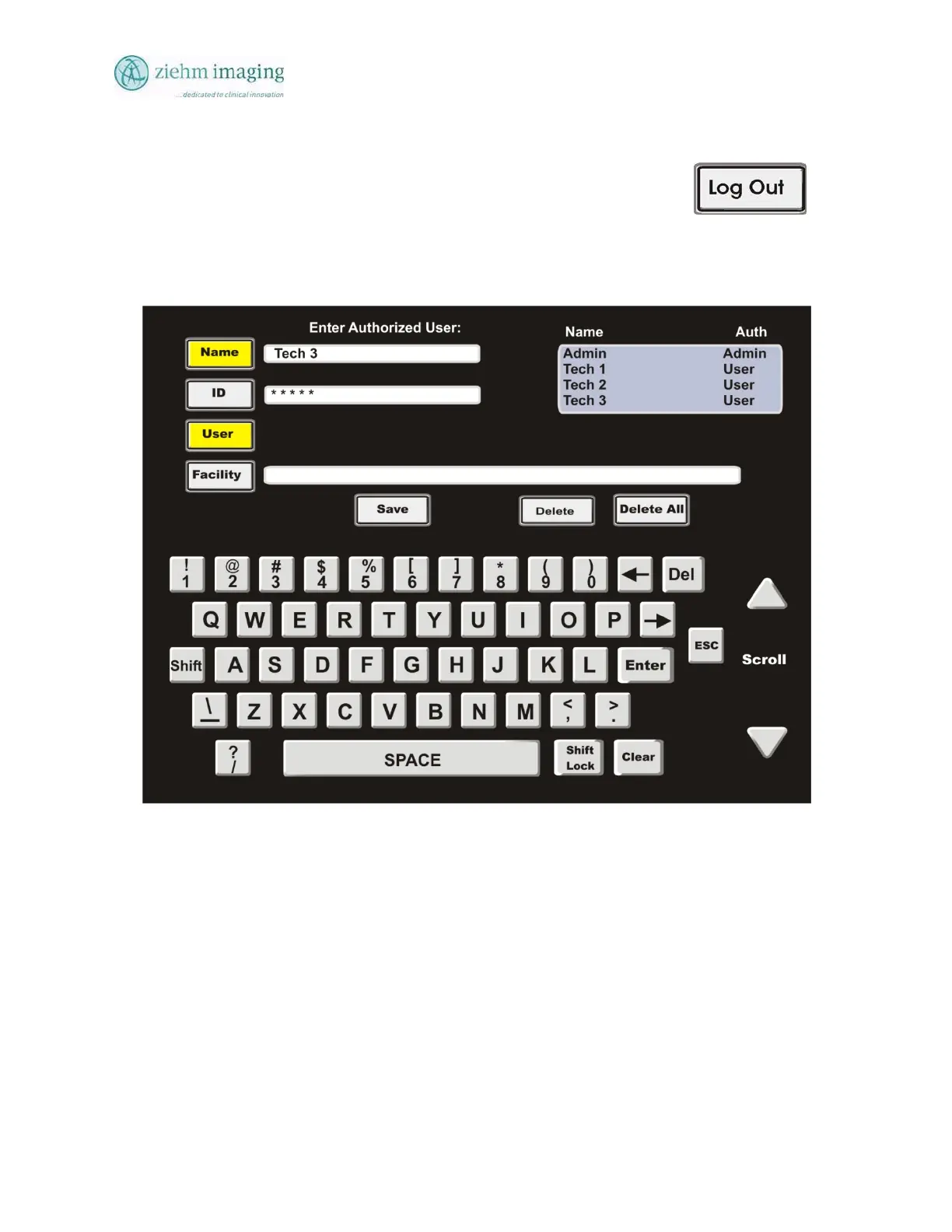
The system will return to the main touch screen and the button will change
from Log In to Log Out.
The user should Log Out of the system whenever the system is lef
unattended.
In all cases the system will not keep the Log In active if the power is turn
off. You must reenter your password after each power on cycle.
Fig 10.6
10.10 IMAGE EXPORT
The ZIEHM QUANTUM has three specific ways to EXPORT Patients records/images from the
image system. The following instructions will assist the user in using these three methods of
exporting image record from the system.


 To Next Page
 Loading...