4-49
Paper Loading and Output Tray
4
2-sided Printing
4
Select ON using [ ] and [ ], then press [OK].
"=" is displayed on the left of ON, and 2-sided printing is specified.
Setting the Paper Size Switch Lever
When performing automatic 2-sided printing, be sure to confirm the paper size
switch lever is set to the appropriate position. When the paper size switch lever is
not set to the appropriate position, this may result in paper jams.
Set the paper size switch lever using the following procedure.
1
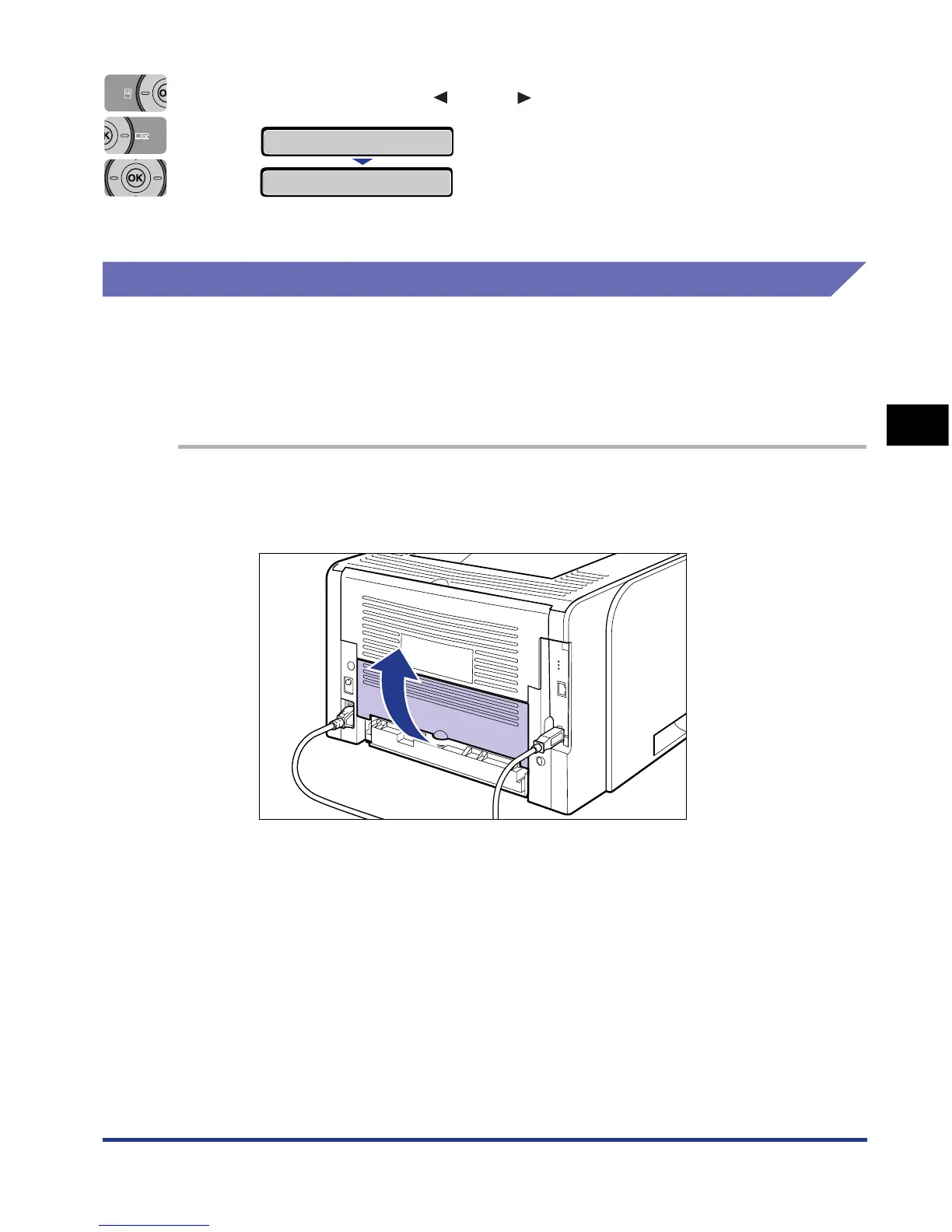
Open the duplex unit cover.
Holding the opening at the center of the duplex unit cover, open it gently.
ON
→
=ON
→


 To Next Page
 Loading...







