3-4
Shutting Down the Printer
Using the Printer
3
Shutting Down the Printer
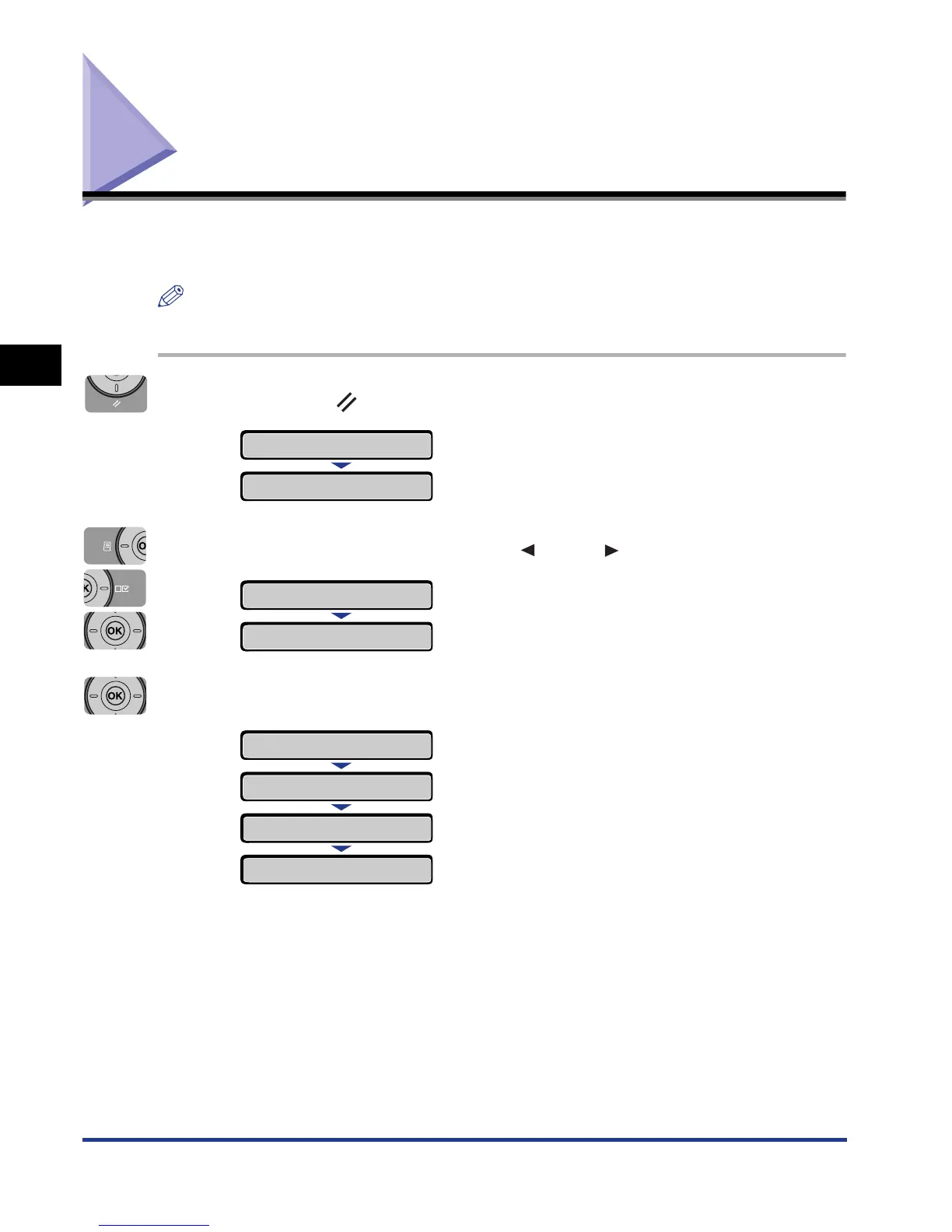
It is recommended that you shut down the printer using the following procedure
when you want to turn the printer OFF.
NOTE
If you are using WSD, the shutdown notifies the computer that the printer is turned OFF.
1
Press the (Reset) key.
2
Display SHUT DOWN using [ ] and [ ], then press [OK].
3
Press [OK].
RESET
SOFT RESET
→
OK?
SHUT DOWN
→
TURN OFF POWER
OK?
EXECUTING
02 SHUTTING DOWN


 To Next Page
 Loading...







