6-41
Printing Environment Settings
6
SETUP Menu Settings
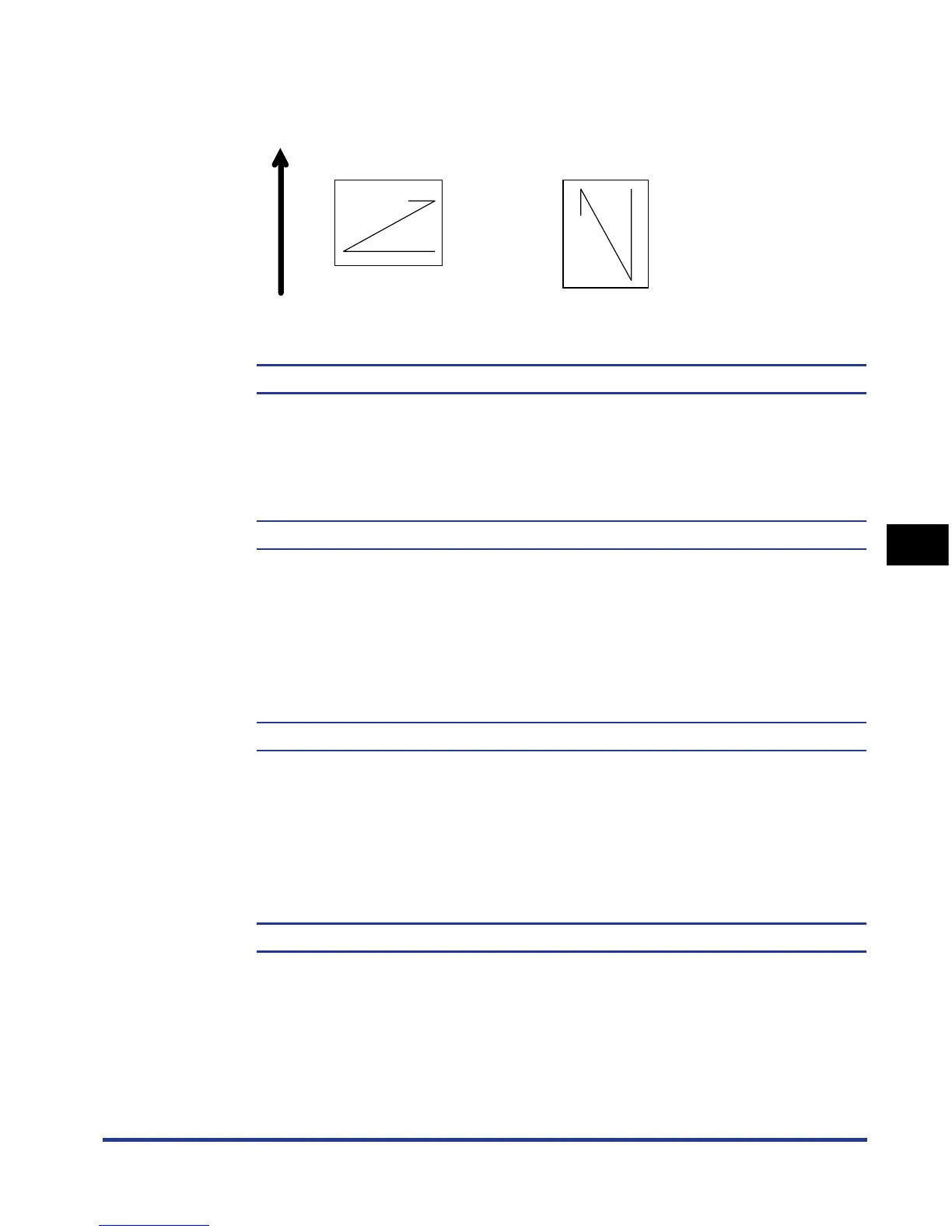
If LANDSCAPE is selected, the print image is printed in landscape orientation
regardless of the orientation of the paper in the paper cassette.
FONT NUMBER
0 to 54; 0*
Eables you to set the default font typeface for this printer function using the
corresponding font numbers. Valid font numbers are from 0 to 54.
POINT SIZE
4.00 to 999.75 point; 12.00 point*
If the number selected in FONT NUMBER is that of a proportionally spaced
scalable font, this option appears in the PCL SETUP options. It enables you to
specify a point size for the default font. The point size can be adjusted in
increments of 0.25 pts.
PITCH
0.44 to 99.99 cpi; 10.00 cpi*
If the number selected in FONT NUMBER is that of a fixed pitch scalable font,
Pitch appears in the PCL SETUP options. It enables you to specify the pitch for
the default font. The pitch can be adjusted in increments of 0.01 cpi (characters
per inch).
FORM LINES
5 to 128 lines; 64 lines*
Enables you to specify the number of lines to be printed on a page. You can
specify from 5 to 128 lines.
ABCDE
ABCDE
Feeding direction
When loading paper in
landscape orientation
When loading paper in
portrait orientation


 To Next Page
 Loading...







