Keeping To Do Lists
July 29, 2002 T-Mobile Sidekick Owner’s Manual 152
14. Keeping To Do Lists
Make sure you never forget another thing to do! Keep yourself organized with the T-Mobile To Do application.
Get started now by reading the topics in this chapter:
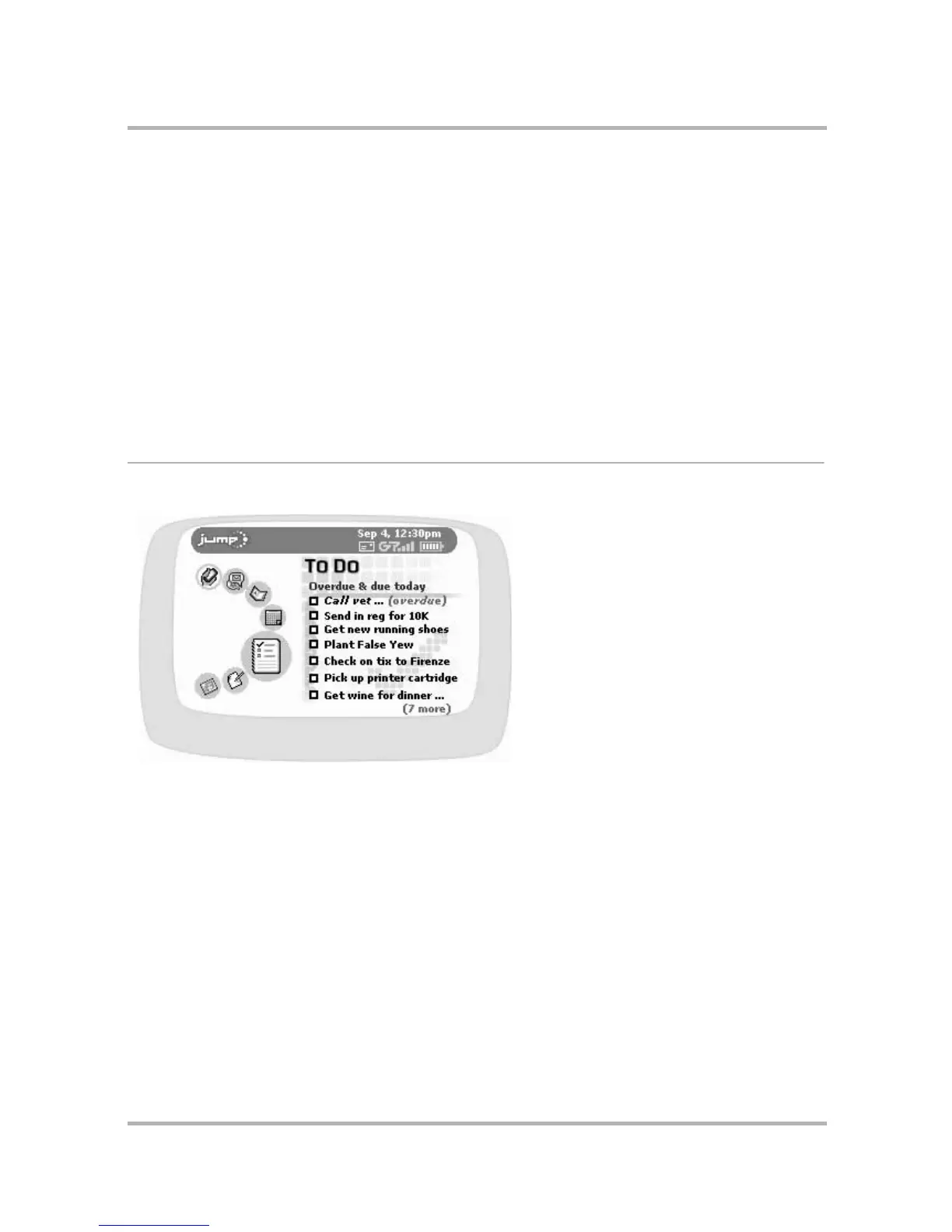
To Do Preview Screen
From the Jump screen, with To Do highlighted, you’ll see a screen similar to the following:
The preview screen lists seven of your tasks. If you have more tasks, a note at the bottom of the screen tells you
how many more. You can store a total of 50 tasks, including the tasks that you’ve discarded to the Trash.
• To Do Preview Screen
on page 152
• Keyboard Shortcuts
on page 153
• The Browse Tasks Screen
on page 153
• Task Details Screen
on page 154
• Create a New Task
on page 154
• Edit a Task
on page 155
• Mark a Task Completed
on page 155
• Task Views
on page 156
• Discard a Task
on page 156
• Manage Your To Do Trash
on page 156



 To Next Page
 Loading...











