Frequently Asked Questions
July 29, 2002 T-Mobile Sidekick Owner’s Manual 232
Navigating on the Device
• Some of the menus are long. Is there a quick way to get to the last item in a menu? (page 232)
• If I’m reading a long Web page or email, can I scroll quickly up and down the page? (page 232)
• Can I multi-task between applications, or is the device similar to other PDAs? (page 232)
Some of the menus are long. Is there a quick way to get to the last item in a menu?
There is! After you open a menu, press and hold the Menu button while rotating the wheel. One rotation click
down will take you to the last item in the menu. A rotation click up will toggle you back to the top again.
If I’m reading a long Web page or email, can I scroll quickly up and down the page?
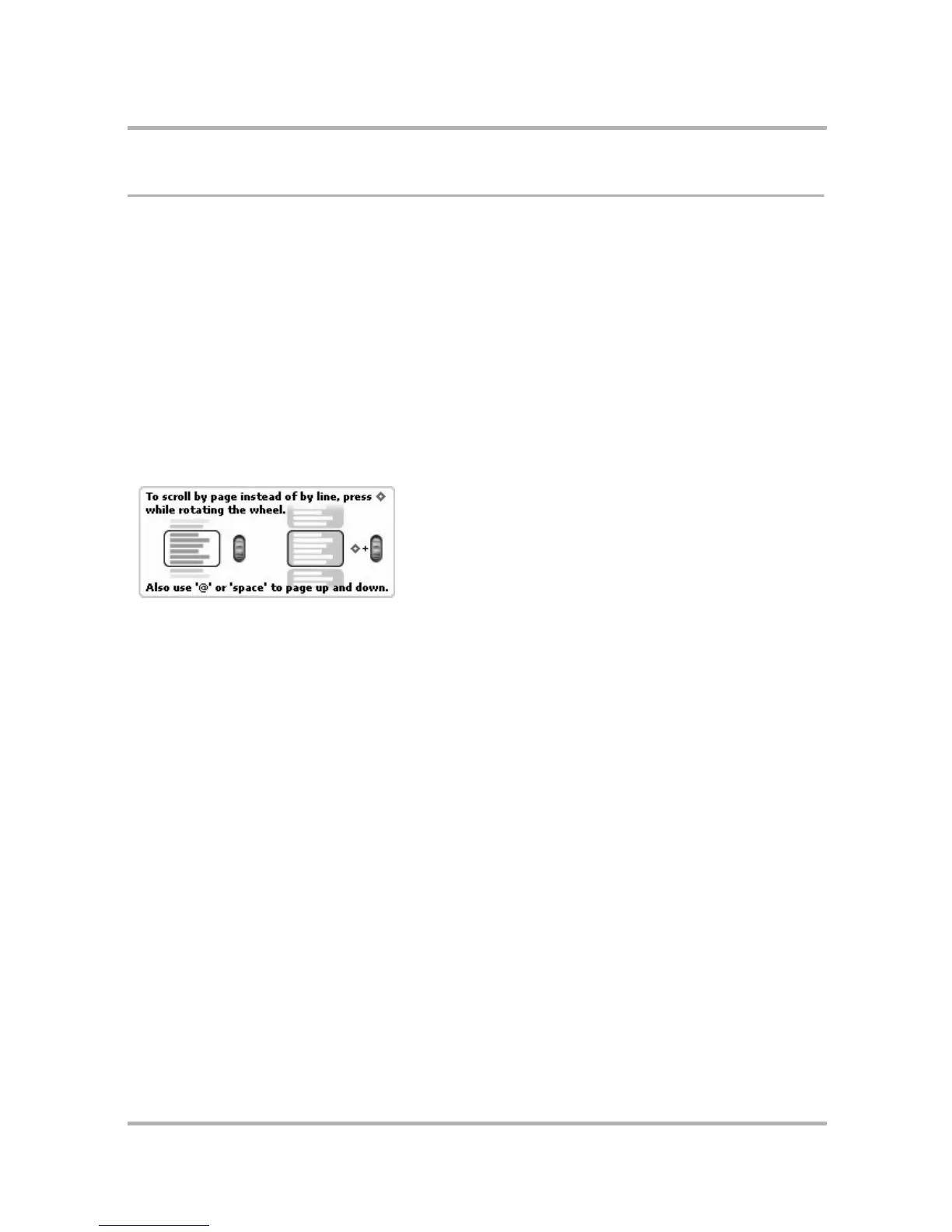
Yes. Press and hold the Menu button while you use the wheel to scroll. By holding the Menu button, you scroll
screen-by-screen rather than line-by-line. You can read about this (and more) in Hints (available from the Jump
screen menu):
You can also scroll screen-by-screen by using the @ key to scroll up and the spacebar to scroll down.
Can I multi-task between applications, or is the device similar to other PDAs?
Yes, you can multi-task, with some constraints due the fact that a couple applications use a circuit-switched
network connection (Phone and Phone Messages) and others use a packet-switched network connection (Web
Browser, AOL Instant Messenger, and Email). Read more in
Why can’t I browse the Web while I’m on a phone
call?
on page 235.


 To Next Page
 Loading...











