Keeping a To Do List on the Web
July 29, 2002 T-Mobile Sidekick Owner’s Manual 210
22. Keeping a To Do List on the Web
Keep up-to-date with all your tasks using the desktop Web interface of the To Do application. All the tasks you
create, edit, or discard from the Web are syncronized with your tasks on the device. Read these topics to learn
how to manage all your tasks from the Web:
Opening To Do on the Web
First, open your Jump page by following the instructions in
Signing In To the Desktop Interface
on page 170.
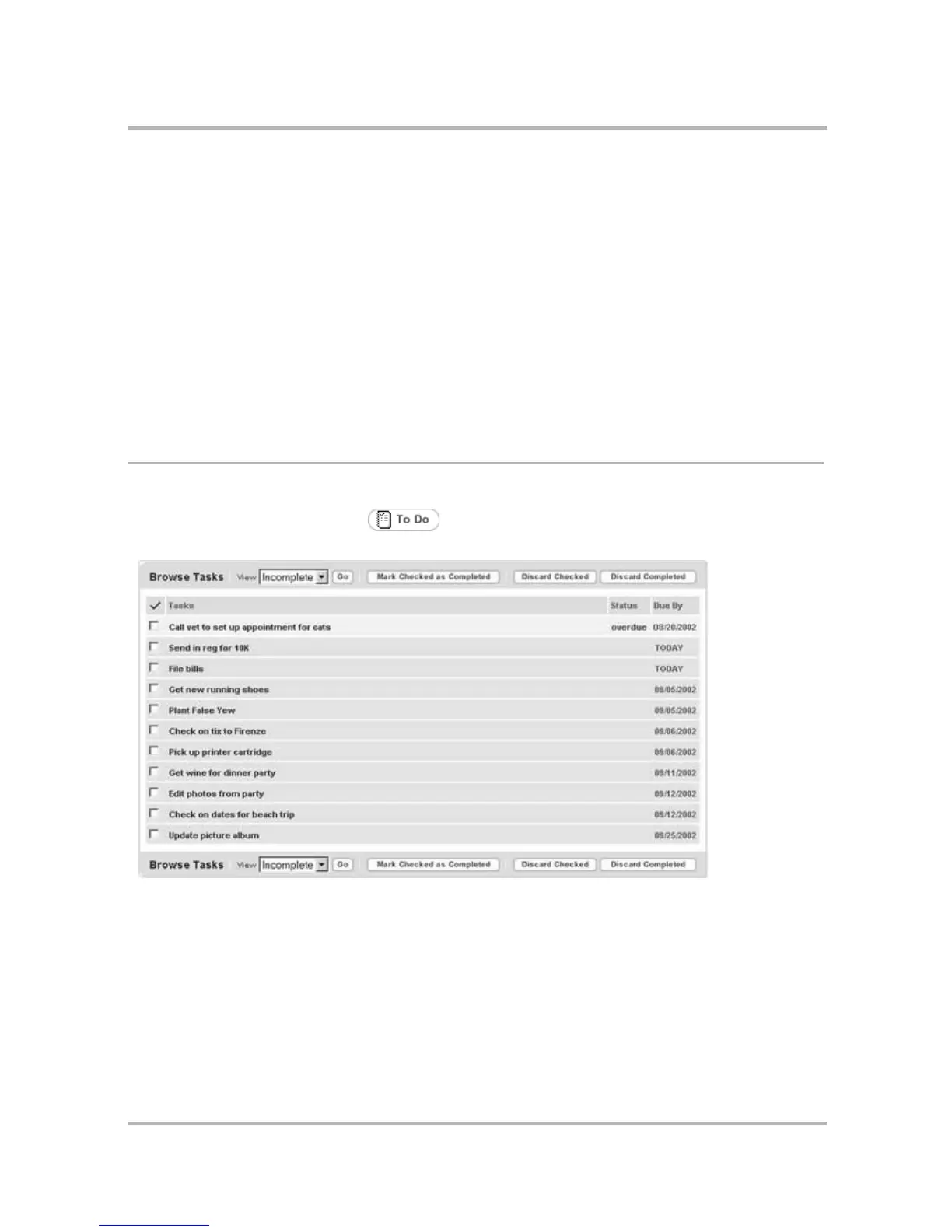
Open the To Do application by clicking in your Jump page button bar, or by clicking the To Do icon in
the To Do section of the Jump page. This opens the Browse Tasks page:
Your Jump page shows all your tasks that are both “upcoming” and “not completed”.
•Opening To Do on the Web on page 210
• About To Do Items on page 211
• Browse Tasks on page 211
• Add a New Task on page 212
• Edit a Task on page 212
• Mark a Task as Complete on page 212
• Discard a Task on page 212
• Discard Completed Tasks on page 213
• Manage Trash on page 213



 To Next Page
 Loading...











