Settings on the Web
July 29, 2002 T-Mobile Sidekick Owner’s Manual 217
24. Settings on the Web
Go to Settings on the Web to set your time zone, view system information, change your name as it appears on
outgoing emails, or change your password. Read the topics in this chapter to learn more:
Opening Settings on the Web
First, open your Jump page by following the instructions in
Signing In To the Desktop Interface
on page 170.
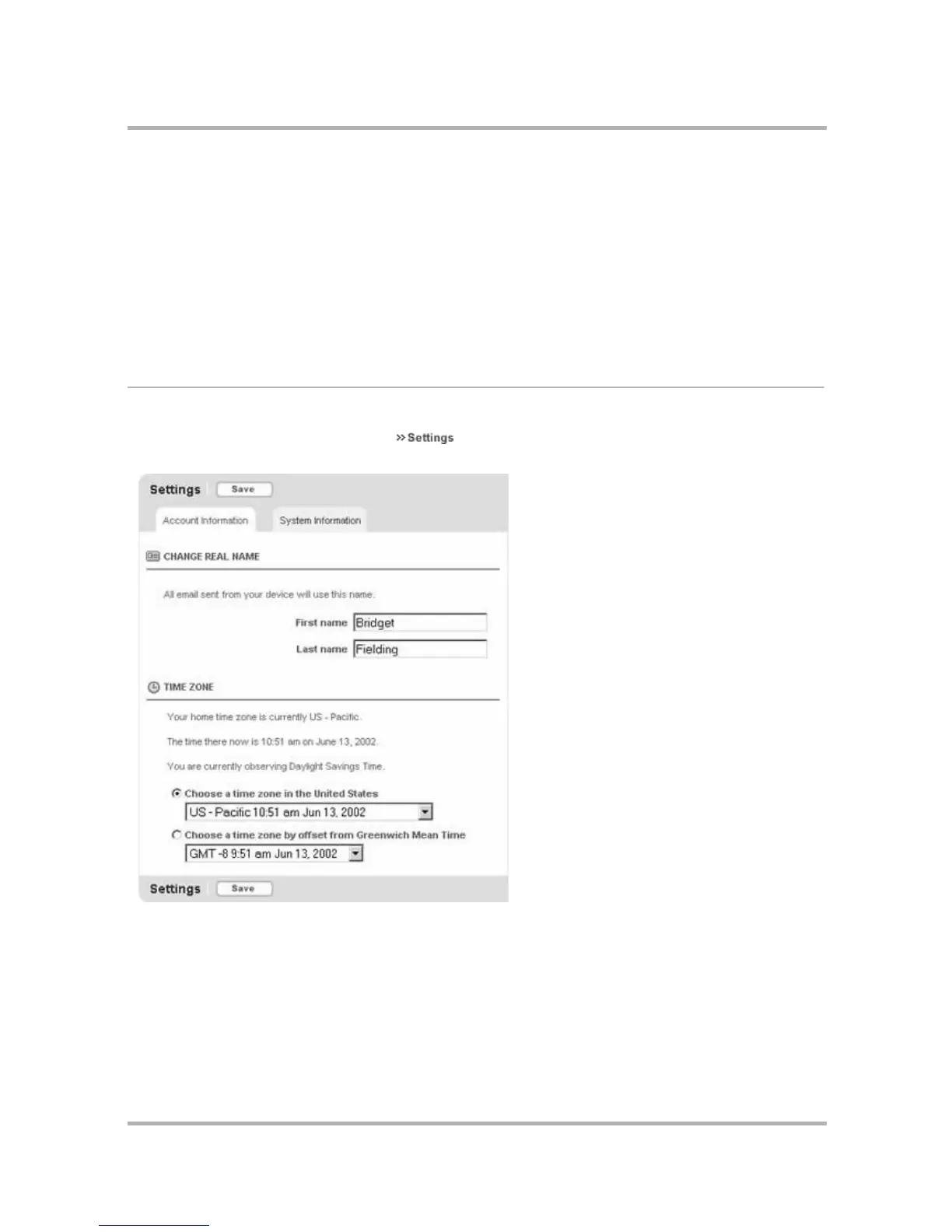
Open your Settings on the Web by clicking on the Jump page’s top menu bar. You will see three tabs
on this page: Account Information and System Information. Account Information is selected by default:
Each tab section is described in more detail below.
• Opening Settings on the Web on page 217
• Account Information on page 218
• System Information on page 218


 To Next Page
 Loading...











