© 2009 Verizon. All Rights Reserved.
55
Verizon Hub User Guide
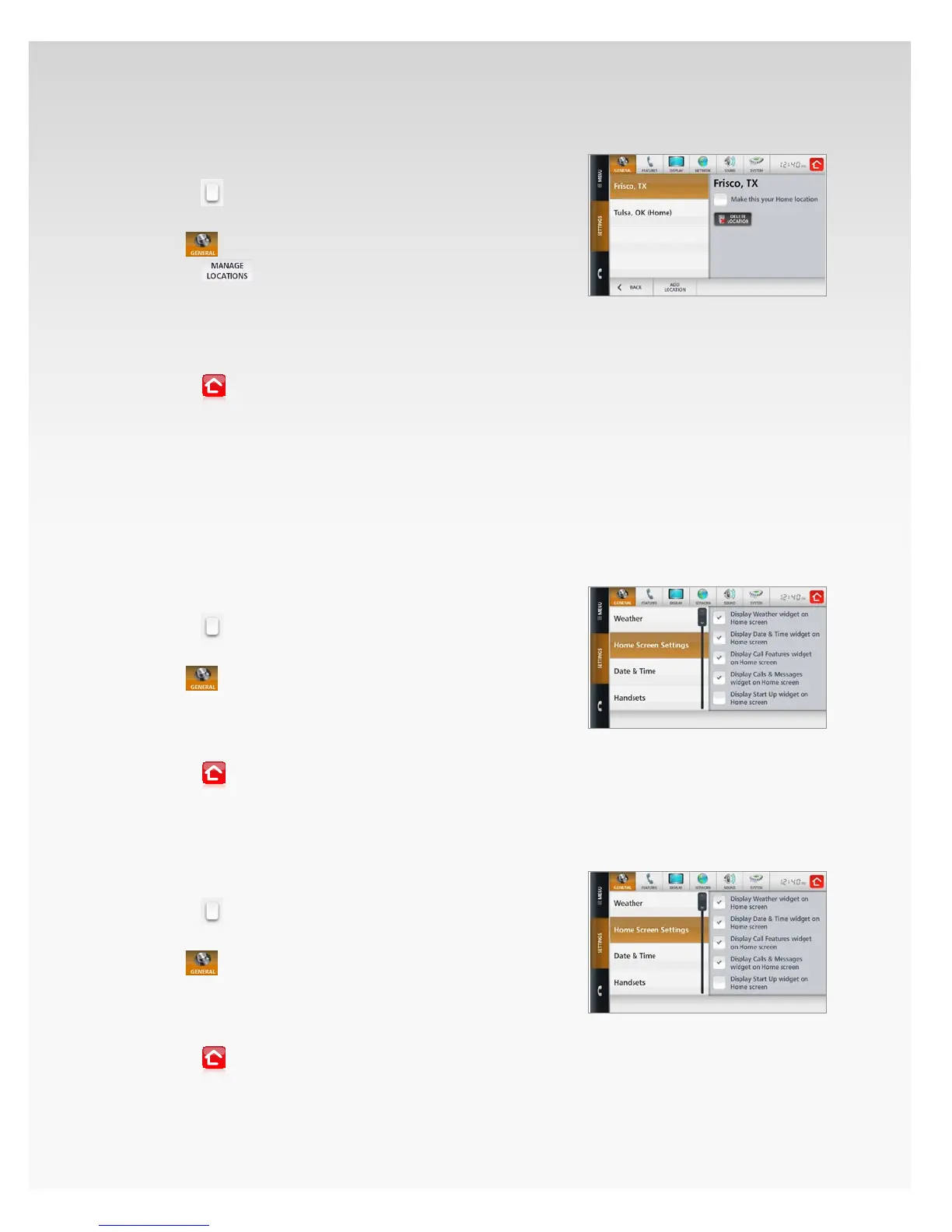
Delete Weather Location.
Touch 1. Menu.
Touch2.
.
Touch 3. Settings.
The4.
section will open, showing Weather.
Touch5.
.
Touch the Weather 6. location you want to delete.
Touch 7. Delete.
A conrmation message will appear. Touch 8. Yes.
The Weather location will be removed from the list.9.
Touch10.
to return Home.
Home Screen Settings.
On your Home screen you can choose to display or hide the
widgets for Weather, Date & Time, Calling Features, Calls &
Messages and Start Up.
Add Weather Widget to Home Screen.
Touch 1. Menu.
Touch2.
.
Touch 3. Settings.
The4.
section will open, showing Weather.
Touch 5. Home Screen Settings.
Touch to add a check in the box next to 6. Display Weather
widget on Home screen.
Touch7.
to return Home.
Weather will now appear on your Home screen.
Remove Weather Widget From Home Screen.
Touch 1. Menu.
Touch2.
.
Touch 3. Settings.
The4.
section will open, showing Weather.
Touch 5. Home Screen Settings.
Touch to delete a check in the box next to 6. Display Weather
widget on Home screen.
Touch7.
to return Home.
Weather will be removed from your Home screen.


 To Next Page
 Loading...










