6.3 Access by iVMS Platform
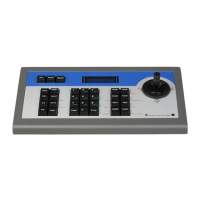
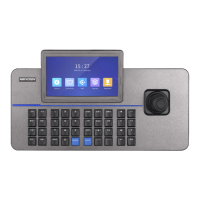
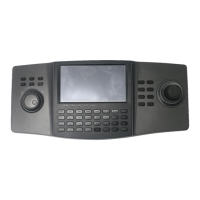
DS-1100KI Network Keyboard can be accessed by iVMS-5200.
Please make proper configuration on the iVMS platform before connecting the keyboard to the iVMS
server. Please refer to the user manual of corresponding iVMS platform for instructions.
6.3.1 iVMS-5200 Platform Configuration
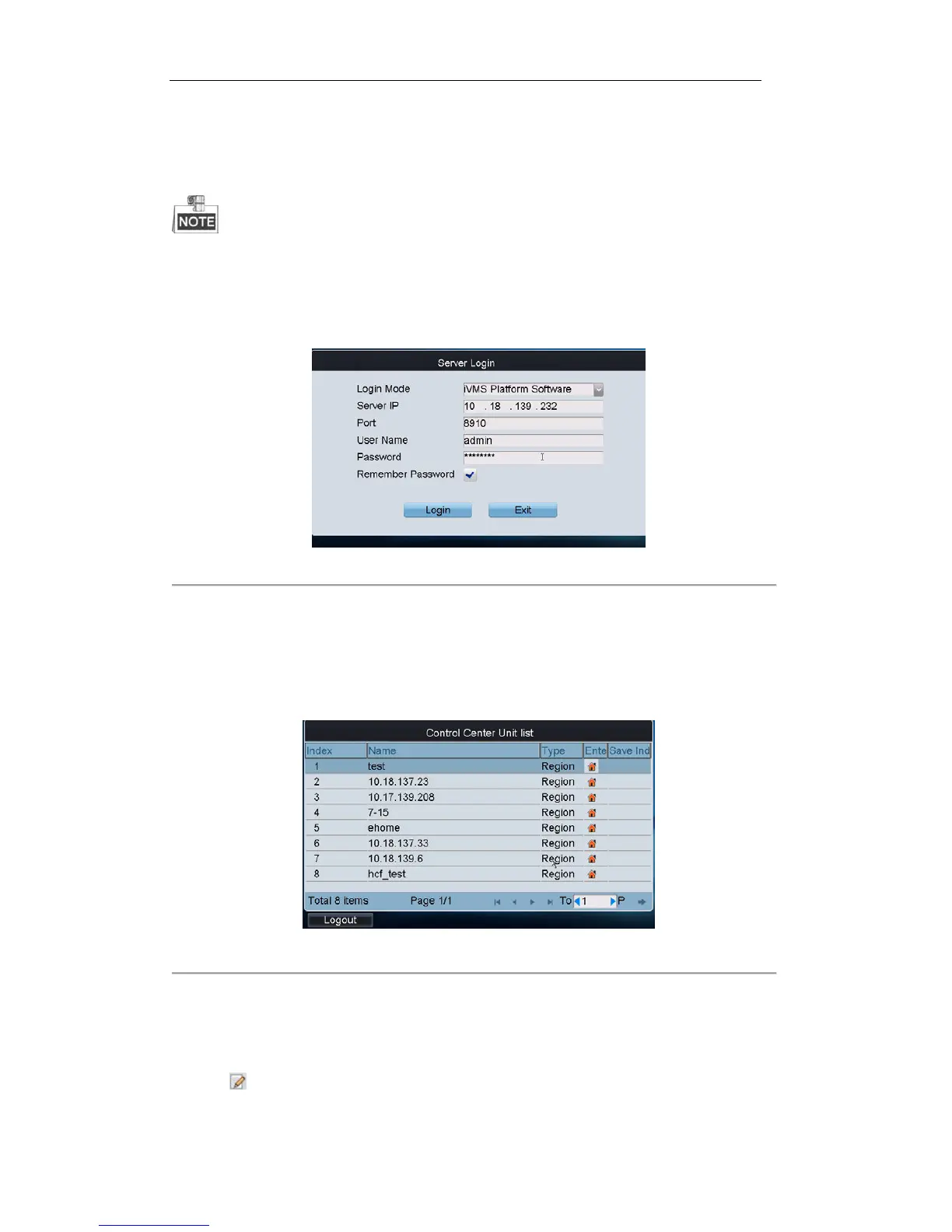
Figure 6. 38 Server Login Interface
Steps:
1. On the Server Login interface, select the Login Mode to iVMS Platform.
2. Enter the Server IP, Port, login User Name and Password.
3. Click Login to log in to the platform.
The system enters the Control Center Unit List as shown below:
Figure 6. 39 Control Center Unit List
6.3.1.1 Managing Output Channel
1. Click on the list to edit the selected screen group.


 To Next Page
 Loading...