Corresponding error message will appear on the screen when you perform wrong operation.
5.4.7 Calling a Pattern
Select the output monitor or window and the keyboard is capable of automatically connecting with its
corresponding camera. Press the PATTERN key on the keyboard to call the programmed pattern. You are also
allowed to directly select the camera by inputting Num + CAM keys and then press the PATTERN key to realize
pattern callup.
• Calling a Pattern by Output Channel
Steps:
1. Press the Num + MON keys to select the output channel.
2. Press the Num + WIN keys to select the display window.
3. Press the Num + PATTERN keys to call the programmed pattern.
This operation is valid only when the pattern function is supported by the connected camera/dome.
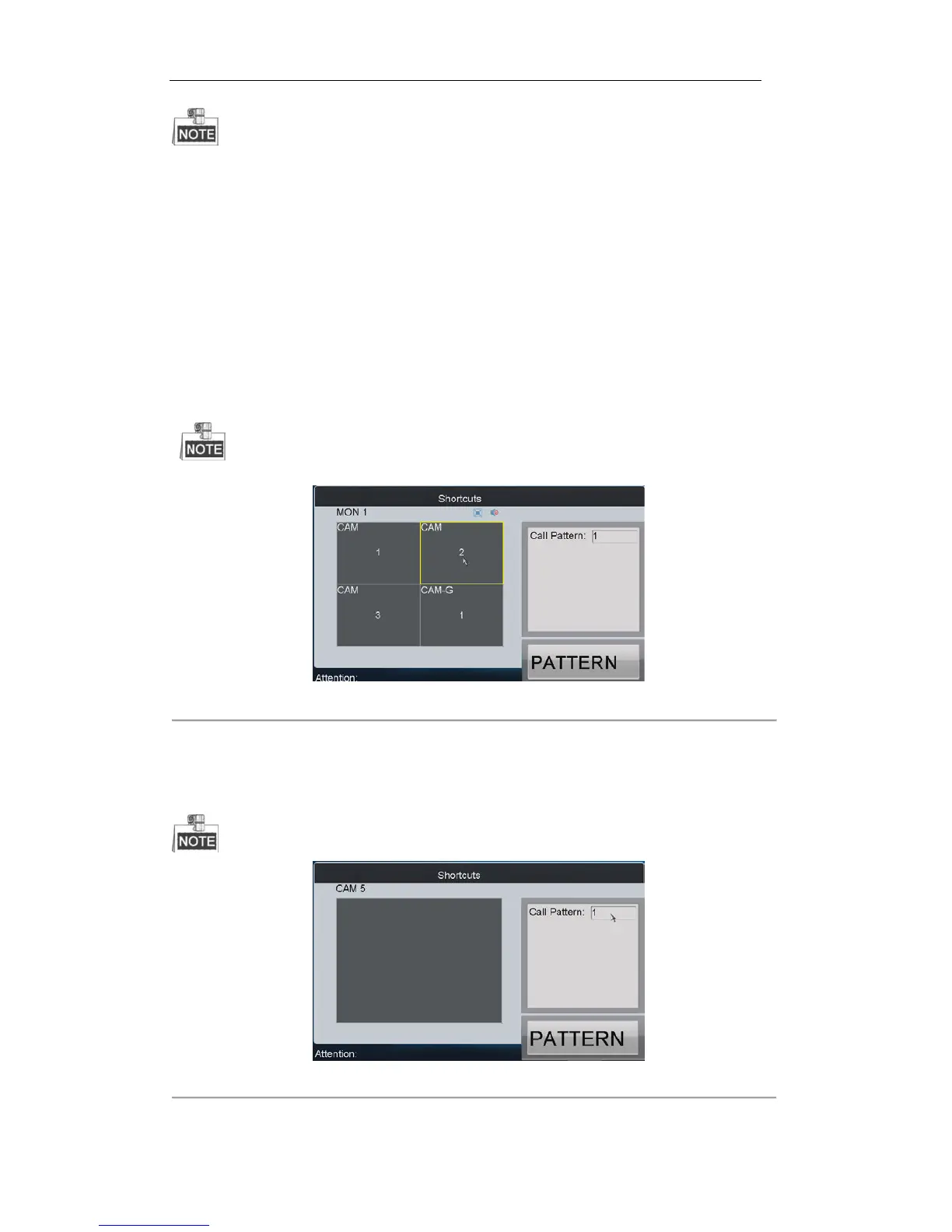
Figure 5. 26 Calling a Pattern by Output Channel
• Calling a Pattern by Input Channel
Steps:
1. Press the Num + CAM keys to select the input channel.
2. Press the Num + PATTERN keys to call the programmed pattern.
It is invalid to input the 0+CAM keys in the current operation mode.
Figure 5. 27 Calling a Pattern by Input Channel


 To Next Page
 Loading...