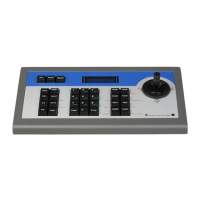
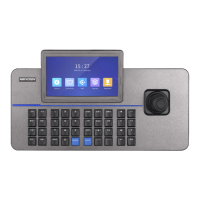
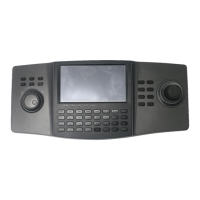
DS-1100KI Network Keyboard User Manual
15
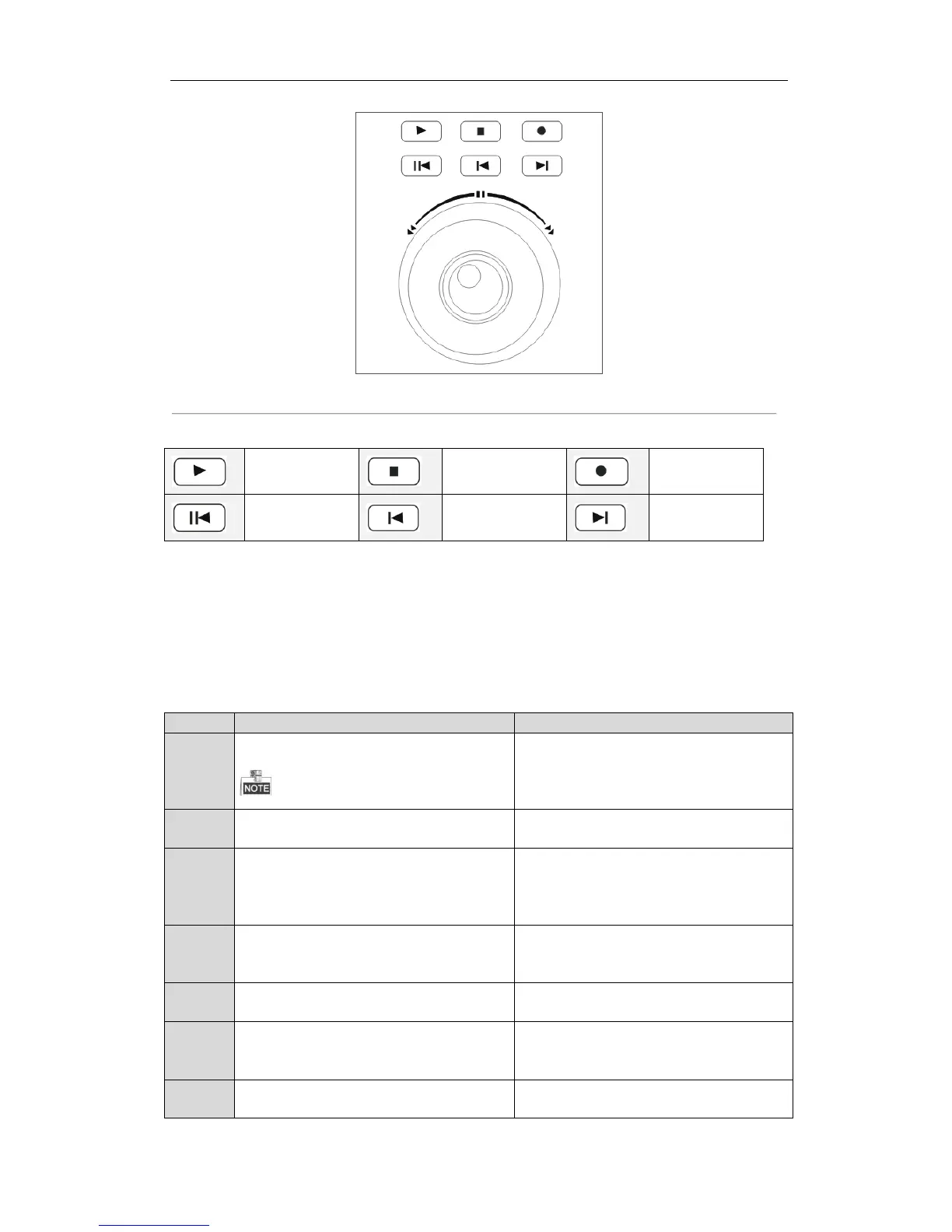
Figure 2. 6 Playback Control
Table 2. 3 Playback Buttons
2.3 Button Operation
2.3.1 Operating Video Wall Display
Table 2. 4 Button Description
Num+MON: select the video output channel to
be displayed on the video wall.
When the Num=0, the system enters the
local live view mode.
Press the 2+MON buttons to select the monitor
2.
Num+MULT: select different multi-division
display modes for the selected output channel.
Press the 2+MON+4+MULT buttons to configure
4-division display for the monitor 2.
Num+MON+Num+WIN+Num+CAM: the video
signal from the camera group can be outputted
to and displayed on the selected window of
monitor in cycle.
Press the 2+MON+3+WIN buttons to select the
window 3 of the monitor 2.
Num+CAM: select the video input.
Press the 2+MON+3+WIN+5+CAM buttons to
display the video input 5 on the window 3 of
monitor 2.
Num+MON-G: select the monitor group.
Press the 1+MON-G buttons to select the
monitor group 1.
Num+CAM-G: select the camera group.
Press the 1+MON+1+CAM-G buttons to select
the camera group 1 to be displayed on the
monitor 1.
SET+Num+TOUR/GROUP/PATROL/PATTERN: set
the tour, group, patrol and pattern.
Press the SET+1+PATTERN buttons to set the
pattern 1.


 To Next Page
 Loading...