6. RADAR
6-15
6.15 How to Show, Hide or Cancel an Active Route
You can show, hide the active route on the radar display. Open the [Layers] menu then
turn [Routes] on or off.
To cancel route navigation, tap any part of the route then tap [Stop Nav] on the pop-
up menu.
6.16 How to Show or Hide the Own Ship Icon
You can show or hide the boat icon on the radar display.
1. Open the home screen, then tap [Settings] - [Radar].
2. Turn [Own Ship Icon] on or off.
3. Tap the close button to finish.
6.17 Echo Color
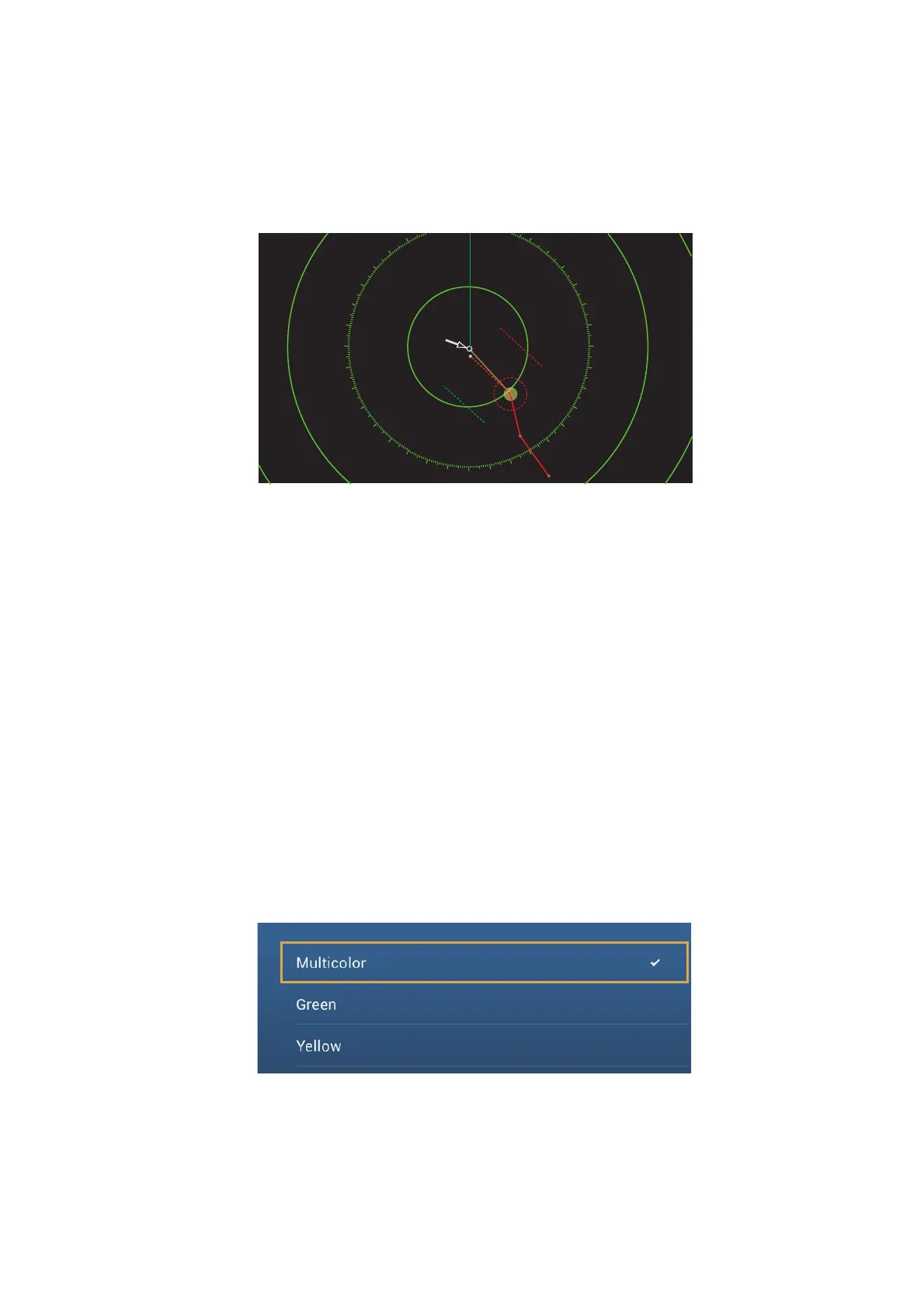
Echo color is available in colors of green, yellow or multicolor. [Multicolor] displays
echoes in colors of red, yellow and green, corresponding to signal levels of strong, me-
dium and weak.
1. Open the home screen, then tap [Settings] - [Radar].
2. Tap [Echo Color].
3. Tap a color.
4. Tap the close button to finish.
40
50
60
70
80
90
100
110
120
130
140
150
160
170
180
190
200
210
220
230
240
250
260
270
280
290
300
310
320
Your shipYour ship’s positions position



 To Next Page
 Loading...









