4. POINTS, EVENT MARKS
4-4
4.5 Default Point Settings
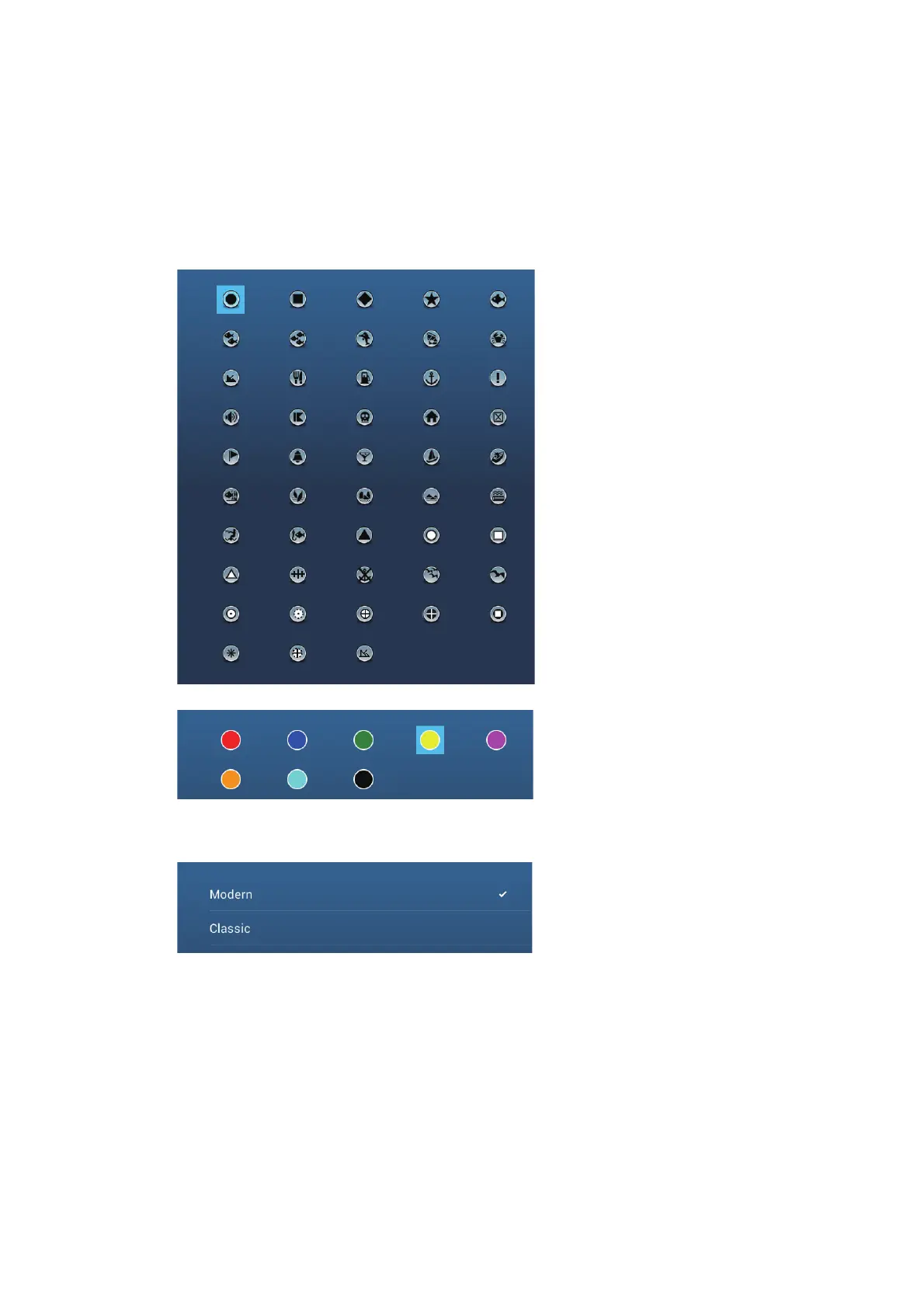
The equipment saves a point under the shape, color, size and type set on the [Set-
tings] - [Points] menu. If you want to change the default settings for a point, do as fol-
lows:
1. Open the home screen, then tap [Settings] - [Points].
2. Tap [Default Point Symbol], [Default Point Color], or [Icons Set].
3. Tap required option.
To change the point size, operate the slider bar (or software keyboard) for [Points
Size].
4. Tap the close button to finish.
Icons Set
[Default Point Symbol]
[Default Point Color]
[Icons Set]


 To Next Page
 Loading...









