9-1
9. CAMERA/VIDEO/FUSION-Link
The camera/video function allows you to use your unit to play back images from a vid-
eo player, on-board camera, or DVD player. A video signal can be seen only on the
NavNet TZtouch2 unit that receives the video signal. Image size, brightness, contrast
and color of images can be adjusted.
FUSION-Link allows compatible NavNet TZtouch2 displays to
interface and achieve control of specialized FUSION marine
entertainment equipment (MS-700 series only as of 06/2015).
9.1 How to Display a Video Image
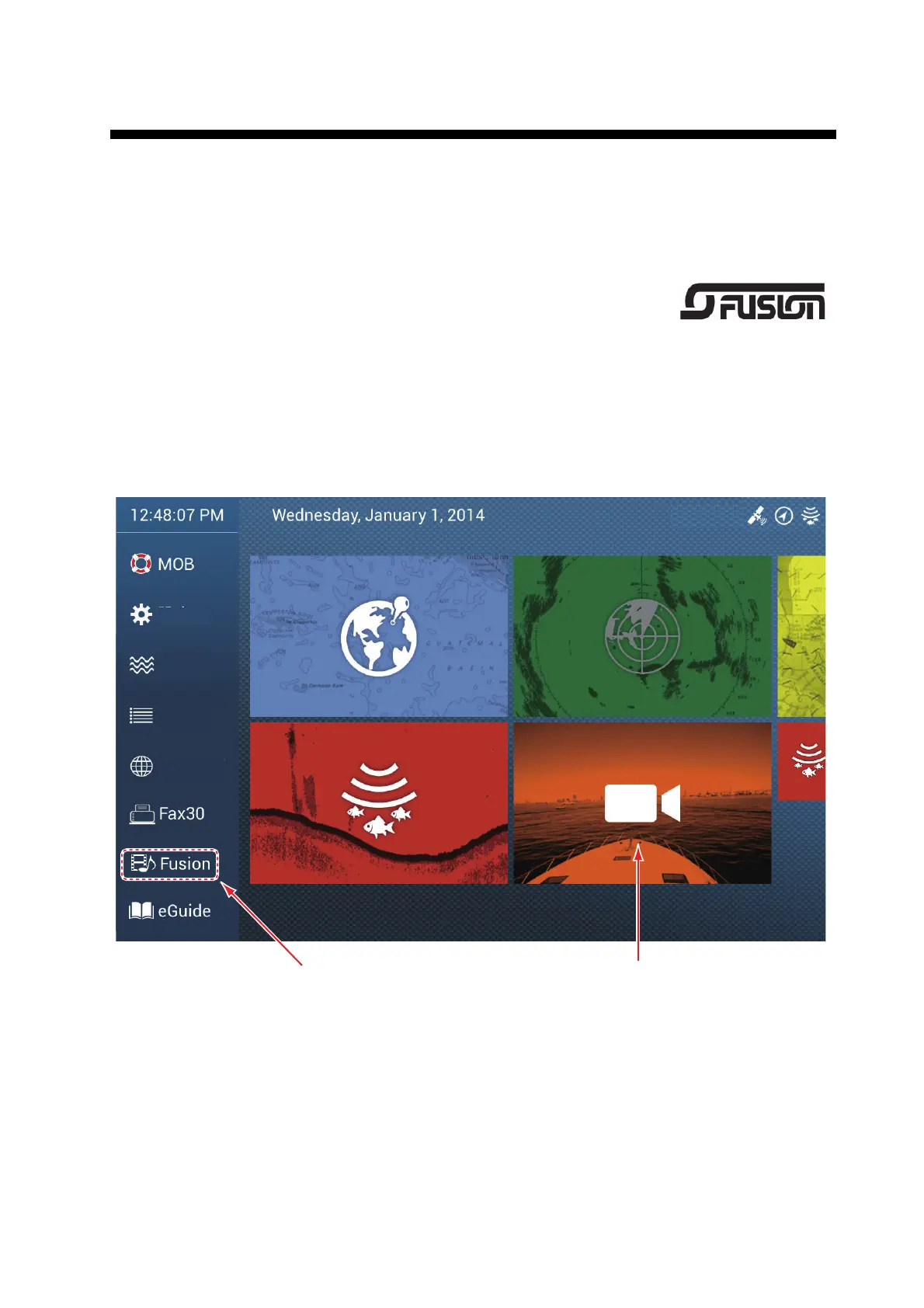
To show the camera display, go to the Home screen, then tap [Settings] - [Camera].
Turn on the [Connected] flipswitch at [VIDEO INPUT1] or [VIDEO INPUT 2]. Return to
the Home screen, then tap the camera display icon to activate the camera display.
Camera display
Settings
Tide
Lists
Catalog
See section 9.7.


 To Next Page
 Loading...









