7. FISH FINDER (SOUNDER)
7-13
• 50 kHz and 200 kHz beams are transmitted alternately without reference to the cur-
rent display mode.
• Use this feature with ship speed of 10 knots or less and depth between 2 and 100 m.
• Echoes from a school of fish can be in more than one layer, which can cause wrong
length indication.
• The fish symbol indication is not shown when the bottom echo does not appear on
the screen.
7.12.1 How to set ACCU-FISH
™
1. Open the home screen, then tap [Settings] - [Sounder].
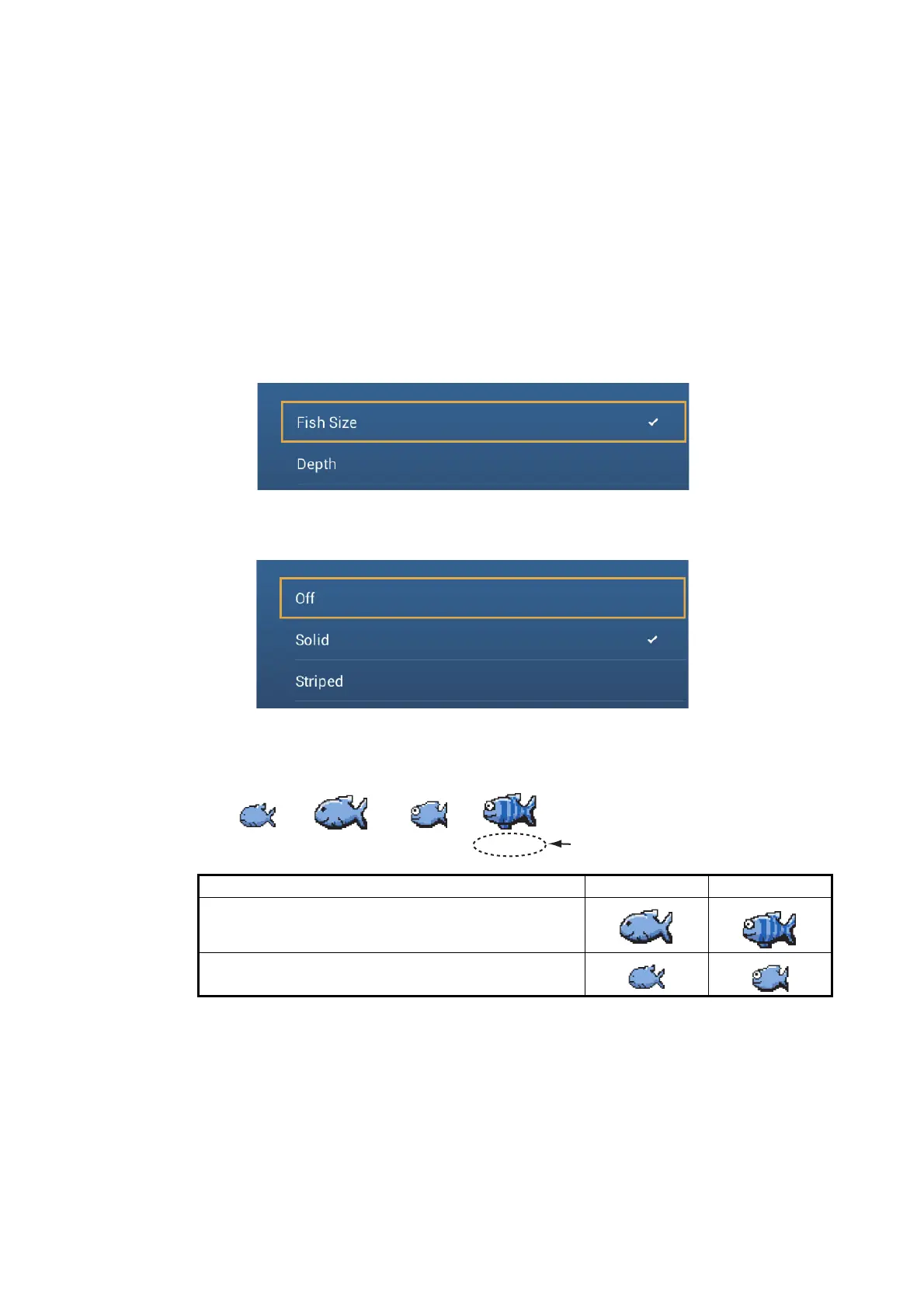
2. Tap [ACCU-FISH Info].
3. Tap [Fish Size] or [Depth].
4. Tap [ACCU-FISH Symbols].
5. Tap [Solid], [Striped] or [Off] (turn off fish symbol).
6. Tap the close button to finish.
Fish size Solid Striped
Large fish symbol (more than 51 cm (20.08 inch))
Small fish symbol (10 to 50 cm (3.9. to 19.69 inch))
Depth (or Fish Size)
Solid
(small)
237 ft154 ft 237 ft154 ft
Solid
(large)
Striped
(small)
Striped
(large)


 To Next Page
 Loading...









