EasyManua.ls Logo

Parker P Series - Table 101. Hardware Version; Table 102. Software Version

Parker P Series
316 pages
Print Icon
To Next Page IconTo Next Page
To Previous Page IconTo Previous Page
Loading...
Parker Hannifin
P Series User Guide 204
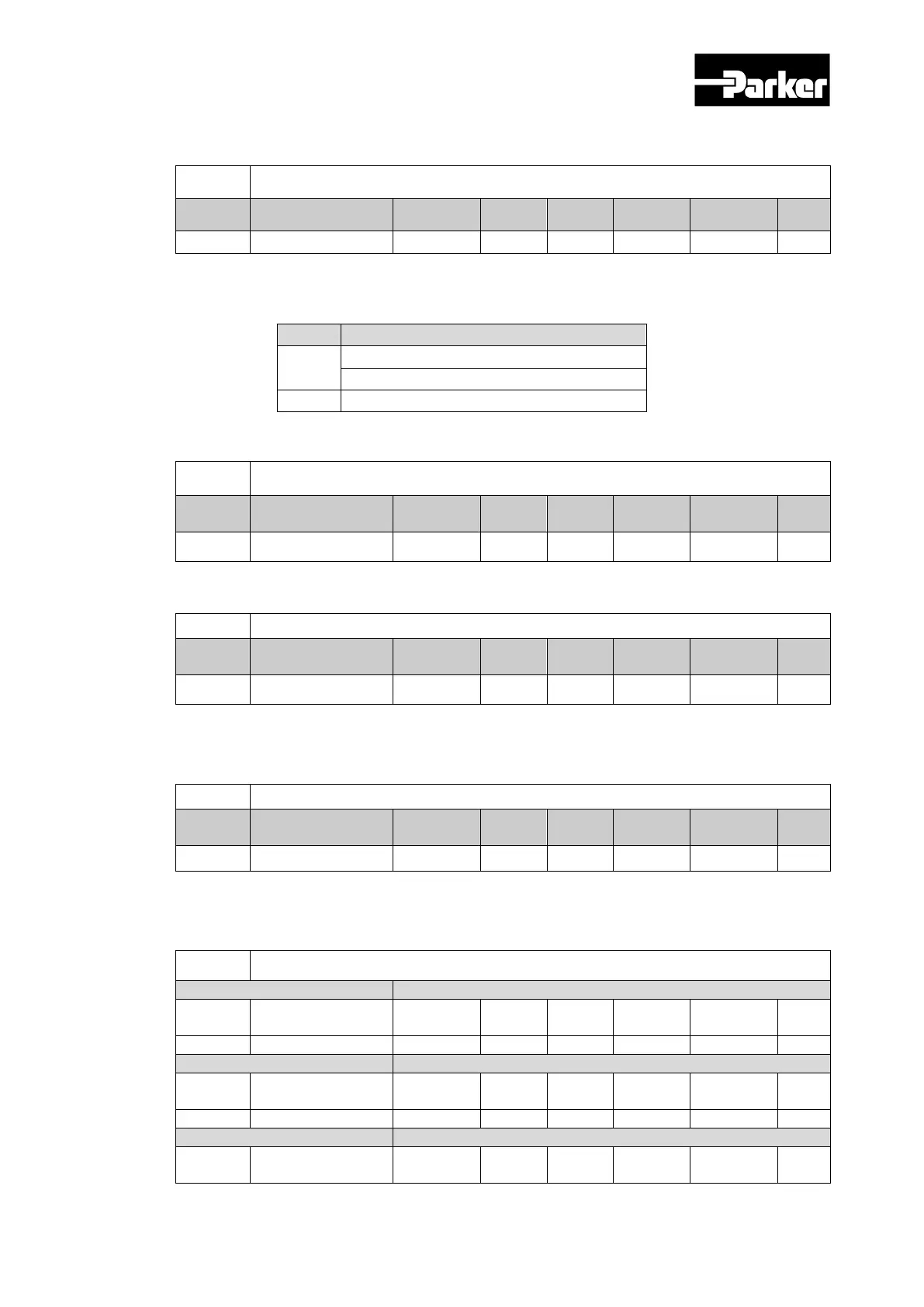
0x1001
Error Register
Variable
Format
Setting Range
Default
Value
Unit
Accessib
ility
PDO
Allocation
Change
Property
Store
USINT
-
0x00
-
RO
No
-
No
Show the device’s error register values. The value is Stored to a part of the emergency
message.
bit
Setting Details
0
0 : no error
1 : error found
1 to 7
Reserved
0x1008
Device Name
Variable
Format
Setting Range
Default
Value
Unit
Accessi
bility
PDO
Allocation
Change
Property
Store
STRING - - - RO No - No
Shows the device name
0x1009
Hardware Version
Variable
Format
Setting Range
Default
Value
Unit
Accessi
bility
PDO
Allocation
Change
Property
Store
STRING - - - RO No - No
Table 101. Hardware Version
Shows the device hardware version
0x100A
Software Version
Variable
Format
Setting Range
Default
Value
Unit
Accessi
bility
PDO
Allocation
Change
Property
Store
STRING - - - RO No - No
Table 102. Software Version
Shows the device software version
0x1010
Store Parameters
Sub Index 0
Variable
Format
Setting Range
Default
Value
Unit
Accessib
ility
PDO
Allocation
Change
Property
Store
USINT
-
5
-
RO
No
-
No
Sub Index 1
Variable
Format
Setting Range
Default
Value
Unit
Accessib
ility
PDO
Allocation
Change
Property
Store
UDINT
0 to 0xFFFFFFFF
0
-
RW
No
-
No
Sub Index 2
Variable
Format
Setting Range
Default
Value
Unit
Accessib
ility
PDO
Allocation
Change
Property
Store
www.comoso.com

Table of Contents

Related product manuals