DS1067-062C 10 LBT20063
1.1.4 Area indications
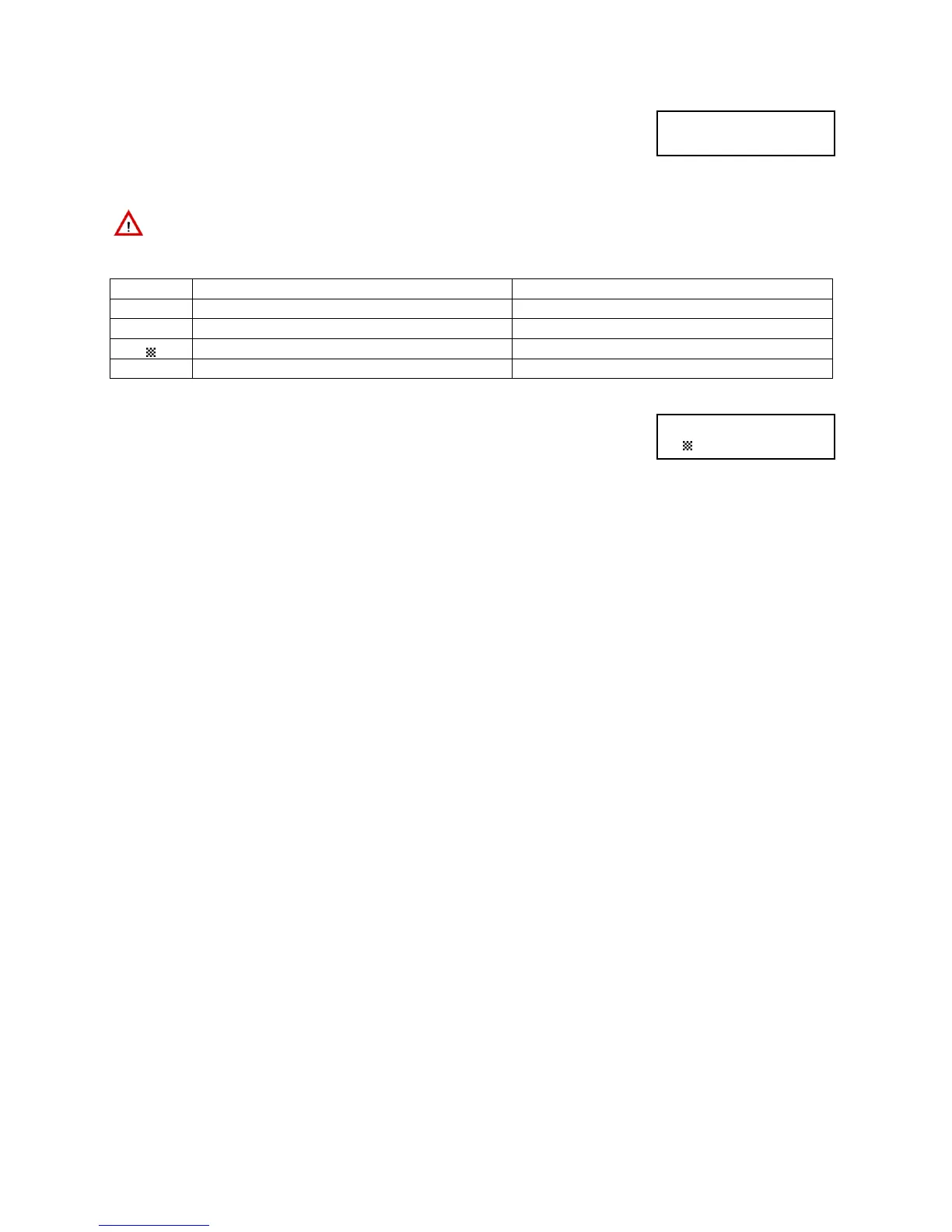
The area status is shown on the display in graphic mode.
The graphic symbols corresponding to letters A, B, C, D appear on the second line of the
screen.
IMPORTANT! The 1067/024 control panel has only two areas and graphic symbols appear next to the letters A, B
only.
The meanings are:
Symbol During normal use During programming
□
area disarmed area not associated to the function
■
area armed area associated to the function
area partially armed
.
area does not exist area does not exist
Example:
Area A is armed, area B is disarmed, area C is partially active, area D does not exist.
AREAS STATUS
□□□□
AREAS STATUS
■□ .
1 2 3 4 5 6 7 8 9 10 1112131415 16


 To Next Page
 Loading...