DS1067-062C 32 LBT20063
2.9.6 Partial disarming from 1067/026 keypad
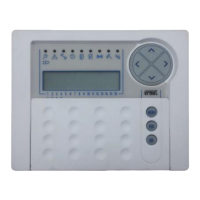
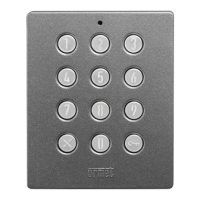
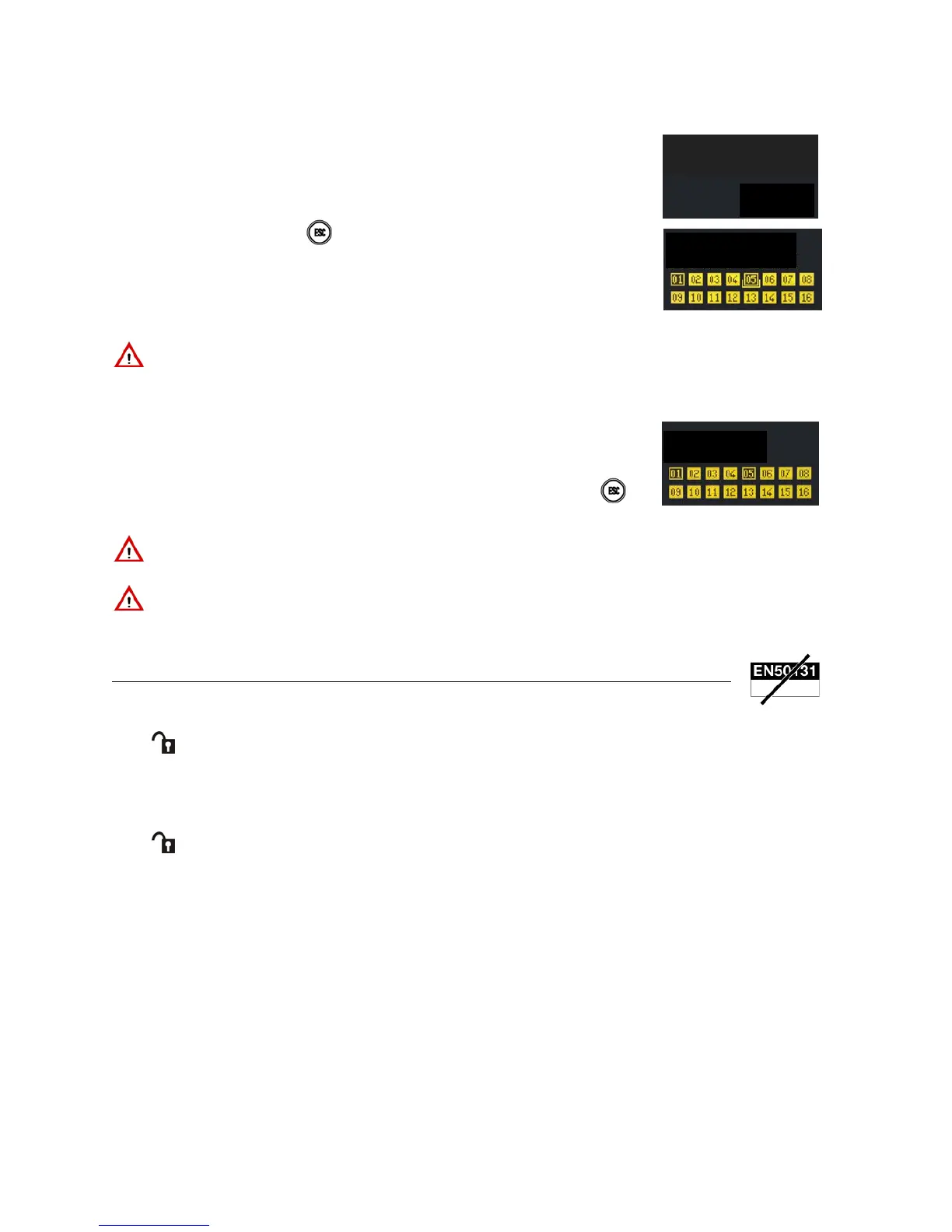
Proceed as follows to disarm some zones using the proximity key on a 1067/026 keypad:
1) Approach the proximity key to the keypad.
2) The keypad will beep. Press to exit without disarming.
3) Enter the number of the zones to be disarmed on the keypad.
4) After 5 seconds, the status LED will switch off and the squares will become empty indicating that the zones have been
disarmed. The following will appear on the display:
5) The display will go back to standard view automatically after one minute. Press
to
go to standard view immediately.
IMPORTANT! The key will disarm only the assigned zones and not necessarily all the zones even with this
procedure.
IMPORTANT! The LED H (see Figure 3 – 1067/026 keypad) will light up and the buzzer will sound to indicate an
error (long beep) if a key which can be not been acquired (the key is not recognised) or which has not been enabled
is used.
2.10 DISARMING USING 1058/035 REMOTE CONTROL
2.10.1 Total system disarming
The remote control must have been duly programmed to disarm all the zones in the system.
Press to disarm the entire system using the remote control. The remote control buzzer will beep if the control panel
acknowledges the command.
2.10.2 Partial disarming with remote control
The remote control must have been duly programmed to partially disarm some the zones in the system (see Programming
Manual).
Press
on the remote control to disarm the zones to which the remote control is assigned. The remote control buzzer
will beep if the control panel acknowledges the command.
IMPORTANT! Simply enter the number directly if nine or fewer zones have been programmed. If more than nine
zones have been programmed, always enter two digits to select the zones , including for numbers from 1 to 9
(1 = 01, 2 = 02 etc.).
DISARM
EXECUTED
ZONES


 To Next Page
 Loading...