DS1067-062C 67 LBT20063
5.6.5 How to enable the timed programmer
The timed programmer must have been previously enabled to be used. It can only be enabled if timed commands are
programmed.
Proceed as follows to enable the timed programmer:
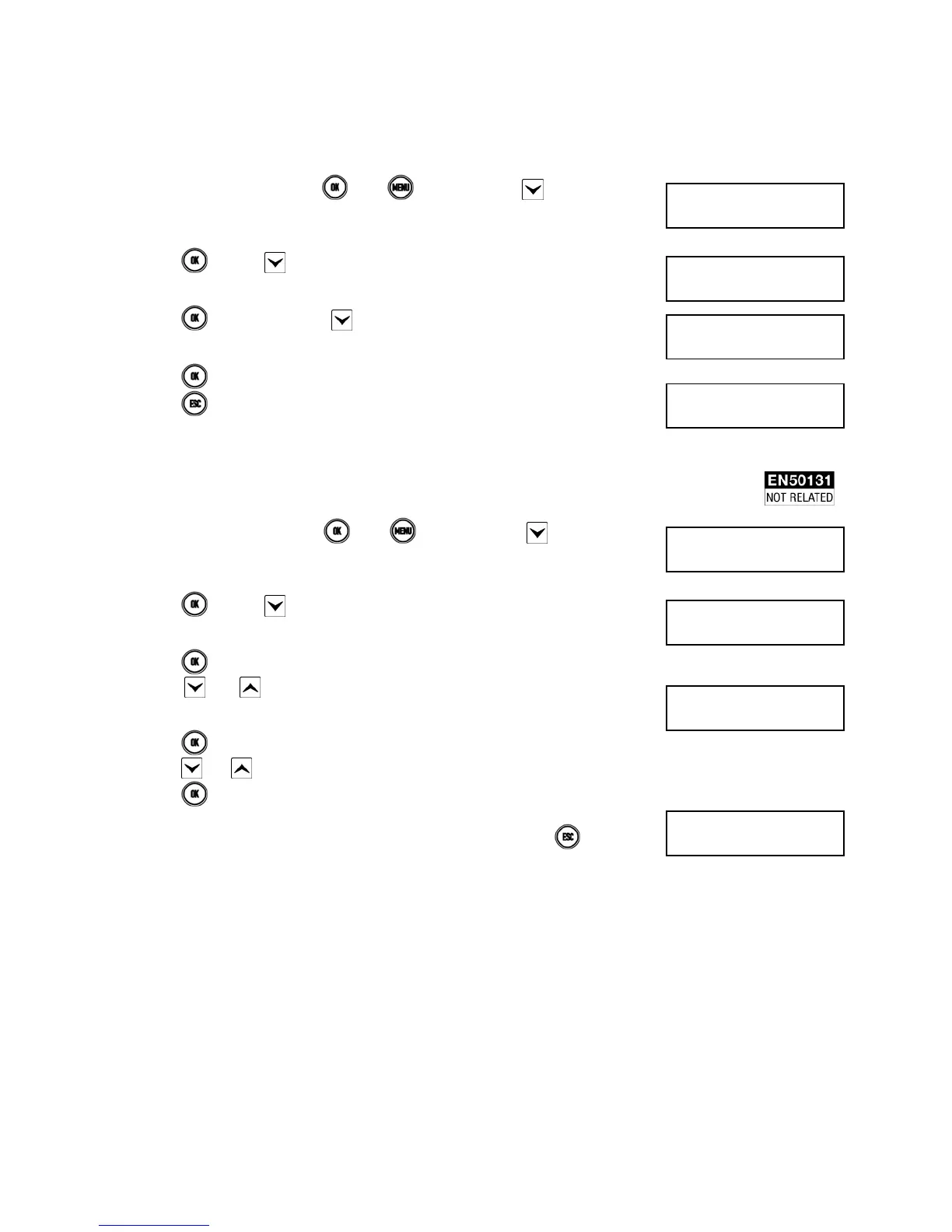
1) Enter <Master code>, press
, then and finally press repeatedly until
ENABLE appears.
2) Press and then several times until TIMED COMMANDS appears.
3) Press
. If, necessary, press to make ENABLE appear.
4) Press
to enable the timed commands.
5) Press
repeatedly to exit from the menu.
5.6.6 How to enable vocal messages
Proceed as follows to enable the vocal messages:
1) Enter <Master code>, press
, then and finally press repeatedly until
ENABLE appears.
2) Press
and then several times until VOCAL MESSAGES appears.
3) Press .
4) Press and to select the vocal message to be enabled. FAILURE, ZONE
STATUS, SYSTEM STATUS, SERVICE MESSAGE.
5) Press
.
6) Press and to select ENABLE.
7) Press to enable the vocal message.
8) Repeat the steps from step 4 to enable other vocal messages. Press
repeatedly
to exit from the menu.
UT01:MASTER
ENABLE
ENABLE
TIMED COMMANDS
TIMED COMMANDS
ENABLE
1067/052A
12/01/2014 10:10
UT01:MASTER
ENABLE
ENABLE
VOCAL MESSAGES
VOCAL MESSAGES
FAILURE
1067/052A
12/01/2014 10:10


 To Next Page
 Loading...