DS1067-062C 36 LBT20063
2.14.3 How to view isolated or inhibited inputs
The presence of one or more isolated or inhibited inputs is indicated by the specific LED on the keypad and by the reader
LED (see chapter 1 Control devices).
An input can only be isolated if it has been programmed as such.
An input may be manually isolated by the installer or technical manager.
To view addresses of isolated inputs:
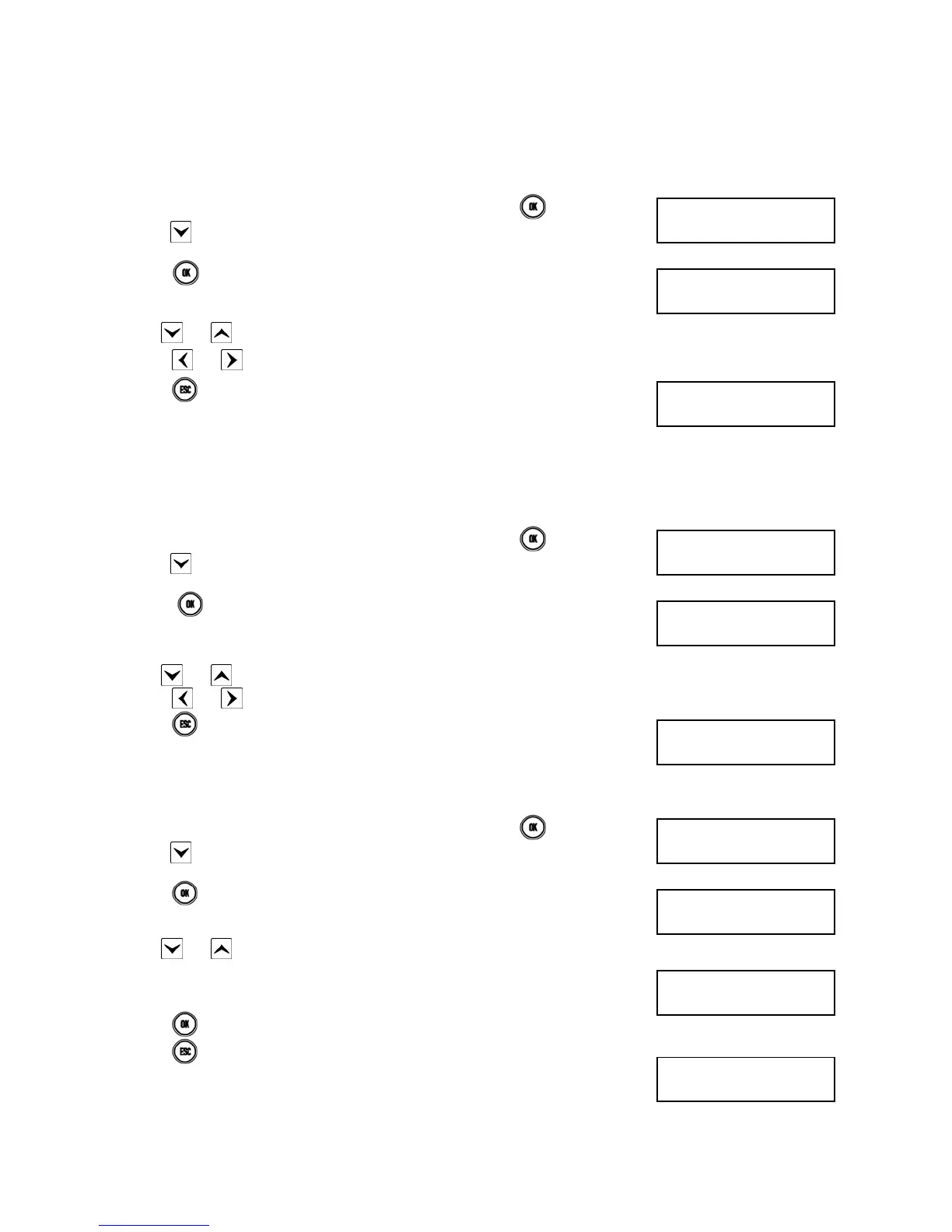
1) Enter < Master / User code / Installer / Tech. Manager > press
twice and then
press
repeatedly until ISOLATED INPUTS appears.
2) Press
. The inputs are identified as “<Logical address>:<Name>” on the second
line. For example, an input to which the kitchen detector is connected with logical
address “3” and named “Kitchen” will be identified as “In003:Kitchen”.
3) Use
and to scroll the list of open inputs.
4) Press
and to see the input customisation.
5) Press
repeatedly to exit from the menu after examining the list.
2.14.4 How to examine the Alarms Memory
Alarm events are indicated by the specific LEDs (on keypad and readers) and stored by the control panel. Details on the
events can then be viewed on the keypad display.
Proceed as follows to view details:
1) Enter < Master / User code / Installer / Tech. Manager > press
twice and then
press
repeatedly until ALARMS MEM appears.
2) Press
. The alarm LED will blink. The inputs are identified as “<Logical
address>:<Name>” on the second line. For example, an input to which the kitchen
detector is connected with logical address “3” and named “Kitchen” will be identified
as “In003:Kitchen”.
3) Use
and to scroll the list of inputs which caused the alarm.
4) Press and to see the input customisation.
5) Press
repeatedly to exit from the menu after examining the list.
2.14.5 How to delete the Alarms Memory
Proceed as follows to delete the Alarms Memor:
1) Enter < Master / User code / Installer / Tech. Manager > press
twice and then
press
repeatedly until ALARMS MEM appears.
2) Press . The alarm LED will blink.
3) Use
and to scroll the list of inputs which caused the alarm.
4) The following after examining the list:
5) Press to delete the Alarms Memory.
6) Press repeatedly to exit from the menu.
UT02:...
ISOLATED INPUTS
ISOLATED INPUTS
In001:...
1067/052A
12/01/2014 10:10
UT02:...
ALARMS MEM
ALARMS MEM
In001:...
1067/052A
12/01/2014 10:10
UT02:...
ALARMS MEM
ALARMS MEM
In001:...
ALARM
DELETE MEMORY?
1067/052A
12/01/2014 10:10


 To Next Page
 Loading...