DS1067-062C 28 LBT20063
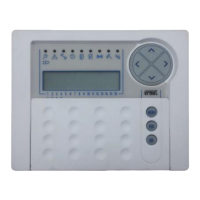
2.8 DISARMING FROM 1067/026 KEYPAD
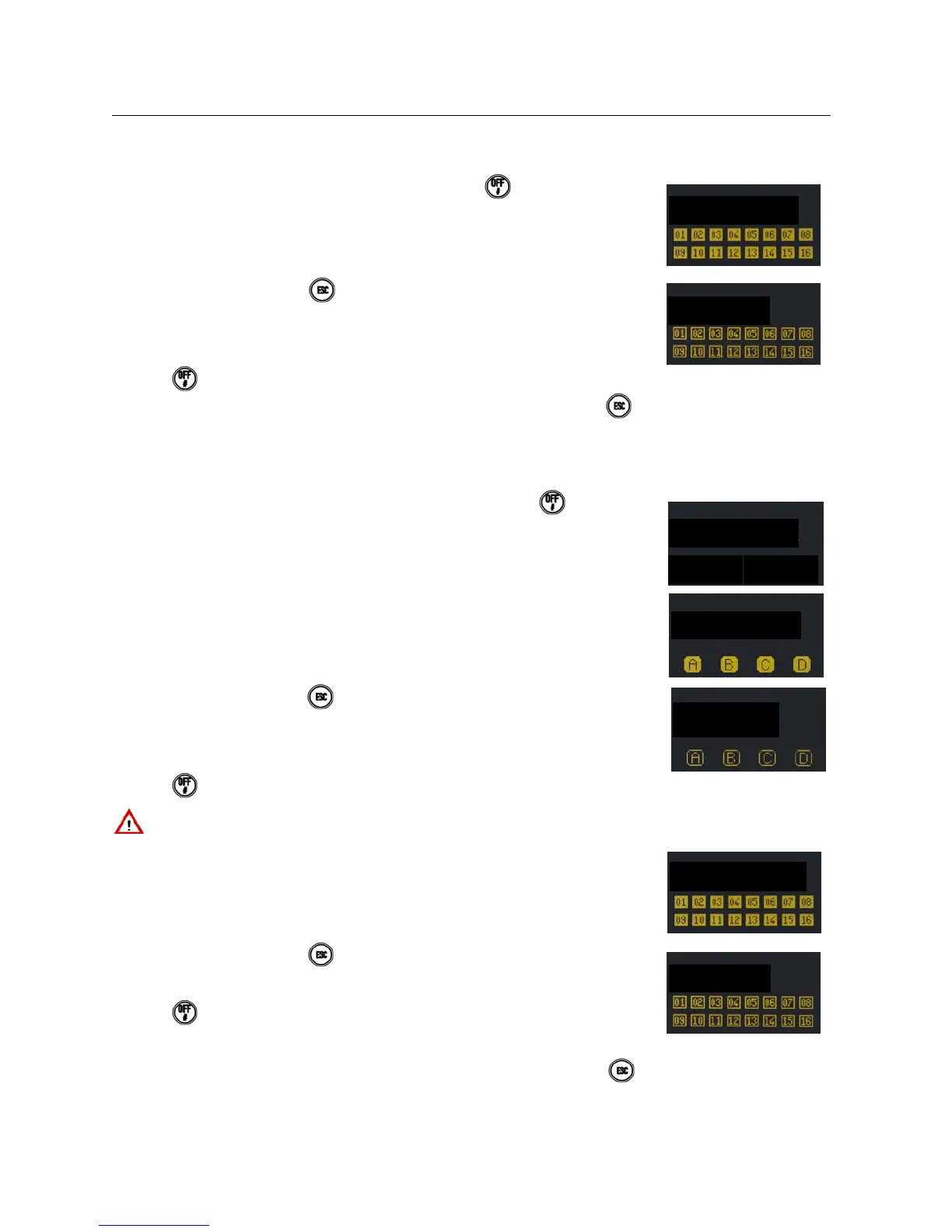
2.8.1 Total disarming (system with zones only)
Proceed as follows to disarm the entire alarm system if no areas are defined:
1) Enter < Master / User code / Installer / Tech. Manager > .
2) The keypad will beep. Press
to exit without disarming. After 5 seconds, the status
LED will switch off and the squares will become empty indicating that the zones have
been disarmed. The following will appear on the display:
3) Press
again if you do not want to wait for 5 seconds.
4) The display will go back to standard view automatically after one minute. Press
to
go to standard view immediately.
2.8.2 Total disarming (system with areas and zones)
Proceed as follows to arm the entire alarm system if areas are defined:
1) Enter < Master / User code / Installer / Tech. Manager > and press .
2) Press T1 for areas or T4 for zones. Press T1 (i.e. areas) on the display. An empty square
will appear for each programmed area which is not armed assigned to the keypad and
code. Full squares indicate that the area is armed. Half-full squares indicate that the area
is only partially armed.
3) The keypad will beep. Press to exit without disarming. After 5 seconds, the status
LED will switch off and the squares will become empty indicating that the areas have
been disarmed. Any half-full squares indicate that the area is partially armed. The
following will appear on the display:
4) Press
if you do not want to wait for 5 seconds.
IMPORTANT! The user will disarm only the assigned areas and not necessarily all the areas even with this
procedure.
5) If T4 (i.e.zones) was pressed instead, the following will appear on the display:
6) The keypad will beep. Press
. to exit without disarming. After 5 seconds, the status
LED will switch off and the squares will become empty indicating that the zones have
been disarmed. The following will appear on the display:
7) Press
again if you do not want to wait for 5 seconds.
8) The display will go back to standard view automatically after one minute. Press
to go to standard view immediately.


 To Next Page
 Loading...