DS1067-062C 22 LBT20063
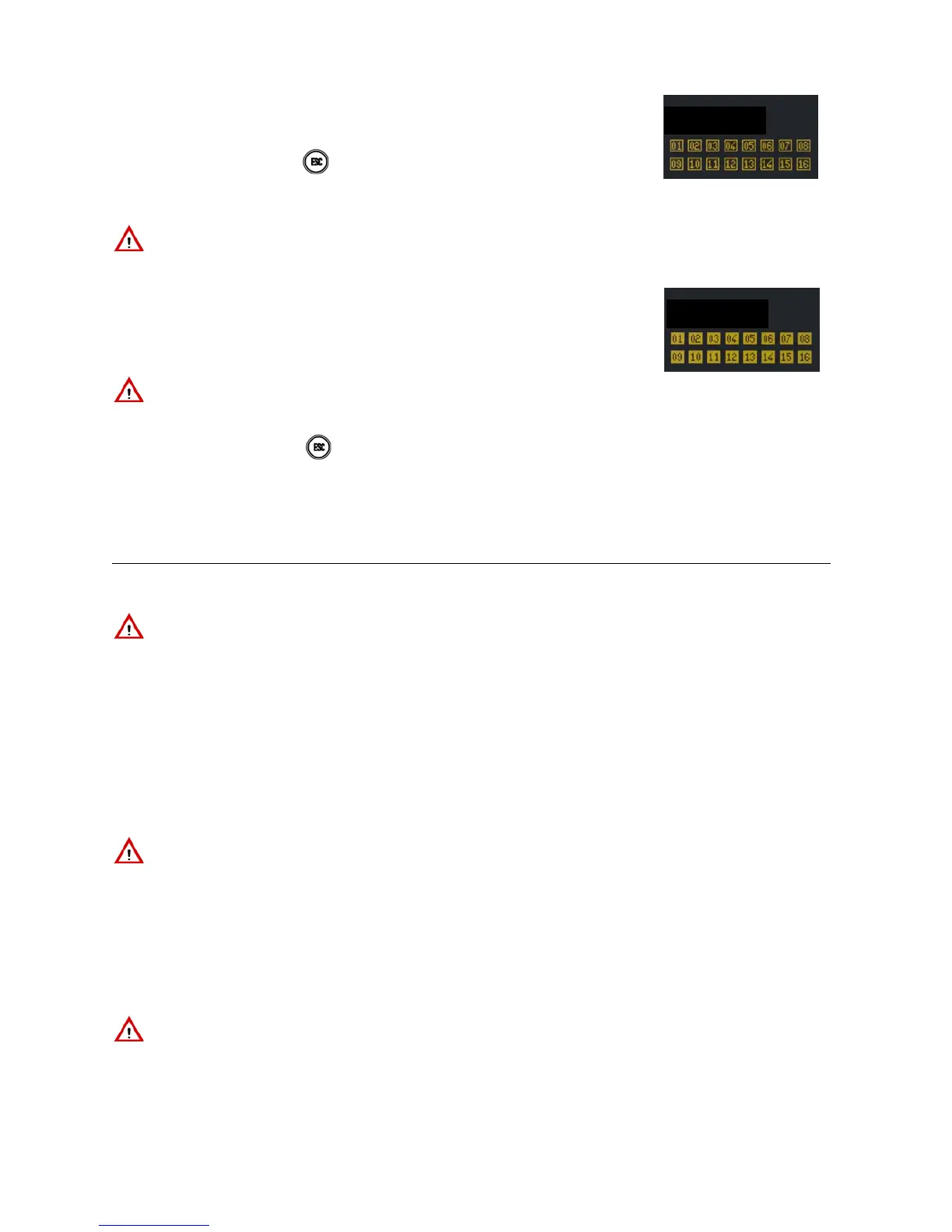
7) If T4 (i.e. zones) was pressed at the beginning of the procedure, an empty square will
appear on the display for each programmed zone assigned to keypad and code which
is not armed. Full squares indicate that the zone is armed. Circles indicate that the
zone is disarmed and has open inputs.
8) The keypad will beep. Press
to exit without arming.
9) Enter the number of the zones to be armed on the keypad: the respective squares will
become full.
10) The status LED will light up after 5 seconds (fixed if all zones are armed, blinking if only
some zones are armed). The square will appear full indicating the zones which have
been armed. The following will appear on the display:
IMPORTANT! The user will arm only the assigned zones and not necessarily all
the zones even with this procedure.
11) The display will go back to standard view automatically after one minute after arming
both areas and zones. Press
to go to standard view immediately.
12) For arming both areas and zones, if programmed or if the system is EN50131 grade
3 compliant, the keypad will sound long beeps initially followed by short beeps for the
last 10 seconds.
2.4 ARMING WITH ELECTRONIC OR PROXIMITY KEY
2.4.1 Total arming from electronic key reader
IMPORTANT! This procedure can only be used if all zones are disarmed.
2.4.1.1 System in use mode = Mode 3 (EN50131 grade 3 compliant)
Proceed as follows to arm all zones assigned to the reader and to the key using the electronic key:
1. Insert the electronic key in the reader. The red LED will blink to indicate that the key is being read and the green LED
will light up after a few instants to indicate that the key was recognised. All the green LEDs will blink rapidly if the key is
not recognised.
2. The green LEDs corresponding to the armed zones, if any, will appear if the key is recognised. The red LED will keep
blinking.
3. Extract the key.
4. Insert the electronic key again when the red LED switches off.
5. Extract the electronic key when the red LED starts blinking.
6. The green LEDs will blink for a few seconds and the zones associated to the reader and to the key will be armed.
IMPORTANT! The key will arm only the assigned zones and not necessarily all the zones even with this procedure.
2.4.1.2 System in use mode = Mode 2 or Mode 0
Proceed as follows to arm all zones assigned to the reader and to the key using the electronic key:
1. Insert the electronic key in the reader when all the green LEDs are off (the procedure will disarm the zones if any LEDs
are green). The red LED will blink to indicate that the key is being read. All the green LEDs will blink rapidly if the key is
not recognised.
2. Extract the electronic key when the red LED starts blinking.
3. The green LEDs indicate the status of the zones assigned to the reader. LED on fixed = zone armed, LED off = the key
is not assigned to the zone and cannot arm it.
IMPORTANT! The key will arm only the assigned zones and not necessarily all the zones even with this procedure.
IMPORTANT! Simply enter the number directly if nine or fewer zones have been
programmed. If more than nine zones have been programmed, always enter two
digits including for numbers from 1 to 9 (1 = 01, 2 = 02 etc.).


 To Next Page
 Loading...