DS1067-062C 26 LBT20063
2.5.2 Partial arming
The partial arming of only some zones in the system is possible only if the remote control is duly programmed to do so.
Press on the remote control to arm the zones to which the remote control is assigned. The remote control buzzer will
beep if the control panel acknowledges the command.
Note: Some zones assigned to the remote control can be armed/disarmed also by using the
(toggle) key.
Importantly, this key works as follows:
1. Pressing the key will cause the zone status to switch from disarmed to armed and vice versa (toggle).
2. If the zones assigned to the remote control are partially armed (partial arming), pressing the key will arm all zones:
any zones
which are disarmed will be armed.
3. Pressing the key again will cause the zones to be totally disarmed (not only the previously armed zones).
2.6 DISARMING PROCEDURE
The alarm system may be disarmed in various manners, some of which are not EN50131 compliant.
EN50131 compliant modes are: disarming from keypad, disarming with electronic or proximity key, disarming by timed
programmer or disarming from a specialised input using a mechanical key.
Remote disarming, disarming by GSM and DTMF commands and disarming by remote control are not EN50131
compliant.
The authorisation codes which must be used with keypads are described in paragraph 5.1 System access codes.
It is possible to disarm the entire system, only some zones or one or more areas, if these are programmed. Areas allow
operating on a subset of zones at the same time without needing to select them each time.
The user or key must have been assigned to the zone or area during programming in order to operate it.
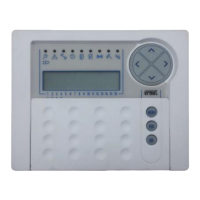
2.7 DISARMING FROM 1067/022 KEYPAD
2.7.1 Total disarming (system with zones only)
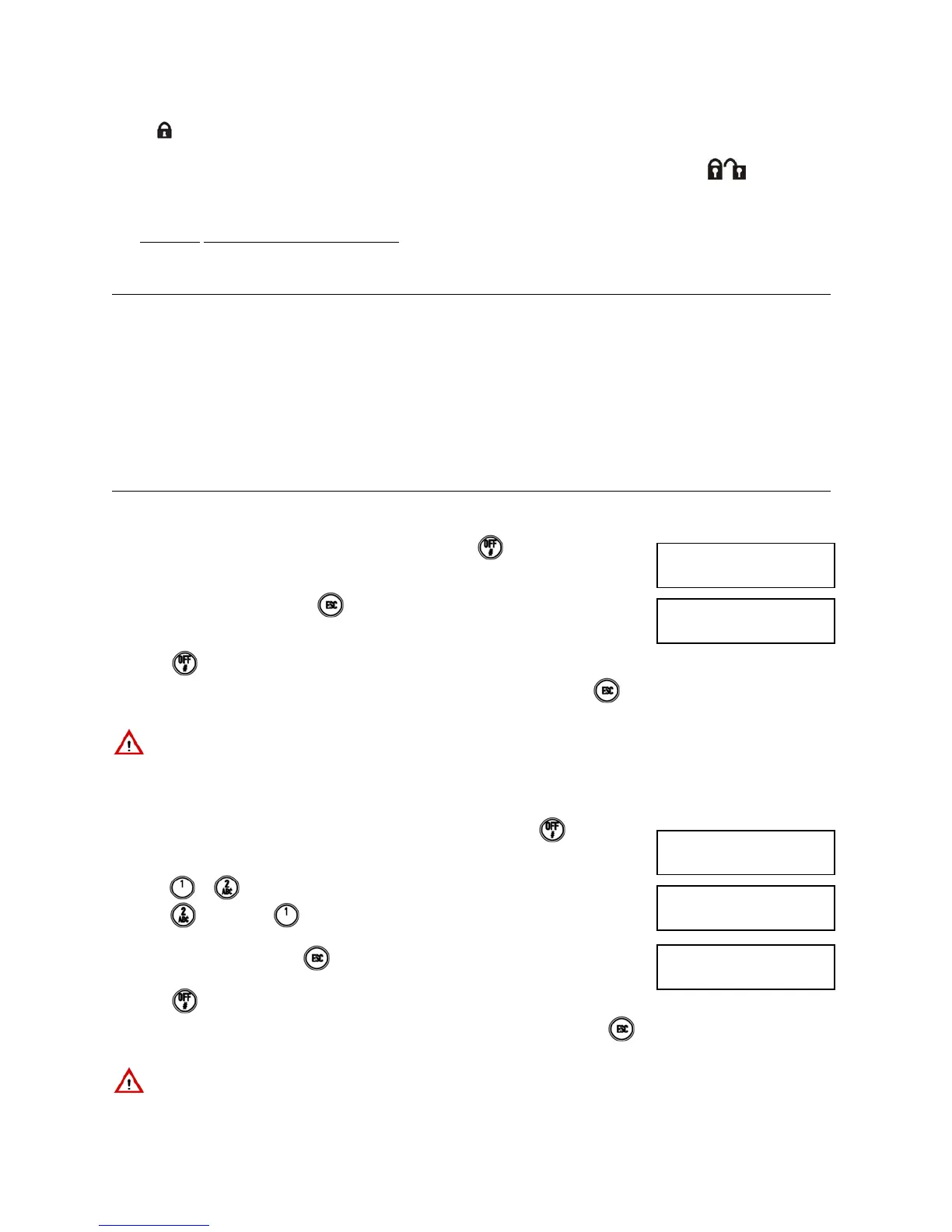
Proceed as follows to disarm the entire alarm system if no areas are defined:
1) Enter < Master / User code / Installer / Tech. Manager >
.
2) The keypad will beep. Press
. to exit without disarming. The status LED will
switch off after 5 seconds and the following will appear on the display.
3) Press
again if you do not want to wait for 5 seconds.
4) he display will go back to standard view automatically after one minute. Press to
go to standard view immediately.
IMPORTANT! The user will disarm only the assigned zones and not necessarily all the zones even with this
procedure.
2.7.2 Total disarming (system with areas and zones)
Proceed as follows to disarm the entire alarm system if areas are defined:
1) Enter < Master / User code / Installer / Tech. Manager > and press
.
2) Enter
or on the keypad. The procedure will continue as for zones only if you
press
. If you press :
3) The keypad will beep. Press
to exit without disarming. The status LED will switch
off after 5 seconds and the following will appear on the display:
4) Press
again if you do not want to wait for 5 seconds.
5) The display will go back to standard view automatically after one minute. Press
to go to standard view immediately.
IMPORTANT! The user will disarm only the assigned areas and not necessarily all the areas even with this
procedure.
DISARM
■■■■••••••••••••
EXECUTED
□□□□••••••••••••
1)AREAS
2)ZONES
DISARM
■■□□
EXECUTED
□□□□


 To Next Page
 Loading...