5-62 Phaser 6180MFP Multifunction Printer Service Manual
Print-Quality Troubleshooting
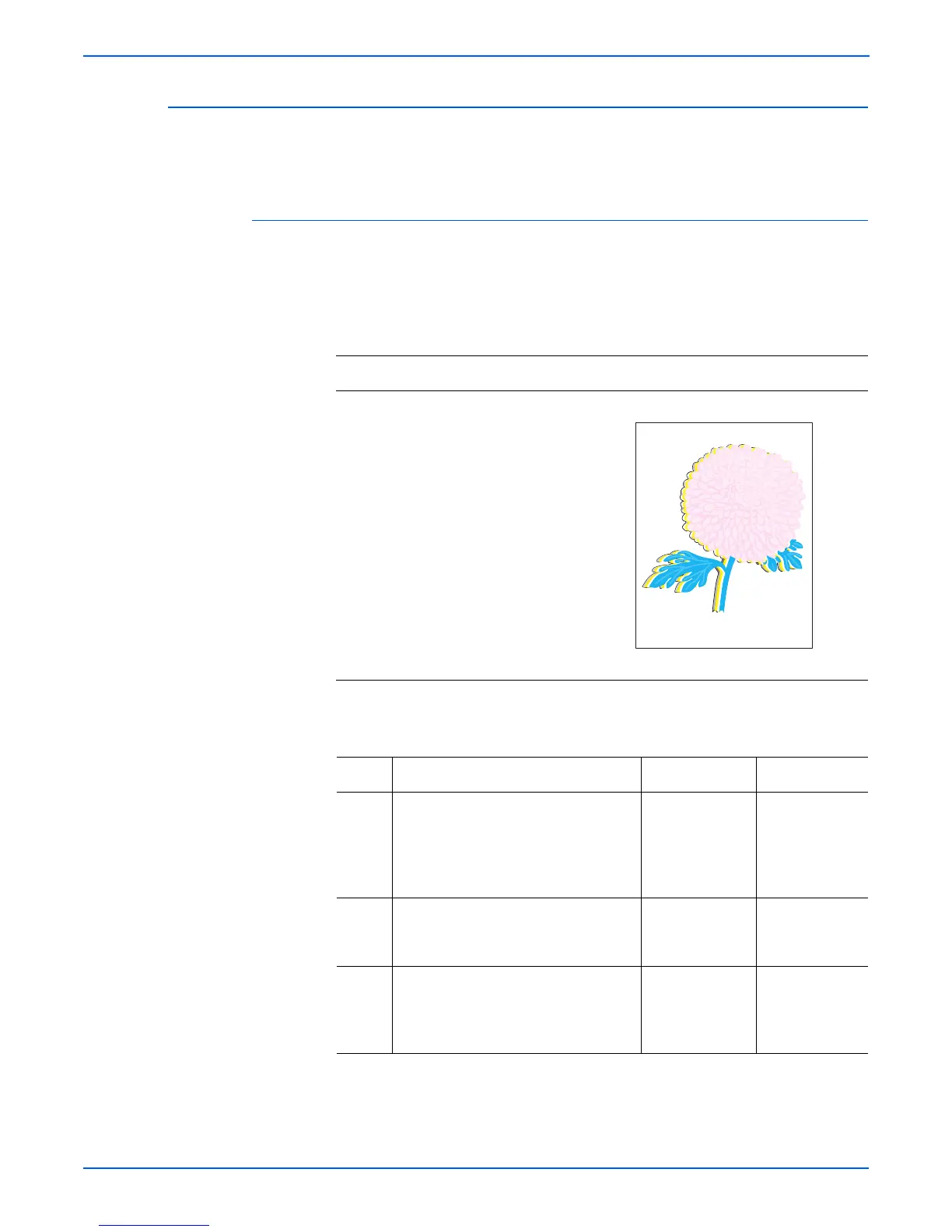
Color Registration
A printed yellow or black image is not overlapped on a cyan or magenta image
correctly.
Initial Actions
■ Check the paper transfer path.
■ Ensure there are no debris on the transfer path.
Troubleshooting Reference Table
Applicable Parts Example Print
■ Feeder Unit, PL3.2.1
■ Transfer Unit, PL4.1.1
■ Print Cartridge (C/M/Y/K),
PL5.1.17-20
■ MCU Board, PL9.2.13
Troubleshooting Procedure Table
Step Actions and Questions Yes No
1 1.Perform Auto Color Registration:
System > Admin Menu >
Maintenance > Adjust ColorRegi >
Auto Correct.
2.Does the error still occur?
Go to step 2. Complete.
2 1.Turn the printer power Off and back
On.
2.Does the image quality improve?
Complete. Go to step 3.
3 1.Check the paper condition.
2.Is the paper dry, recommended
type, and loaded in the correct
position?
Go to step 4. Replace the
paper.
Color Registration



 To Next Page
 Loading...










