KE-2050/KE-2060, KE-2050R/2055R/KE-2060R Maintenance Manual
13-4
13-4. Replacing the LCD Monitor
13-4-1. Replacing the LCD Monitor
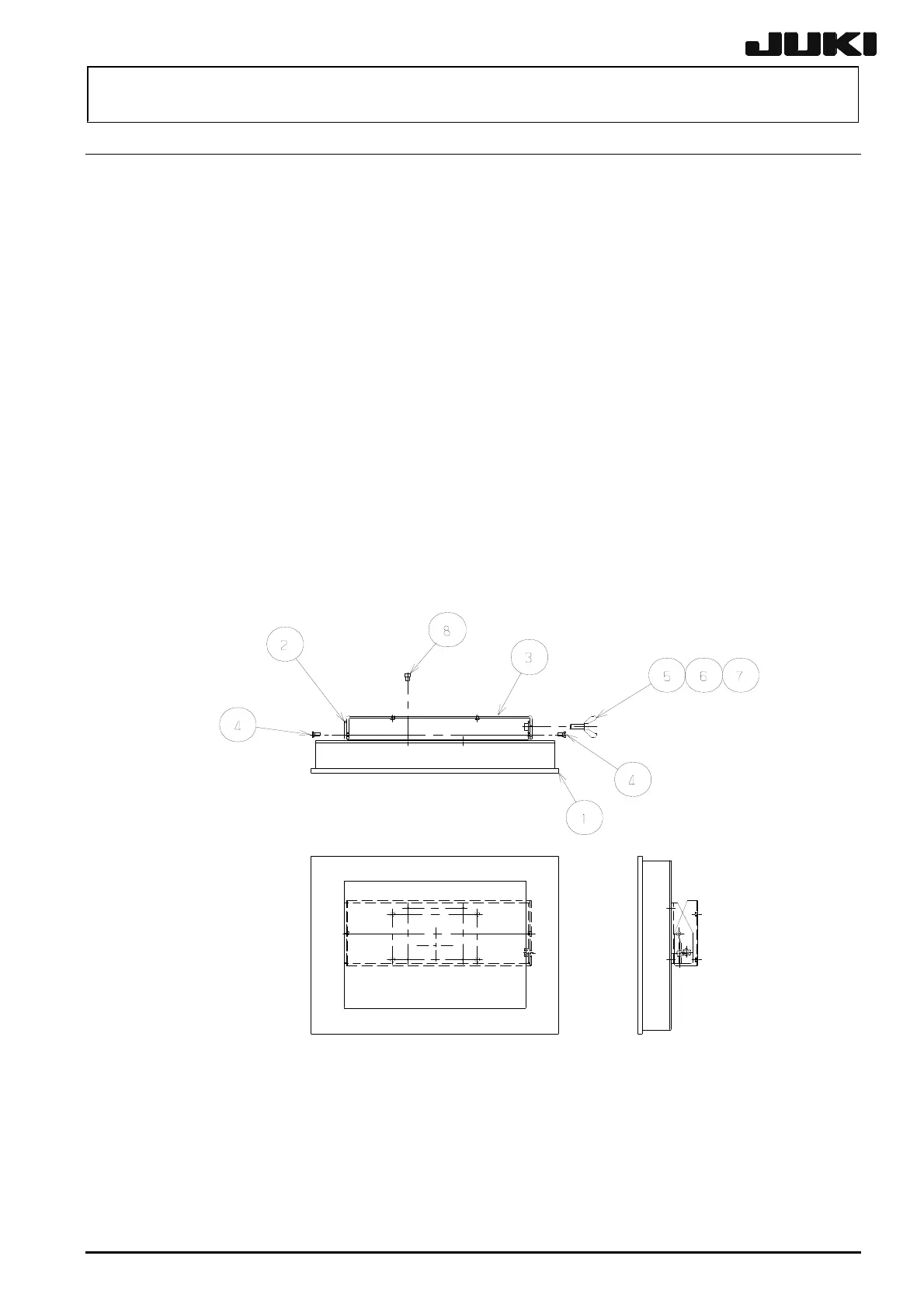
(1) Remove the shoulder screws and thumbscrews , and to detach the LCD bracket F
from the LCD bracket R .
(2) Remove the SEMS cap bolts to detach the LCD bracket F from the LCD monitor .
(3) Reassemble the components in the reverse order of disassembly.
LCD monitor 1
LCD bracket F 1
LCD bracket R 1
Shoulder screw 2
Thumbscrew 1
Plain washer 1
Spring washer 1
SEMS cap bolt 4
Figure 13-4-1
Rev. 2.00


 To Next Page
 Loading...





