KE-2050/KE-2060, KE-2050R/2055R/KE-2060R Maintenance Manual
15-11
15-8. Setting the Driver
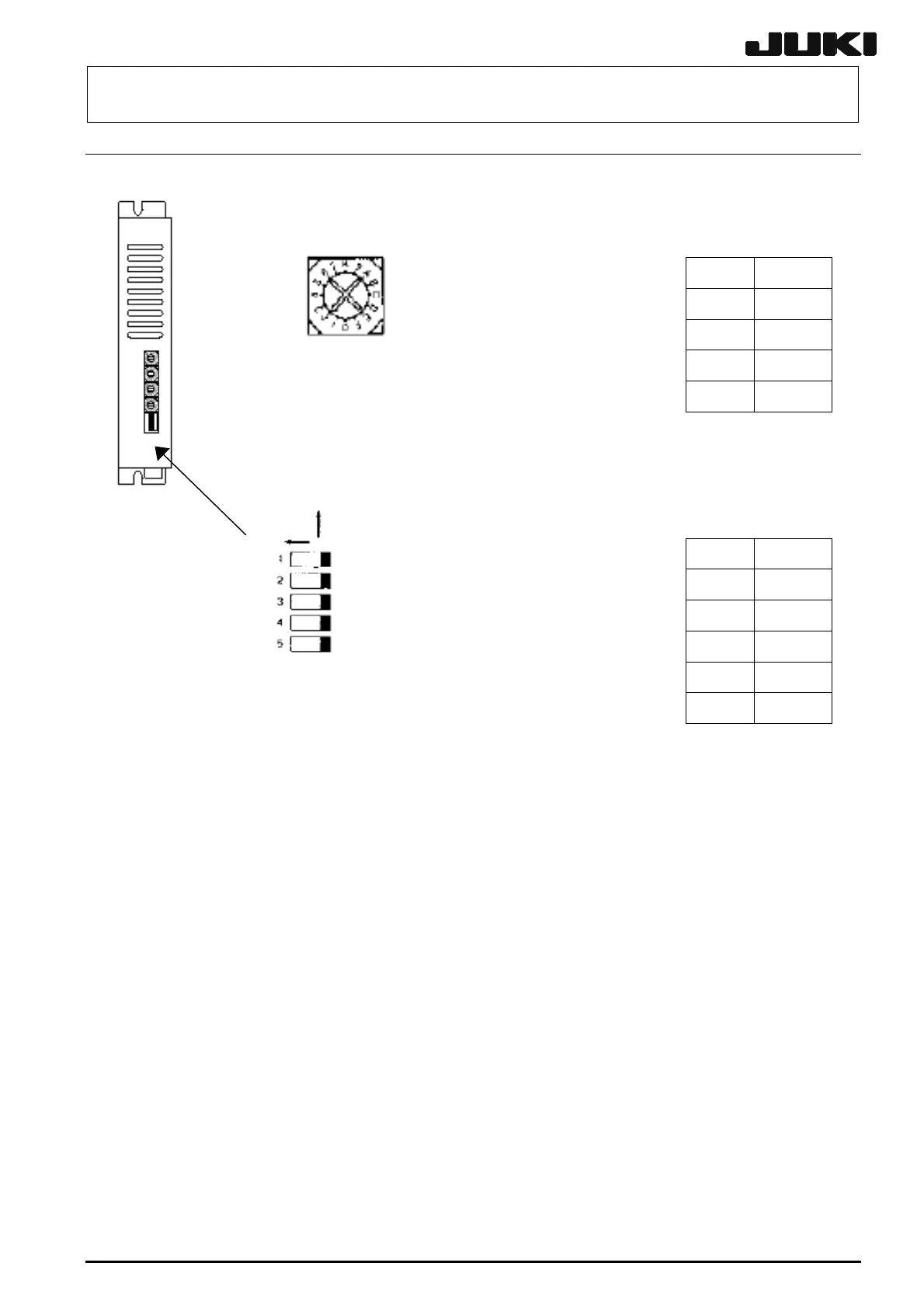
1. Setting the rotary switches
Rev. 2.00
Set the rotary switches to the values in the table below.
Switch Settings
STOP 5
RUN C
Turn the rotary switch so that it points to
M2 0
the specified setting.
M1 0
2. Setting the DIP switches
Front
ON
OP
L/HV
C.D
2/1CK
TEST
Set the DIP switches to the values in the table below.
Switch ON/OFF
TEST OFF
2/1CK OFF
C. D OFF
L/HV ON
OP OFF


 To Next Page
 Loading...





