KE-2050/KE-2060, KE-2050R/2055R/KE-2060R Maintenance Manual
13-13
Rev. 2.00
13-5. Replacing the HDD (Hard Disk Drive)
When replacing the HDD, it is absolutely necessary to prepare the following components, as well as
parameter files necessary to operate the KE2000 main unit.
If you have updated any data, such as MS parameters, select [File] and [Control Date
Management...] from the menu bar to back up the data.
Additionally, it is also necessary to back up the production program files into a floppy disk.
You must always follow the instructions described in this manual when replacing the HDD.
13-5-1. Required Components
KE2000 Environment Disk (HDD)
For KE2000-series, this KE2000 Environment Disk (containing the operating environment
for KE2000-series, such as Windows NT or RTX, etc.) is absolutely required.
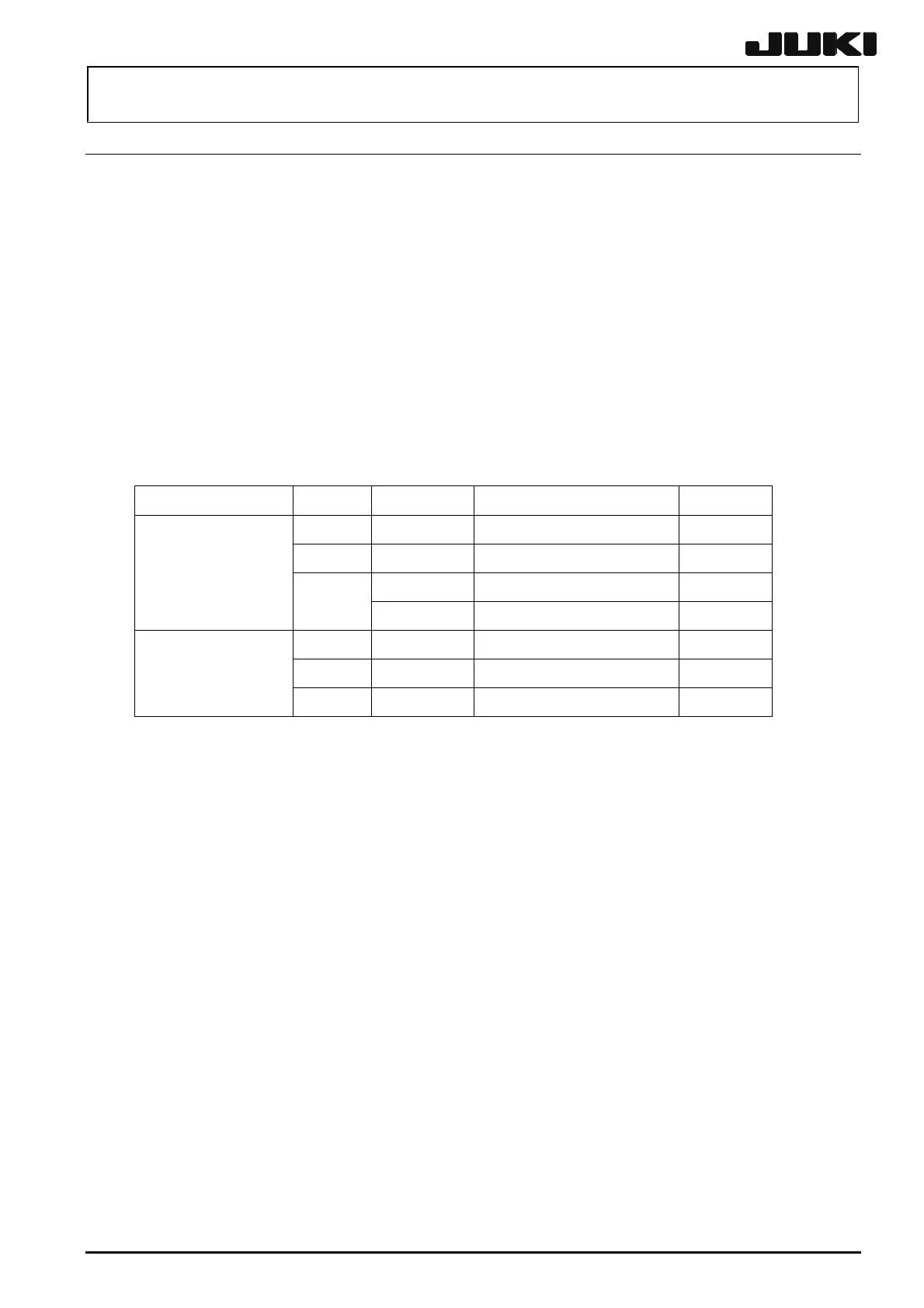
Table 13-5-1-1 HDD Part No.
Machine model Language OS Part name Par No.
Japanese WindowsNT KE2050/60 HD assembly (ST) 40002933
English WindowsNT KE2050/60 HD assembly (JE) 40002937
WindowsNT KE2050/60 HD assembly (CH) 40002941
KE-2050/60
Chinese
WindowsXP KE2050/60 HD assembly (CH) 40022683
Japanese WindowsXP KE2050/55/60HD assembly (ST) 40027339
English WindowsXP KE2050/55/60HD assembly (JE) 40027341
KE-2050R/55R/60R
Chinese WindowsXP KE2050/55/60HD assembly (CH) 40027340
KE2000-series system program installation disks
These disks contain the software for the KE2000-series. All system programs for KE2000 are
saved into these disks. You may specify your machine model when installing the system
programs (only when installing new system programs).
Flexline DB installation disks: These disks contain the parts library database.
The HDD to be used may vary depending on the type of CPU board.
Replace the HDD while referring to the steps stated in the Instruction Manual for
Replacement of CPU Board (ACP-125J→ACP-128J).


 To Next Page
 Loading...





