Section 1
Service Overview
1-1. Checking the ROM and Software Version
When connecting the peripheral equipment in the list below to this unit, be sure to check that the ROM and software
version on each peripheral device is corresponding to this unit to be connected. If the ROM and software version is
lower than the specified below, be sure to perform ROM replacement and updating the software.
If ROM replacement and updating the software are required, contact your local Sony Sales Office/Service Center.
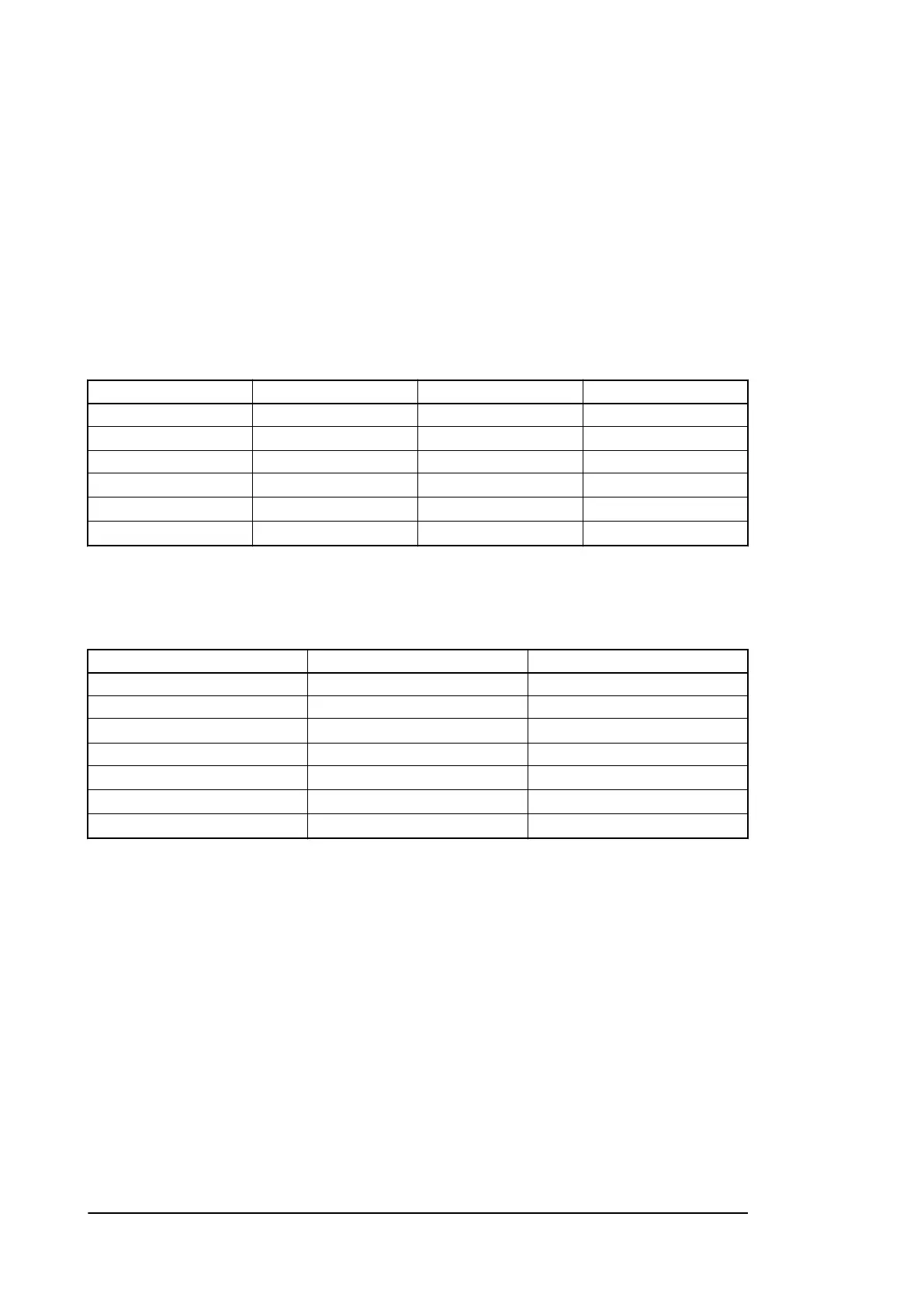
1-1-1. ROM
Peripheral equipment Board name Ref. No. ROM version
MSU-900/950 CPU-396 IC18, IC31 Ver.1.02 and higher
MSU-1000/1500 MPU-150/151 IC15, 16
Ver.2.00 and higher
*1
RCP-920/921 MPU-143 IC13, 14 Ver.1.11 and higher
RCP-1000/1001 MPU-152 IC15, 16
Ver.2.00 and higher
*1
PCP-1500/1501 MPU-153 IC14, 15
Ver.2.00 and higher
*1
RCP-1530 MPU-153 IC14, 15
Ver.2.00 and higher
*1
1-1-2. Software
Peripheral equipment Board name ROM version
HDC-1500R AT-163 Ver.1.27 and higher
MSU-900/950 CPU-396 Ver.1.02 and higher
MSU-1000/1500 MPU-150/151
Ver.2.00 and higher
*1
RCP-920/921 MPU-143 Ver.1.11 and higher
RCP-1000/1001 MPU-152
Ver.2.00 and higher
*1
PCP-1500/1501 MPU-153
Ver.2.00 and higher
*1
RCP-1530 MPU-153
Ver.2.00 and higher
*1
*1: Will be supported after functions are added in the future
HDCU2500
1-1


 To Next Page
 Loading...










