DVP-ES3/EX3/SV3/SX3 Series Hardware and Operation Manual
10.2 Installation and Network Topology
This section introduces the physical dimensions of DVP-ES3/EX3/SV3/SX3 Series PLC, the HWCONFIG
settings, the CAN interface, the CANopen network framework, and the maximum communication distance.
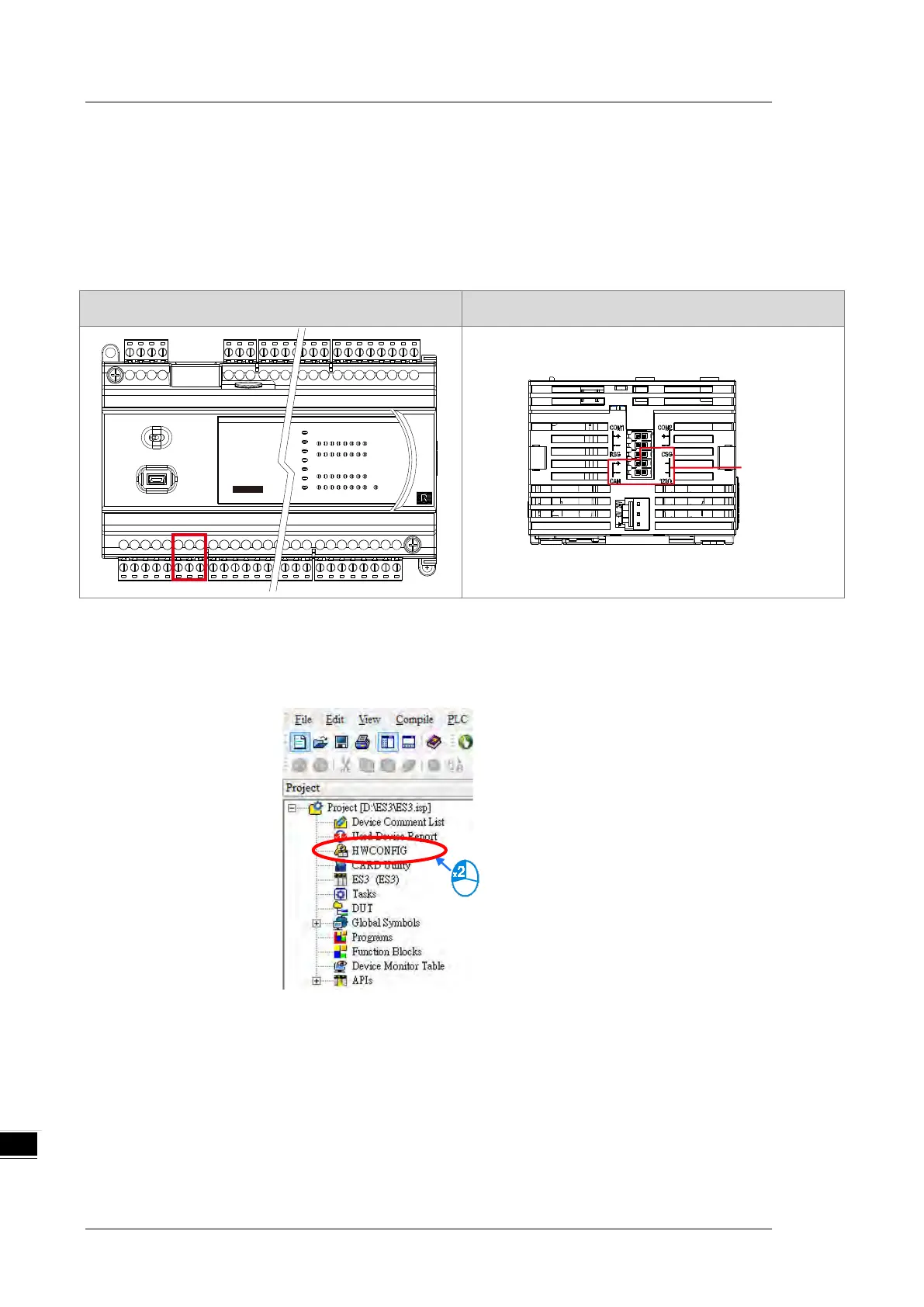
10.2.1 CANopen Communication Port
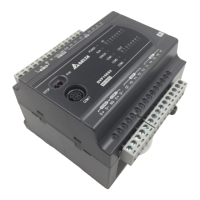
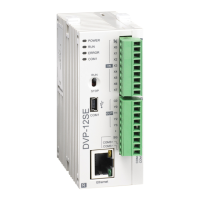
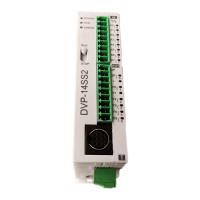
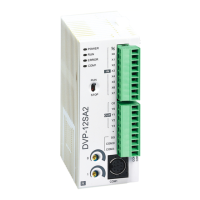
DVP-ES3/EX3 DVP-SV3/SX3
DVP 32 ES3
16DI / 1 6DO
C AN
10.2.2 Configure the DVP-ES3 Series PLC with HWCONFIG
1. In ISPSoft, double-click
HWCONFIG
in the project management area to start
HWCONFIG
.


 To Next Page
 Loading...