INPUT VIEW function
288 PM5D/PM5D-RH Owner’s Manual Reference section
• POST ON (immediately after the CH [ON] key)
• INSERT IN (immediately after the insert point)
E Signal flow
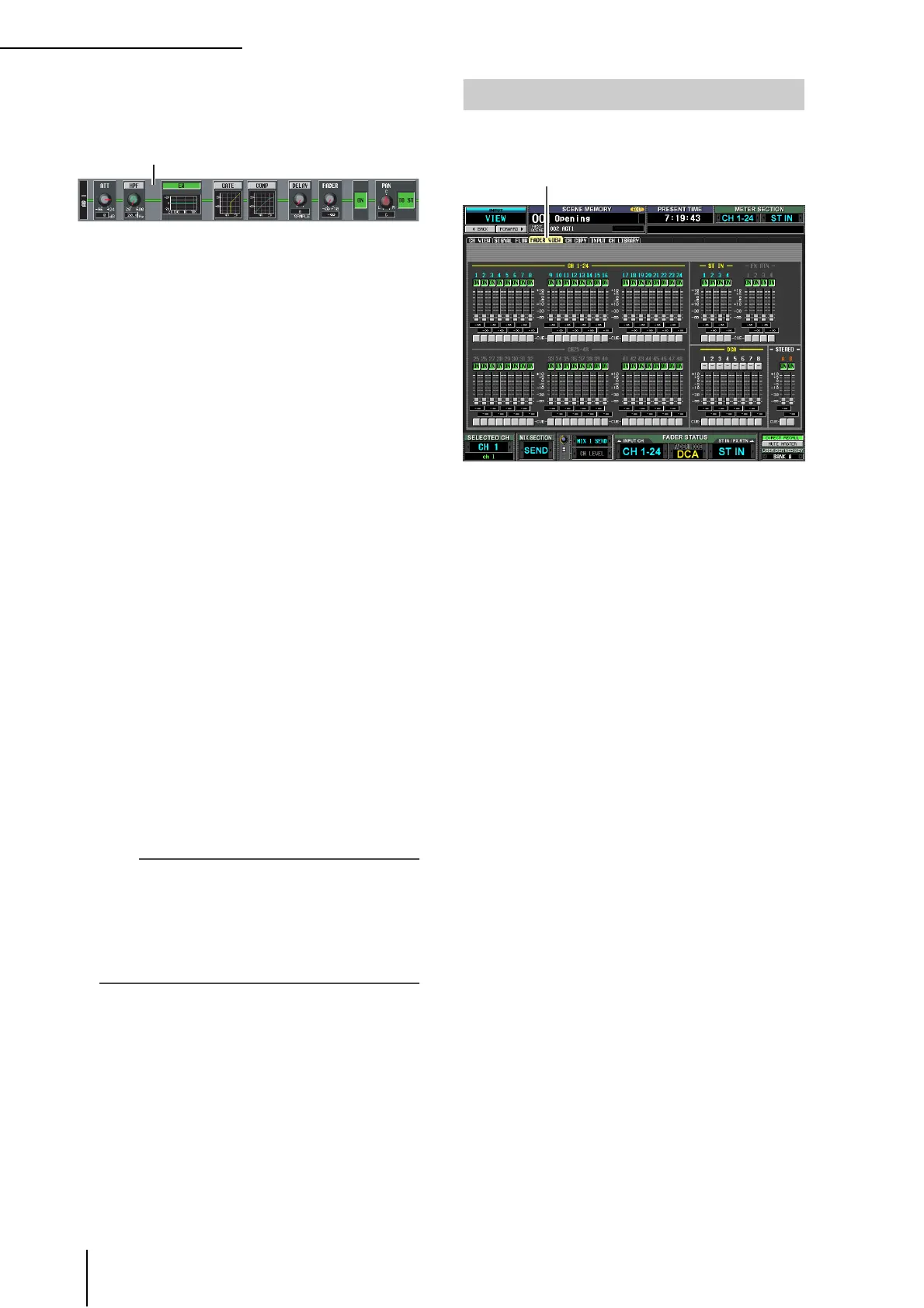
This area indicates the signal flow of the selected chan-
nel. The following parameters are displayed.
• ATT (Attenuation)
Specifies the amount of attenuation immediately after
AD conversion for the corresponding channel.
• HPF (High Pass Filter)
Specifies the high pass filter on/off and cutoff fre-
quency for the corresponding channel.
• EQ (Equalizer)
• GATE
• COMP (Compressor)
These areas show the approximate response of the
equalizer, gate, and compressor for the corresponding
channel. You can also switch these on/off in this screen,
or click a mini-graph to access the individual parame-
ter screen.
• DELAY
Here you can switch the internal delay on/off and edit
the delay time.
• FADER
This indicates the input level of the channel. This is
linked with the encoder or fader of the corresponding
channel.
• ON/OFF (On/off)
Turns the channel on/off. This is linked with the [ON]
key of the corresponding channel.
• TO STEREO
Here you can specify the on/off status and pan settings
of the signal sent from the corresponding channel to
the STEREO bus. These are linked with the [TO STE-
REO] key and STEREO [PAN] encoder of the
corresponding channel.
Hint
• If insert or direct out is turned on, the current insert point or
direct out point within the signal flow is shown.
• If the signal clips, the signal flow (horizontal line) after clip-
ping is displayed in red. If an output is turned off so that the
signal does not flow any further, the subsequent flow is dis-
played in gray. If PEAK HOLD is on, the flow indication will
stay red if clipping occurs even once, making it easier to see
that clipping has occurred.
This screen shows the on/off status, level, and cue monitor
status of the input channels and DCA groups.
Except for the fact that this screen is for input channels,
DCA groups, and STEREO A/B channels, this is the same
as the OUTPUT VIEW function FADER VIEW screen.
Refer to p.249.
FADER VIEW screen
FADER VIEW


 To Next Page
 Loading...










