Garmin G300 Pilot’s Guide
190-00921-00 Rev. D
Appendix C
231
System
Overview
Flight
Instruments EIS
COM
Interface
GPS
Navigation
Flight
Planning
Hazard
Avoidance
Additional
Features
Integrated
Autopilot Annun/Alerts Appendix Index
APPENDIX C: SD CARD USE AND DATABASES
The G300 uses an SD Card for software updates, database updates, MapSource
®
data, checklist files, Flight Data Logging, exporting Track Logs/User Waypoints,
importing/exporting Flight Plans and user-downloaded vehicles. Garmin
recommends using a 2 GB SanDisk or Toshiba SD Card.
Refer to the Garmin website (www.garmin.com) for instructions on downloading
and installing software updates.
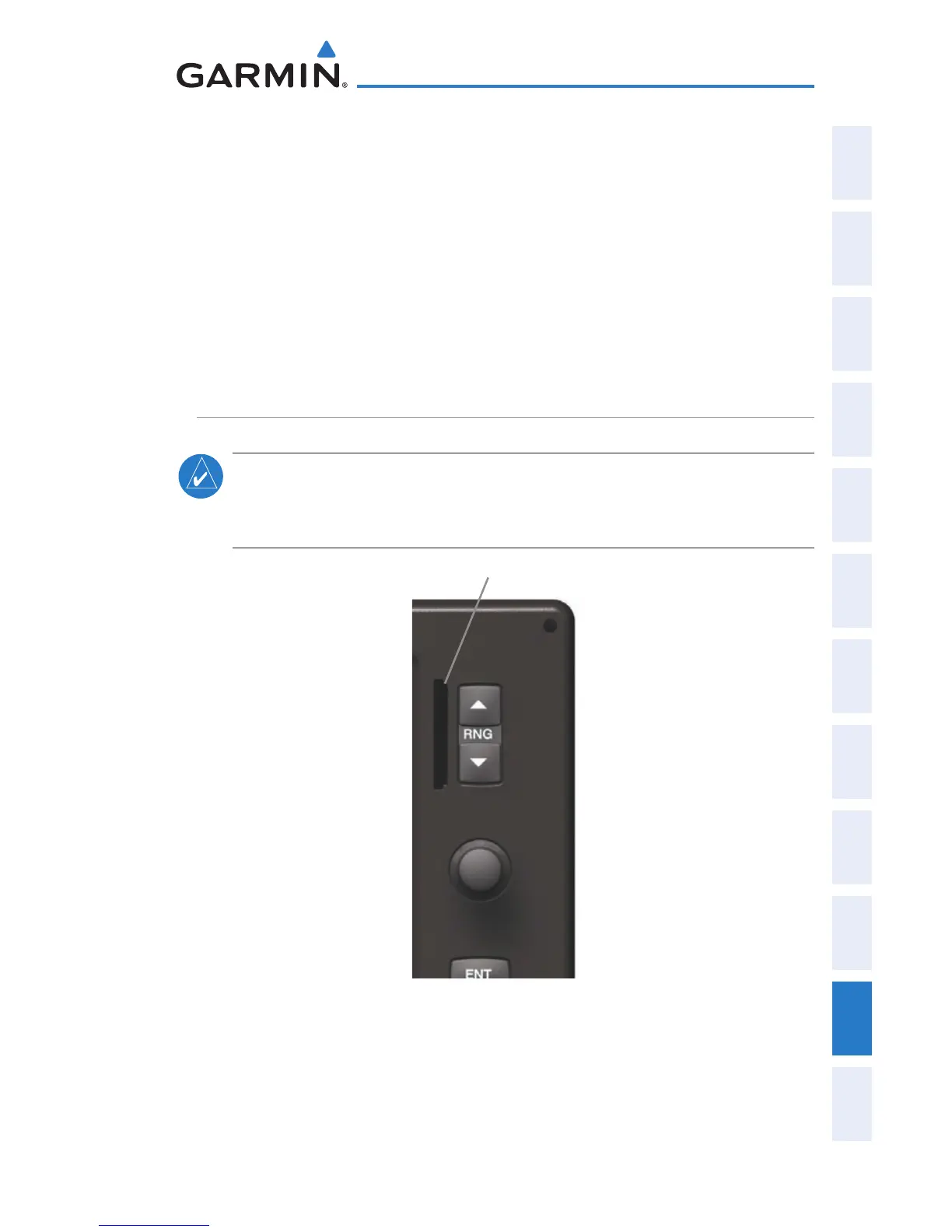
INSTALLING AND REMOVING SD CARDS
NOTE:
SD Cards are not waterproof. They should not be exposed to
moisture or excessive static charges, and should be stored in the case
supplied with the card.
SD Card Slot
SD Card Slot(s)



 To Next Page
 Loading...











