Garmin G300 Pilot’s Guide
190-00921-00 Rev. D
Appendix E
244
System
Overview
Flight
InstrumentsEIS
COM
Interface
GPS
Navigation
Flight
Planning
Hazard
Avoidance
Additional
Features
Integrated
AutopilotAnnun/AlertsAppendixIndex
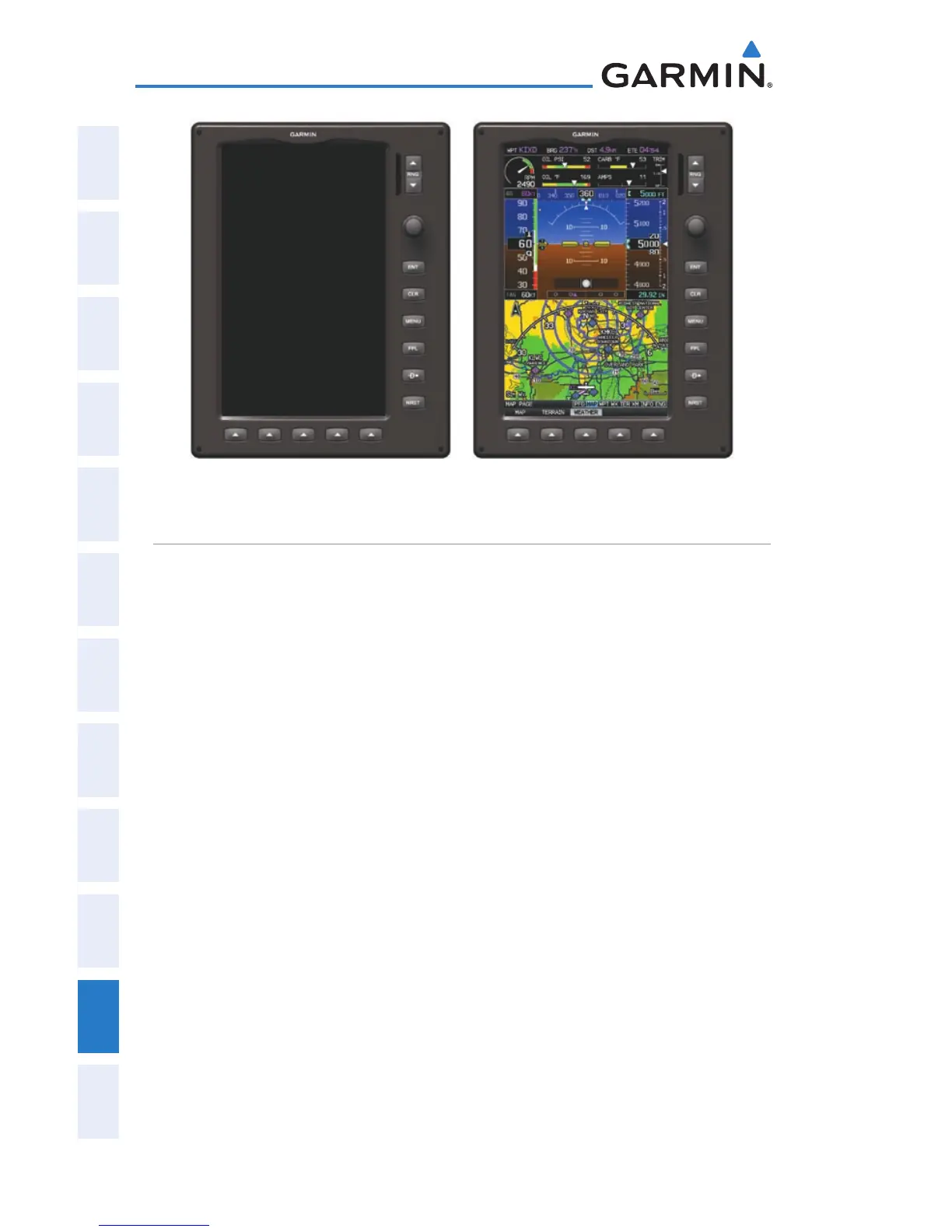
G300 Dual Display Reversionary Mode (Failed PFD)
SYNTHETIC VISION TROUBLESHOOTING
Synthetic Vision is intended to be used with traditional attitude, heading,
obstacle, and terrain inputs (in most areas). Synthetic Vision is disabled
when valid attitude or heading data is not available for the display. In case
of invalid Synthetic Vision data, the PFD display reverts to the standard
blue-over-brown attitude display.
Synthetic Vision becomes disabled without the following data
resources:
Attitude data•
Heading data•
GPS position data•
Terrain data•
The position of the aircraft exceeds the range of the terrain database•
REVERSIONARY MODE
Synthetic Vision can be displayed on the remaining display(s) in
Reversionary Mode. If it is enabled when the system switches to
Reversionary Mode, Synthetic Vision will take up to 30 seconds to display.
The standard display will be shown in the interim.


 To Next Page
 Loading...












