Garmin G300 Pilot’s Guide
190-00921-00 Rev. D
Appendix C
235
System
Overview
Flight
Instruments EIS
COM
Interface
GPS
Navigation
Flight
Planning
Hazard
Avoidance
Additional
Features
Integrated
Autopilot Annun/Alerts Appendix Index
UPDATING G300 DATABASES
The G300 database updates can be obtained by visiting the ‘flyGarmin’ website
(www.fly.garmin.com). After the databases have been updated, check that the
appropriate databases are initialized and displayed on the splash screen during
power-up.
NOTE:
The databases are stored internally on each GDU. When updating
a dual display system, each GDU will need to be updated individually
using the same SD card.
The G300 database updates can be obtained by visiting the ‘flyGarmin’ website
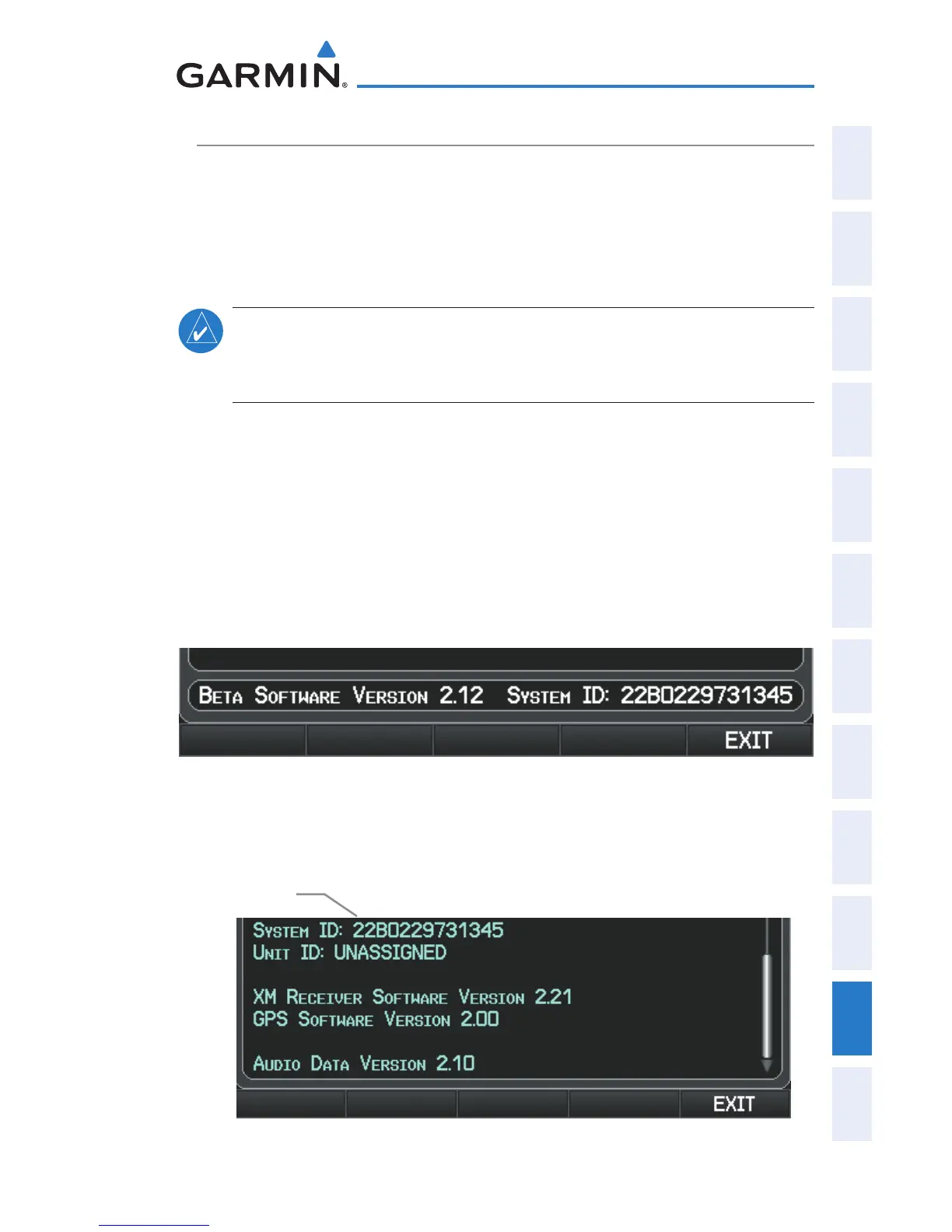
(www.fly.garmin.com). The ‘flyGarmin’ website requires the unit’s System ID to
update databases. This allows the databases to be encrypted with the unit’s
unique System ID when copied to the SD Card.
Obtaining the System ID:
1)
Press the MENU Key twice to access the Main Menu.
2)
Select ‘System Setup’ and press the ENT Key.
System Setup Page
Or
:
Se
lect ‘Database Information’ and press the ENT Key.
Database Information Page
System ID


 To Next Page
 Loading...












