Garmin G3X Touch
™
Pilot’s Guide for Certified Aircraft
190-02472-00 Rev. D
320
AFCS
System
Overview
Flight
InstrumentsEIS
CNS
Interface
GPS
Navigation
Flight
Planning
Hazard
Avoidance
Additional
FeaturesAFCSAnnun/AlertsAppendixIndex
CHANGING THE SELECTED HEADING
Changing the selected heading (Integrated Autopilot Interface):
1)
Touch the Selected Heading on the PFD.
2)
Enter the selected heading using the keypad and touch Enter.
Changing the selected heading (GMC 507):
1)
Turn the HDG Knob to select the desired heading.
2)
Press the HDG Key on the GMC control unit to activate HDG Mode.
Turns are commanded in the same direction as Selected Heading Bug
movement, even if the Bug is turned more than 180˚ from the present heading
(e.g., a 270˚ turn to the right). However, Selected Heading changes of more
than 330˚ at a time result in turn reversals.
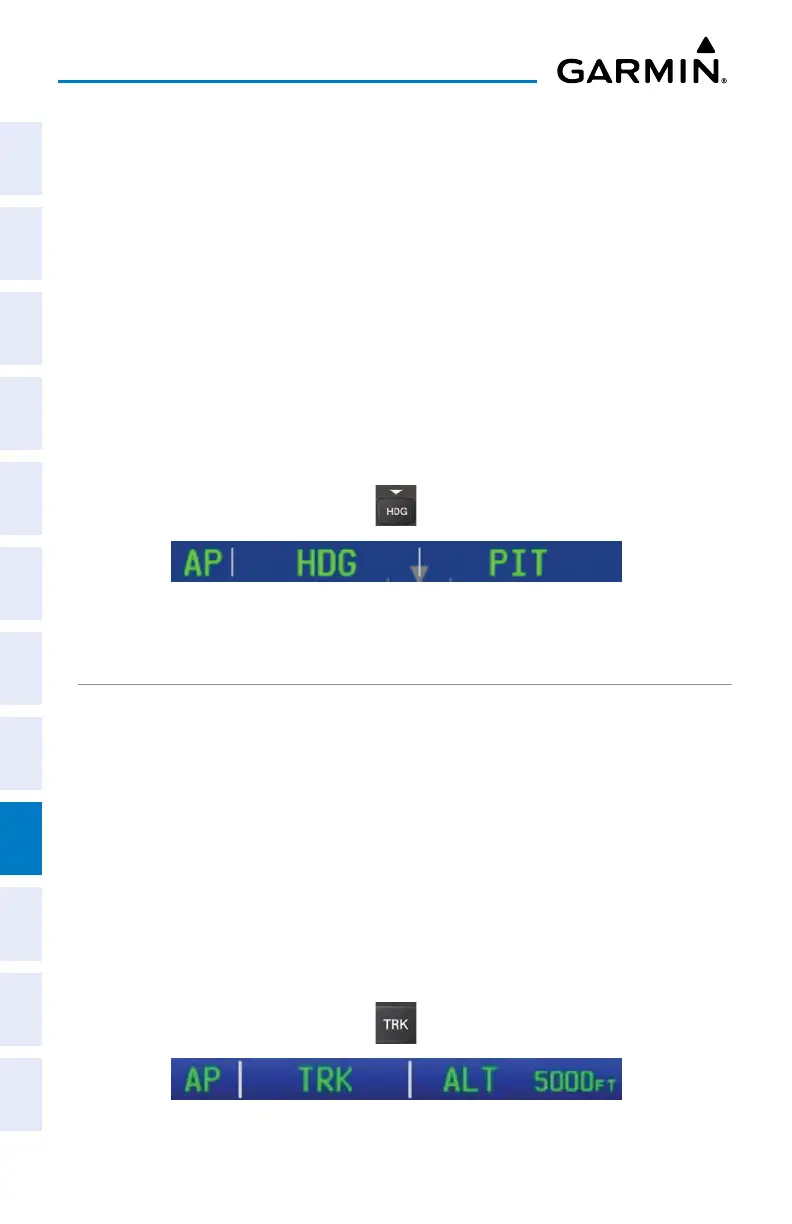
Heading Mode Annunciation
TRACK SELECT MODE (TRK)
The Track Select Mode is activated by touching the autopilot, then touching
TRK on
the PFD or pressing the TRK Key
. Track Mode acquires and maintains the Selected
Ground Track.
Changing the selected track:
1)
Use the HDG/TRK Knob to select the desired ground track.
Or
:
To
uch the Selected Track on the PFD, Enter the selected track using the
keypad and touch Enter.
2)
Select TRK to activate TRK Mode.
Track Mode Annunciation


 To Next Page
 Loading...













