Garmin G3X Touch
™
Pilot’s Guide for Certified Aircraft
190-02472-00 Rev. D
Appendix B
362
System
Overview
Flight
InstrumentsEIS
CNS
Interface
GPS
Navigation
Flight
Planning
Hazard
Avoidance
Additional
FeaturesAFCSAnnun/AlertsAppendixIndex
TRACK LOG
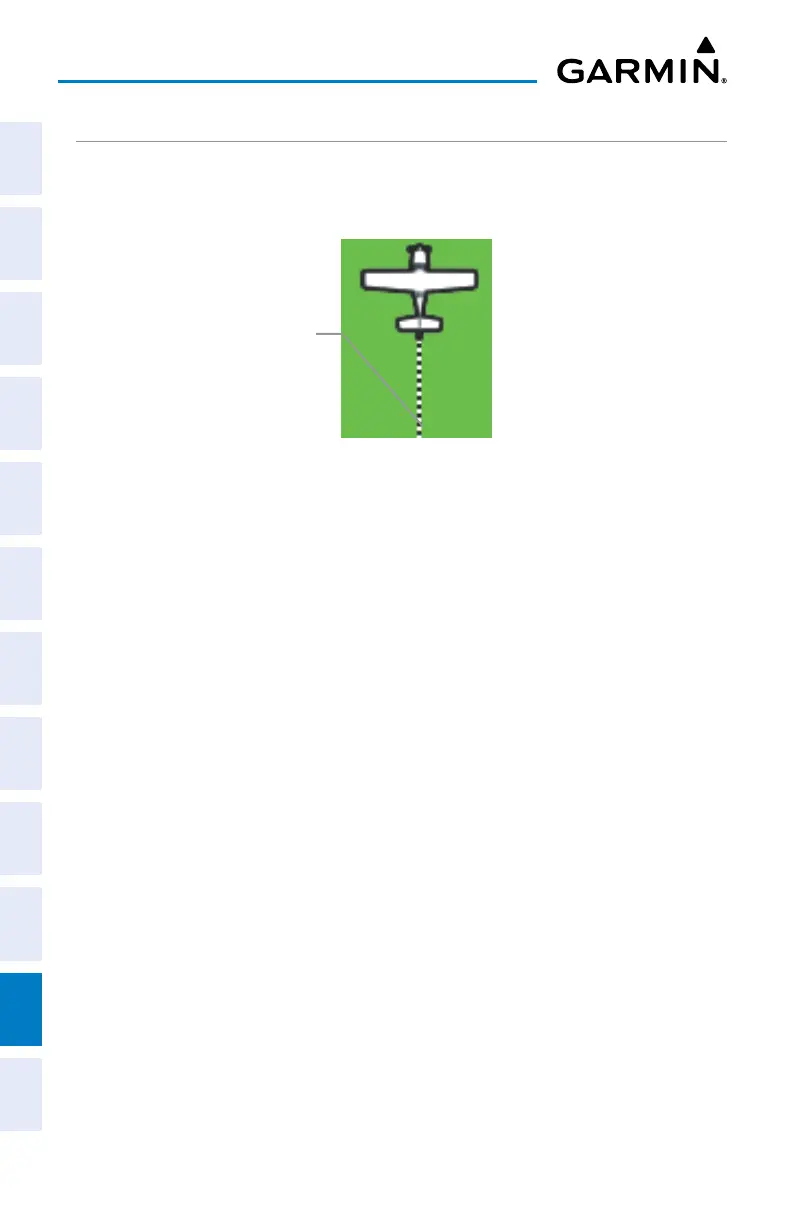
The G3X Touch draws an electronic breadcrumb trail or “track log” on the Map Page.
The track log contains points along its path, including time and location for each point.
Track Log (Map Page)
Track Log
The track log starts recording as soon as the G3X Touch gets a location fix. For the
best results, clear the track log before each flight.
The percentage of memory used by the current track log appears at the top of the
Track Log Window. After the track log is cleared, it shows zero percent. When the
screen reaches 100%, the most recent track points start to overwrite the least recent
track points (if ‘Wrap’ is selected in the Record Mode Field).
The Save feature allows storage of up to 15 track logs.
Displaying/removing the track log on the Map Page:
1)
From the Map Page, press the MENU Key. The Map Options Window is
displayed.
2)
Touch the Set Up Map... Button to display the Map Setup Page.
3)
Touch the Line Tab to display the track log setup options.
4)
Touch the Track Log Show/Hide Button.
5)
Touch the Show Button to display the track log. Touch the Hide Button to
remove the track log.


 To Next Page
 Loading...













