Copy Card Reader-F1/Copy Card Reader Attachment-A5
Points to Note at Installation
• To install this equipment, the Copy Card Reader Attachment is required.
• After installing the Copy Card Reader, input the card number to be used in service mode. Otherwise the card cannot be
recognized even though it is inserted.
COPIER > FUNCTION > INSTALL > CARD
• When installing this equipment, be sure to install it by referring to "“Combination Table of Accessory Installation” on page
9".
• Although pictures or illustrations used for explanation may differ from the actual things, the procedure is the same.
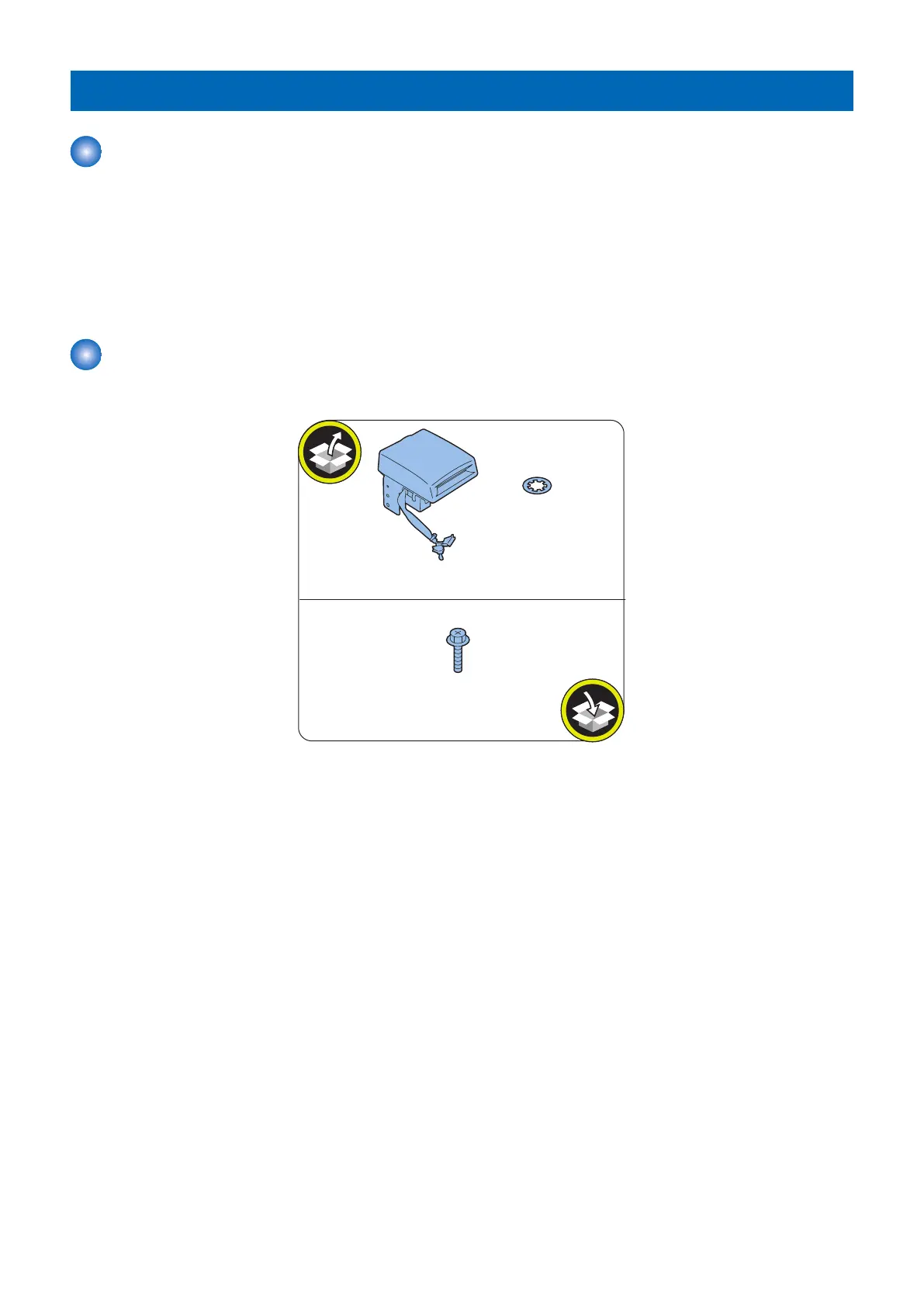
Checking the Contents
<Copy Card Reader-F1>
4. Host Machine Options
222



 To Next Page
 Loading...




